



Dynamic content plugins let the same page behave differently for different visitors. You can show an offer only to logged-in customers, display a block during a campaign window, hide content on certain devices, or personalize a message from URL and user data.
That job is different from building custom fields themselves. If you need the data layer first, see our custom field plugins; the tools below focus on deciding when content appears.
TL;DR
If-So is the best all-purpose personalization choice. Block Visibility is excellent for Gutenberg sites. Dynamic Visibility for Elementor is the obvious pick for Elementor users. Conditional Blocks is a clean block-editor alternative, while Content Control works well for role and login-based restrictions.
Quick Comparison
| Plugin | Best for | Free option |
|---|---|---|
| If-So Dynamic Content | site-wide personalization rules | Yes |
| Block Visibility | Gutenberg conditional blocks | Yes |
| Dynamic Visibility for Elementor | Elementor websites | Yes |
| Conditional Blocks | advanced Gutenberg rules | Yes |
| Content Control | login and role-based visibility | Yes |
How I Chose These Plugins
I looked for rule depth, user and date conditions, custom-field support, block or page-builder compatibility, performance, and whether the plugin can handle real personalization without requiring custom PHP.
1. If-So Dynamic Content — Best for site-wide personalization rules

If-So lets you create conditional content using visitor attributes, dates, referral sources, user roles, geolocation-related rules, and other triggers. It works independently of one specific page builder.
Key features
- User and visitor-based display conditions
- Date, time, and schedule rules
- Referral and URL parameter targeting
- Logged-in status and user-role conditions
- Shortcodes and page-builder compatibility
Pros
- Broad rule set
- Works beyond a single editor ecosystem
Cons
- Complex scenarios can require careful rule planning
- Some advanced features are part of paid plans or add-ons
Pricing
A free version is available. If-So also offers paid plans and add-ons; check the vendor for the current license because feature packaging can change.
2. Block Visibility — Best for Gutenberg conditional blocks
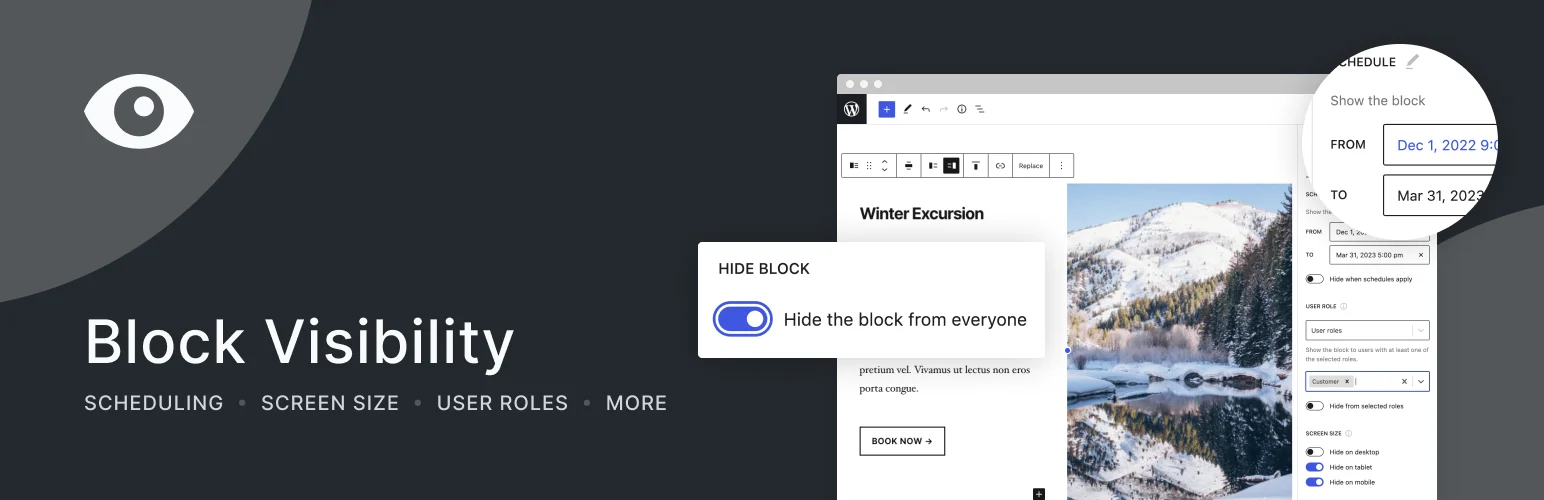
Block Visibility adds conditional controls directly to WordPress blocks. It is a natural fit if your editorial or landing-page workflow already lives in the block editor.
Key features
- Visibility controls for Gutenberg blocks
- User role and login-state conditions
- Date and time scheduling
- Screen-size and device controls
- Rule sets that can be reused across content
Pros
- Feels native inside Gutenberg
- Strong free version with a large active install base
Cons
- Focused on blocks rather than arbitrary theme PHP output
- Advanced integrations may require Pro
Pricing
The core plugin is free on WordPress.org. A Pro version is available for additional integrations and controls; verify current pricing on Block Visibility’s site.
3. Dynamic Visibility for Elementor — Best for Elementor websites
Dynamic Visibility for Elementor shows or hides Elementor widgets, containers, columns, and pages using conditions such as role, date, device, user metadata, referrer, and custom data.
Key features
- Visibility rules for Elementor widgets and containers
- Logged-in and user-role targeting
- Date and time scheduling
- Device, browser, and referral conditions
- Custom-field and user-meta conditions
Pros
- Deep Elementor integration
- Large set of condition types
Cons
- Not useful if you do not build with Elementor
- Elementor Atomic Widgets are not currently supported according to the plugin listing
Pricing
The base plugin is available free on WordPress.org. Dynamic.ooo sells premium Elementor tools separately; check current pricing if you need additional dynamic features.
4. Conditional Blocks — Best for advanced Gutenberg rules
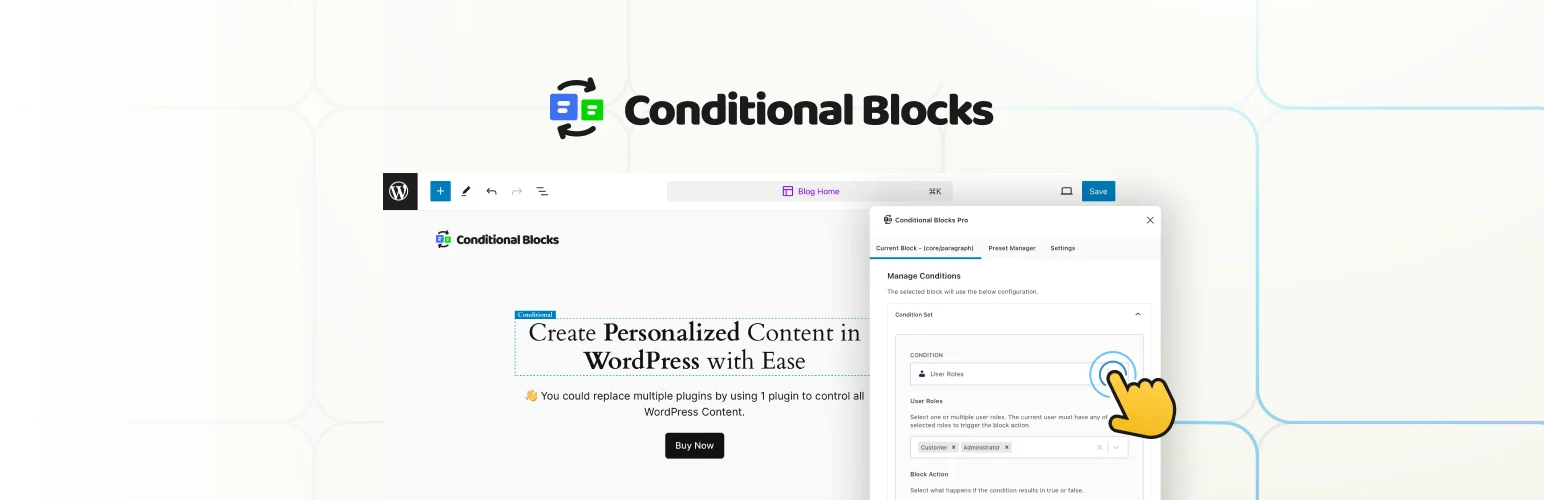
Conditional Blocks provides visibility conditions for block-editor content and is useful when you want personalized Gutenberg sections without adding shortcodes everywhere.
Key features
- Block-level conditional visibility
- User and role conditions
- Schedule and date controls
- URL and query-string conditions
- Advanced rule combinations in paid tiers
Pros
- Clean Gutenberg-focused workflow
- Good fit for content-heavy sites
Cons
- Block-focused rather than full-site template logic
- Some powerful condition groups are premium
Pricing
A free version is available on WordPress.org, with premium plans for advanced condition types and integrations. Check the current vendor pricing before buying.
5. Content Control — Best for login and role-based visibility
Content Control is a practical choice when your main need is to restrict or reveal content based on login state, user role, or selected content rules rather than complex personalization.
Key features
- Logged-in and logged-out visibility rules
- User-role based restrictions
- Content-level access rules
- Shortcode and block-friendly workflows
- Useful for member-only sections and private content
Pros
- Simple for common access cases
- Good companion to membership or registration workflows
Cons
- Less personalization depth than If-So
- Not intended as a full dynamic-data engine
Pricing
Content Control has a free WordPress plugin with paid extensions or premium functionality available depending on the current product packaging.
Which One Should You Choose?
Use If-So when personalization spans many visitor signals. Choose Block Visibility or Conditional Blocks for Gutenberg. Elementor users should start with Dynamic Visibility for Elementor. For simple logged-in, logged-out, or role rules, Content Control keeps the setup lighter.
Conclusion
Conditional visibility works best when the rules stay understandable. Build a small number of meaningful audience segments, test each state while logged in and logged out, and avoid stacking so many conditions that editors cannot predict what a visitor will see.
Frequently Asked Questions
What is dynamic content in WordPress?
Dynamic content changes based on data or conditions, such as the current user, date, URL parameter, device, custom field, or campaign state.
Can Gutenberg blocks be shown only to logged-in users?
Yes. Block Visibility, Conditional Blocks, and access-control plugins can apply login-state rules to blocks.
Which plugin is best for Elementor conditional visibility?
Dynamic Visibility for Elementor is the most directly focused option in this roundup.
Can I personalize WordPress without coding?
Yes. These plugins expose common conditions through visual controls, although highly custom rules may still need development work.
Do conditional visibility plugins improve conversions?
They can make offers more relevant, but the plugin itself does not guarantee better conversion. Test clear audience-specific messages and measure the result.

