



External links often need different handling from internal links. You may want selected outbound links to open in a new tab, add rel attributes such as nofollow or sponsored, display an external-link icon, or show a leaving-site notice. A dedicated external link plugin can apply those rules consistently without editing every link by hand.
TL;DR
Use External Links when you need central policies for targets and rel attributes. No External Links is more specialized for rewriting or controlling outbound URLs. External Links in New Window / New Tab is the lightest option when opening off-site links separately is the only goal, while Leaving Notice Popup is best for sites that need an explicit off-site warning.
Quick Comparison
| Plugin | Best for | Pricing starting point |
|---|---|---|
| External Links | central outbound-link rules | Free version on WordPress.org |
| No External Links | converting or controlling outbound links | Free version on WordPress.org |
| External Links in New Window / New Tab | simple new-tab behavior | Free version on WordPress.org |
| Leaving Notice Popup for External Links | exit notices before visitors leave | Free version on WordPress.org |
How I Chose These Plugins
I compared plugins by policy depth rather than by the number of switches. The important differences are domain-based exceptions, target behavior, rel attributes such as nofollow, sponsored and ugc, outbound-link rewriting, exit notices, and whether rules can be limited instead of being applied blindly to every external link.
1. External Links

Best for: Central outbound-link rules.
Provides site-wide controls for internal and external links, including new-window behavior and rel attributes such as nofollow, ugc, sponsored, and noopener.
Key features
- External-link rules
- new tab/window behavior
- nofollow/ugc/sponsored/noopener controls
Pros
- Broad rule set
- large active install base
Limitations
- Site-wide rules should be tested so intentional exceptions remain intact
Pricing: this WordPress External Link Plugins option has a free WordPress.org version. Check the current developer listing before buying an optional upgrade, especially if the paid tier changes limits, integrations, or support.
2. No External Links
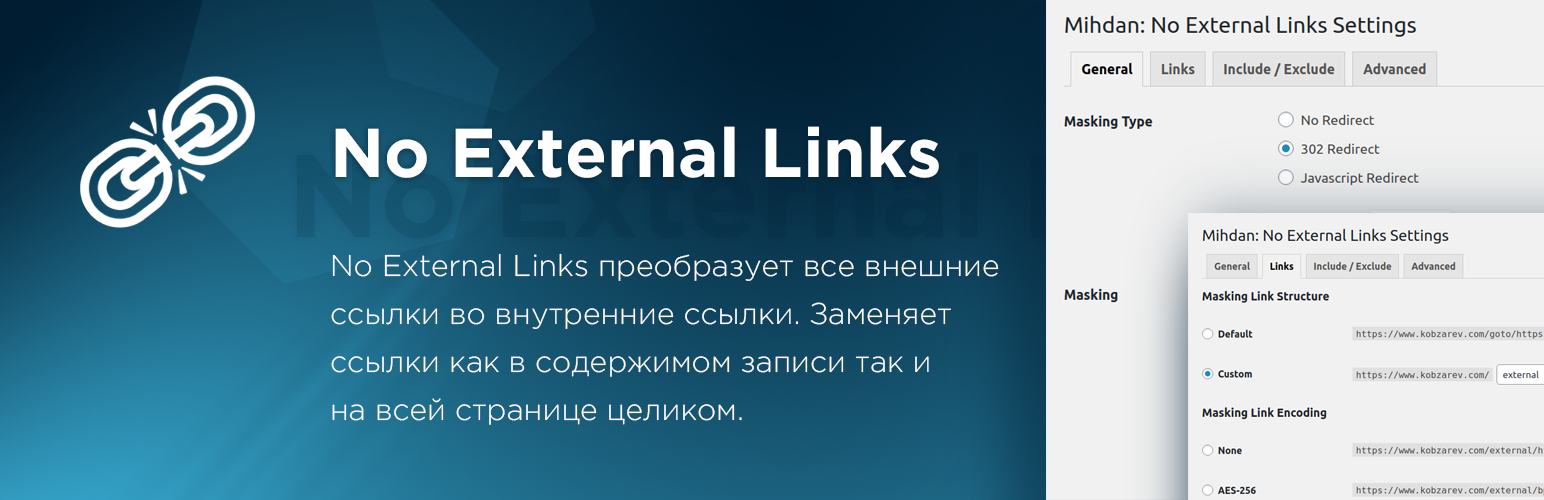
Best for: Converting or controlling outbound links.
Can convert external links into internal-style links and provides controls such as nofollow and click logging.
Key features
- External-link conversion
- nofollow control
- click logging
- page/post-specific behavior
Pros
- Distinct approach for sites that need stronger outbound-link handling
Limitations
- Redirect-style handling is not appropriate for every editorial site
Pricing: this WordPress External Link Plugins option has a free WordPress.org version. Check the current developer listing before buying an optional upgrade, especially if the paid tier changes limits, integrations, or support.
3. External Links in New Window / New Tab
Best for: Simple new-tab behavior.
Focuses on opening external links in a new browser tab or window while keeping the setup lightweight.
Key features
- Automatic external-link detection
- new tab/window behavior
- simple configuration
Pros
- Good when new-tab behavior is the main requirement
Limitations
- Does not offer the same policy depth as a full external-link manager
Pricing: this WordPress External Link Plugins option has a free WordPress.org version. Check the current developer listing before buying an optional upgrade, especially if the paid tier changes limits, integrations, or support.
4. Leaving Notice Popup for External Links
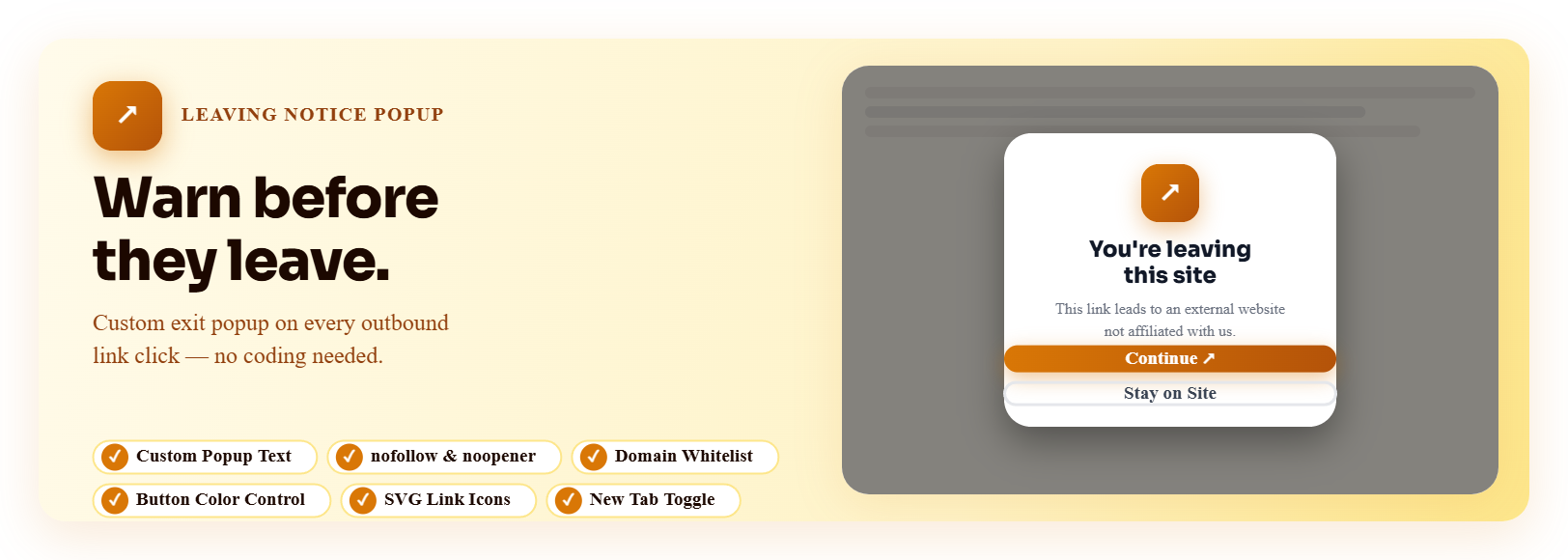
Best for: Exit notices before visitors leave.
Shows a leaving-site notice when visitors click external links and can add rel attributes and external-link icons.
Key features
- Leaving notice popup
- nofollow/noopener/noreferrer controls
- external-link icons
Pros
- Useful for compliance or clear off-site warnings
Limitations
- Exit prompts add friction and should be used only where justified
Pricing: this WordPress External Link Plugins option has a free WordPress.org version. Check the current developer listing before buying an optional upgrade, especially if the paid tier changes limits, integrations, or support.
Use outbound-link attributes deliberately
External-link management is partly an SEO task and partly a UX policy. Treat paid links, user-generated links, trusted editorial citations, and third-party tools differently instead of applying the same rel attribute to every off-site URL. A blanket nofollow rule can remove useful context from ordinary citations, while failing to mark compensated links appropriately creates a different problem.
Affiliate-heavy publishers should coordinate external-link rules with their affiliate link management setup. Avoid having two plugins rewrite, redirect, or decorate the same outbound links because duplicated logic makes troubleshooting much harder.
How to Choose
Avoid using one global rule without thinking about link intent. Sponsored and affiliate links may need a sponsored attribute; user-generated links may need ugc; ordinary editorial citations do not automatically need nofollow. Opening every external link in a new tab can also be an accessibility decision, not just a convenience setting. If you use an exit notice, reserve it for contexts where leaving the site genuinely needs a warning, because an extra click adds friction.
Final Take
External Links is the best all-purpose policy manager in this group. The other plugins make more sense when the requirement is narrower: new-tab behavior, URL rewriting, or a leaving-site notice. Keep outbound-link rules explicit and avoid turning every external link into the same SEO or UX treatment.
FAQs
Should every external link be nofollow?
No. Nofollow is not a blanket requirement for normal editorial links. Use rel attributes according to the nature of the link.
Should external links always open in a new tab?
Not necessarily. New-tab behavior can be useful in some contexts, but it should be tested for accessibility and user expectations.
What is the difference between sponsored and nofollow?
Sponsored identifies paid or compensated links. Nofollow is a broader hint about not endorsing or passing normal linking signals.
Do I need an exit popup for every external link?
Usually no. Leaving-site notices are most useful where compliance, security, or context makes the destination change important.
Can external-link plugins exclude specific domains?
Many policy-focused plugins support domain exceptions or targeting rules, but the exact controls differ by plugin.

