



A WordPress knowledge base plugin gives customers a structured place to find answers before they open a support ticket. The best ones improve search, organize documentation clearly, collect article feedback, and make large help centers easier to manage than ordinary WordPress pages.
I compared documentation structure, live search, navigation, article feedback, analytics, permissions, templates, block-editor support, and the ability to scale from a small FAQ library to a larger product documentation site. You may also want our WordPress FAQ plugin and site search plugin roundups.
TL;DR
- BetterDocs: best overall for modern documentation and strong search.
- Echo Knowledge Base: best for deep navigation and documentation controls.
- weDocs: best lightweight WordPress-native documentation workflow.
- Heroic Knowledge Base: best premium option for analytics and support deflection.
- BasePress Docs: best simple dedicated documentation system.
Quick Comparison
| Plugin | Best for | Pricing |
|---|---|---|
| BetterDocs | Modern help centers | Free core + Pro |
| Echo Knowledge Base | Navigation and structure | Free core + add-ons |
| weDocs | Lightweight documentation | Free core |
| Heroic KB | Premium analytics | Premium |
| BasePress Docs | Dedicated product docs | Free core + Pro |
How I Chose These Knowledge Base Plugins
I prioritized findability. A knowledge base is only useful if customers can locate the right answer quickly. That means strong search, clear categories, readable article navigation, and a simple editorial workflow. Analytics and article feedback matter once the help center grows because they show where documentation is failing.
What to Look for in a Knowledge Base Plugin
The best knowledge base is the one customers can search and understand quickly. Design matters, but search relevance, article hierarchy, feedback, and reporting matter more once the documentation grows beyond a few pages.
- Search: Test typo handling, instant results, and whether help articles are prioritized clearly.
- Structure: Make sure categories, sections, breadcrumbs, and article navigation stay manageable at scale.
- Feedback and analytics: Failed searches and negative article ratings reveal where documentation needs work.
- Access: Check private documentation, user-role restrictions, and multi-product knowledge bases if you need them.
1. BetterDocs – Best Overall
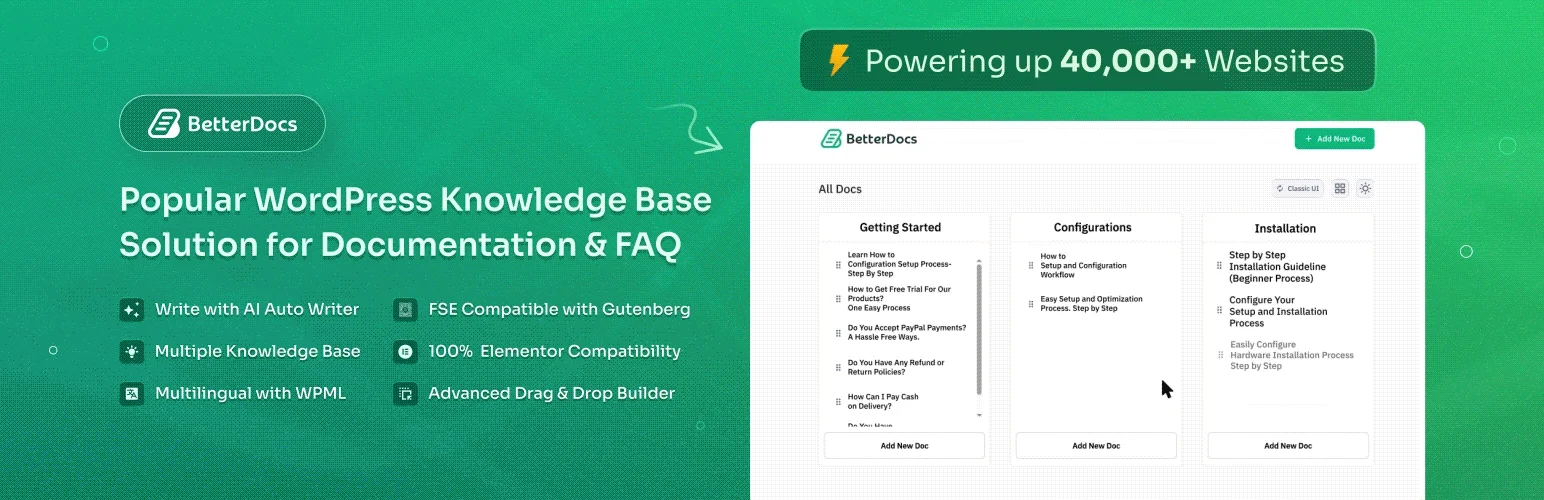
BetterDocs is a polished knowledge base plugin with templates, instant search, category organization, article feedback, and integrations for popular page builders. It works well for product documentation and customer self-service sites that need a professional front end quickly.
I like BetterDocs because the free version already covers the core documentation workflow, while Pro adds analytics, multiple knowledge bases, and more advanced layouts when the support operation grows.
Key features
- Knowledge base templates
- Instant search
- Category and article organization
- Article feedback
- Analytics in Pro
- Elementor and block-editor support
Pros: Fast setup, polished design options, and strong documentation UX.
Cons: Advanced analytics and multiple knowledge bases require paid plans.
Pricing: Free core plugin; Pro adds analytics, multiple knowledge bases, and more layouts.
2. Echo Knowledge Base – Best for Deep Navigation Controls
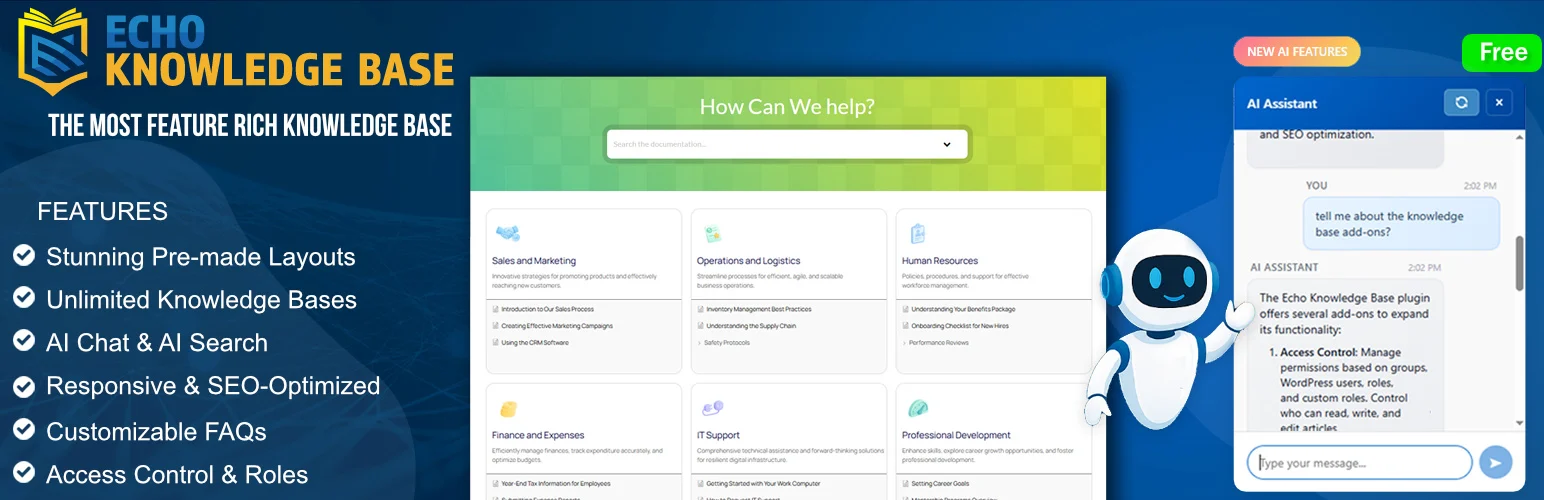
Echo Knowledge Base focuses on documentation organization, navigation, search, and layout control. It is a mature choice for teams that need categories, article ordering, FAQs, and more detailed knowledge-base configuration.
Key features
- Knowledge base layouts
- Live search
- Category and article navigation
- Article ordering
- FAQ and documentation widgets
- Add-ons for access and analytics
Pros: Mature feature set and very flexible documentation structure.
Cons: The number of configuration options can feel heavy for a tiny help center.
Pricing: Free core plugin with paid add-ons and bundles.
3. weDocs – Best Lightweight Documentation Plugin
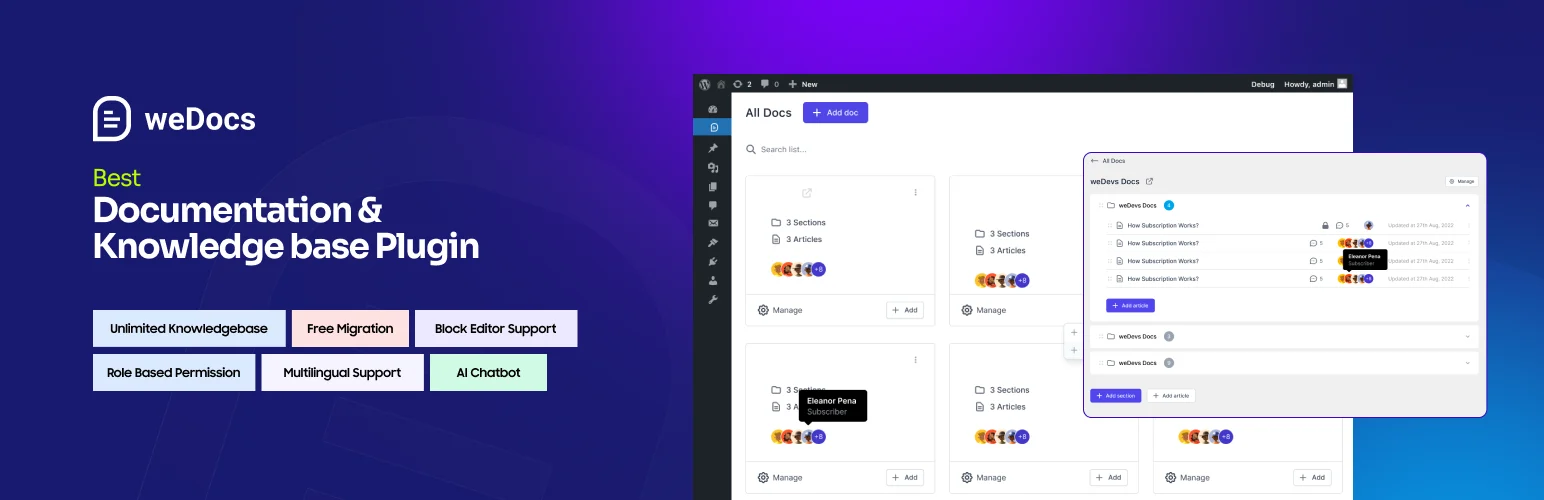
weDocs keeps documentation management simple with docs, sections, articles, ordering, and a straightforward front-end layout. It is a good fit when you want a native WordPress workflow without a large design or analytics layer.
Key features
- Docs and section hierarchy
- Drag-and-drop ordering
- Front-end documentation layout
- Search support
- Simple editorial workflow
- Developer-friendly WordPress structure
Pros: Lightweight and easy to understand for small to medium documentation libraries.
Cons: Fewer built-in analytics and support-deflection tools than specialist premium products.
Pricing: Free core plugin.
4. Heroic Knowledge Base – Best Premium Option
Heroic Knowledge Base is a commercial plugin designed for businesses that want a refined help center with strong search, article feedback, analytics, and support-oriented reporting.
It is more turnkey than many free plugins, especially when the team wants to measure failed searches and documentation usefulness rather than only publish articles.
Key features
- Instant AJAX search
- Article feedback
- Knowledge base analytics
- Category and article navigation
- Attachments and content organization
- Support-oriented reporting
Pros: Polished front end and strong analytics for support teams.
Cons: Premium only, so it is harder to justify for a very small documentation site.
Pricing: Premium plugin.
5. BasePress Docs – Best Simple Dedicated Alternative
BasePress Docs supports knowledge bases, sections, articles, themes, and search. It is useful when you want a clean documentation system rather than adapting normal posts and pages.
Key features
- Multiple knowledge bases
- Sections and articles
- Documentation themes
- Search
- Shortcodes and widgets
- Content restriction options in Pro
Pros: Focused documentation model and easy separation of product docs.
Cons: Smaller ecosystem and fewer advanced analytics features than BetterDocs or Heroic KB.
Pricing: Free core plugin with Pro features.
Which WordPress Knowledge Base Plugin Should You Choose?
BetterDocs is the easiest all-round recommendation for a polished modern knowledge base. Echo Knowledge Base is stronger when you need deeper navigation controls, weDocs is a lighter native option, Heroic KB is the premium choice for support analytics, and BasePress is a practical dedicated documentation system.
Conclusion
A knowledge base should reduce support friction, not create another place customers have to search. Choose the plugin that makes navigation and search clear, then invest in answering the questions customers actually ask.
Frequently Asked Questions
What is the best WordPress knowledge base plugin?
BetterDocs is the best all-round choice for most sites because it combines polished layouts, search, and an easy editorial workflow.
Can I build a knowledge base with normal WordPress pages?
Yes, but a dedicated plugin makes search, category navigation, article ordering, feedback, and help-center layouts much easier.
Do knowledge base plugins reduce support tickets?
They can if the documentation answers real customer questions and is easy to search. The plugin provides structure; useful content does the actual deflection.
Can I restrict documentation to logged-in users?
Some plugins support private or role-based documentation directly or through add-ons. Verify access controls before choosing a tool for internal docs.
Should a knowledge base have its own search?
Usually yes. Documentation search should prioritize help articles and return fast, relevant results without mixing unrelated blog posts into the results.

