



A WordPress quiz can be a lead magnet, an assessment, a personality tool, a course test, or simply a way to make content more interactive. The important part is choosing a plugin that matches the result logic you actually need instead of picking the one with the longest feature list.
For marketing quizzes, I care about lead capture, branching, result pages, segmentation, and integrations. For exams, scoring, pass marks, timers, question banks, and reports matter more. A lightweight trivia quiz has a completely different requirement again.
These five plugins cover those different models in 2026. If your main goal is collecting leads through normal forms, compare our WordPress lead generation plugins. For broader form-building workflows, see our WordPress form builder comparison.
TL;DR
- Quiz and Survey Master: best overall for quizzes, exams, assessments, surveys, scoring, results, and lead capture.
- Quiz Maker by AYS: best for feature-rich exams, tests, personality quizzes, pass scores, timers, reports, and detailed customization.
- HD Quiz: best lightweight free option for fast, responsive trivia and knowledge quizzes with a clean frontend.
- Forminator: best when quizzes, polls, forms, payments, and lead collection need to live in one broader form plugin.
- Opinion Stage: best for marketing quizzes, polls, surveys, audience segmentation, lead generation, and visual templates.
Quick Comparison
| Plugin | Best for | Quiz model | Pricing |
|---|---|---|---|
| Quiz and Survey Master | All-round quizzes and assessments | Scored quizzes, surveys, exams | Free + add-ons |
| Quiz Maker by AYS | Feature-rich tests and exams | Scored, personality, timed quizzes | Free + Pro |
| HD Quiz | Lightweight trivia and knowledge quizzes | Responsive scored quizzes | Free + add-ons |
| Forminator | Quizzes inside a form toolkit | Knowledge and no-wrong-answer quizzes | Free + Pro services |
| Opinion Stage | Marketing and lead-gen quizzes | Personality, lead, poll, survey | Free + paid plans |
How I Chose These Plugins
I compared question types, scoring, result logic, timers, lead capture, reporting, responsive design, Gutenberg placement, current maintenance, integrations, and how well each plugin fits a specific quiz use case instead of duplicating another recommendation in the list.
1. Quiz and Survey Master – Best Overall WordPress Quiz Plugin

Quiz and Survey Master is the most balanced all-round option here. It can build quizzes, exams, assessments, surveys, trivia, score-based result pages, and lead-capture workflows without forcing every project into one quiz style.
I would start with QSM when I am not yet sure how complex the assessment will become. A simple score quiz can later add reports, certificates, email integrations, or other extensions without rebuilding the quiz from another plugin.
Key features
- Unlimited quizzes, surveys, exams, and assessments
- Multiple question and answer types
- Score-based result pages
- Lead capture and user information fields
- Timers, limits, and assessment controls
- Large add-on ecosystem for reporting and integrations
Pros: Flexible quiz models, mature ecosystem, active 2026 development, and useful for both education and marketing.
Cons: Advanced workflows can depend on several paid add-ons, so the final setup cost varies by use case.
Best for: Businesses, trainers, educators, and marketers that need a quiz system able to grow beyond a basic trivia widget.
Pricing: Free core plugin. Commercial add-ons and bundles are available for advanced features.
2. Quiz Maker by AYS – Best for Detailed Tests and Exams
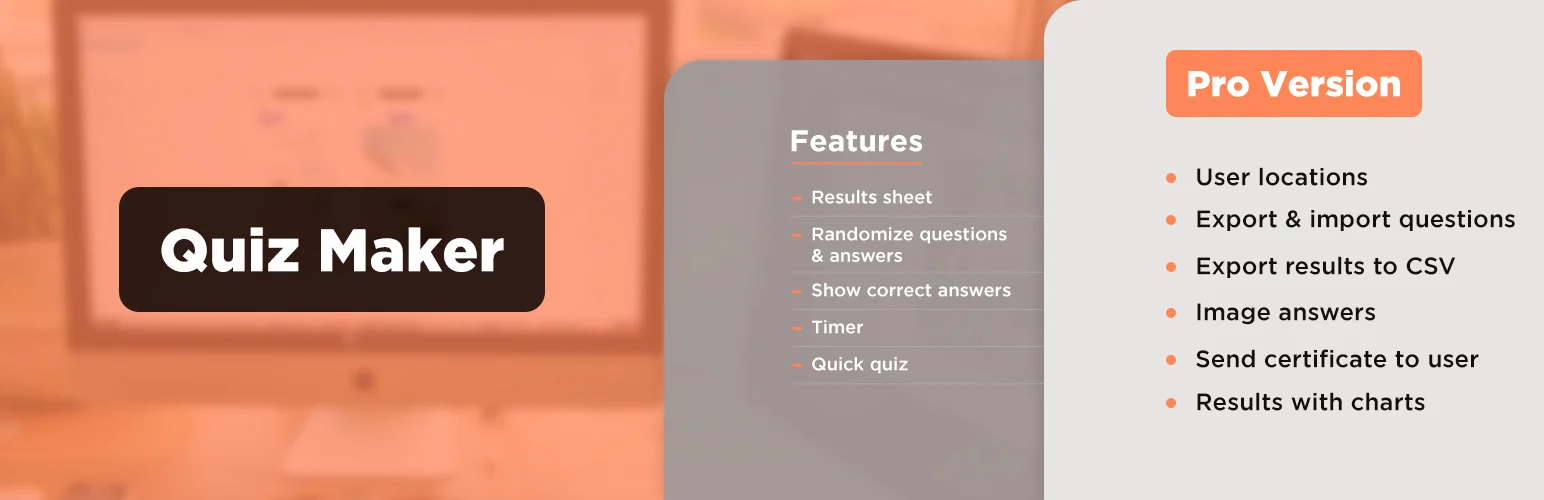
Quiz Maker by AYS is one of the most actively developed quiz plugins in 2026. It supports several question formats, scoring, pass marks, timers, password protection, user limits, explanations, reports, personality-style outcomes, and extensive styling.
I would choose it when the quiz behaves more like a test or assessment than a lightweight content block. The settings are deep enough for structured exams, certification-style practice, multilingual test content, and controlled access scenarios.
Key features
- Multiple-choice, checkbox, dropdown, text, and image questions
- Pass scores and result messages
- Timers, limits, schedules, and password controls
- Question explanations and reporting
- Personality and assessment workflows
- Extensive desktop and mobile styling options
Pros: Very deep controls, frequent updates, strong test/exam features, and enough flexibility for complex assessments.
Cons: The large settings surface can be overwhelming for someone who only wants a five-question quiz.
Best for: Exams, training assessments, driving-test practice, certification quizzes, and detailed scoring workflows.
Pricing: Free version available, with commercial Pro editions for advanced controls and integrations.
3. HD Quiz – Best Lightweight Free Quiz Builder

HD Quiz is the option I would choose when speed and simplicity matter more than enterprise-style reporting. It creates responsive quizzes that inherit much of the site’s theme styling and can be embedded with a block or shortcode.
The interface stays focused on making the quiz itself. That makes it a strong fit for trivia, article engagement, knowledge checks, and simple lead-independent quizzes where you do not need a large marketing automation layer.
Key features
- Unlimited quizzes
- Responsive accessible frontend
- Quiz timer and pagination options
- Hints and advanced marking controls
- Gutenberg block and shortcode placement
- Optional add-ons for styling and extra features
Pros: Lightweight, easy to learn, responsive, accessible, and a good free fit for content-focused quizzes.
Cons: Less suitable for deep CRM segmentation, certificates, or advanced assessment reporting.
Best for: Blogs, publishers, educators, and niche sites adding trivia or knowledge quizzes to content.
Pricing: Free core plugin, with optional paid add-ons.
4. Forminator – Best Quiz Option Inside a Full Form Toolkit
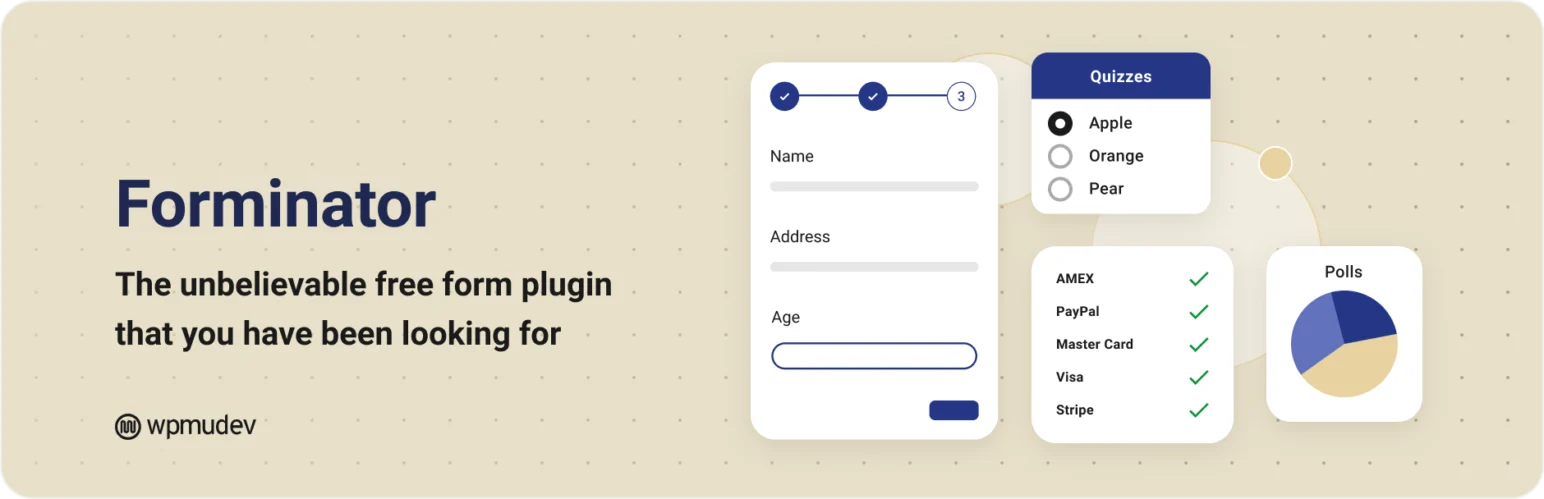
Forminator is not only a quiz plugin. It combines forms, polls, payments, registration, feedback widgets, and quizzes inside one visual builder.
That broader scope is useful when the quiz needs to connect to normal lead or form workflows. A business can use the same plugin for a personality quiz, contact form, poll, payment form, and registration experience instead of maintaining separate tools for each.
Key features
- Knowledge and personality-style quizzes
- Drag-and-drop visual builder
- Forms, polls, payments, and registration in the same plugin
- Lead and user information collection
- Conditional and form-oriented workflows
- Integration with the broader WPMU DEV ecosystem
Pros: Excellent value when you already need forms and polls, and avoids installing a separate plugin for every interactive content type.
Cons: Dedicated quiz plugins provide deeper test-specific scoring and reporting controls.
Best for: Businesses that want quizzes as one part of a broader form, lead, poll, or payment system.
Pricing: Free core plugin, with paid services and broader platform options available separately.
5. Opinion Stage – Best for Marketing and Lead-Generation Quizzes

Opinion Stage is designed around interactive marketing. It combines quizzes, polls, and surveys with templates, lead capture, audience segmentation, visual customization, and conversion-oriented workflows.
I would choose it when the quiz is supposed to qualify or segment visitors rather than simply score them. Product finders, personality quizzes, audience research, and lead magnets are a better fit than formal exams.
Key features
- Personality and marketing quizzes
- Polls and surveys
- Lead capture and audience segmentation
- Professional templates
- AI-assisted content creation
- Analytics and conversion-oriented integrations
Pros: Strong marketing focus, polished templates, lead capture, and good fit for segmentation or product-finder style experiences.
Cons: Hosted-service pricing and limits may matter more as traffic and lead volume grow.
Best for: Marketers, agencies, ecommerce brands, and businesses building quizzes as lead magnets or segmentation tools.
Pricing: Free entry plan available, with paid hosted plans for additional responses, features, and integrations.
Which One Should You Choose?
Choose QSM for the most balanced all-round system, Quiz Maker for detailed tests and exams, HD Quiz for lightweight content engagement, Forminator when quizzes are part of a wider form stack, and Opinion Stage when lead generation and audience segmentation are the priority.
Before building a 30-question quiz, define the result first. Decide what a score or outcome should tell the user and what action should follow. Good quiz logic starts with the result and works backward to the questions, not the other way around.
Conclusion
The right quiz plugin depends on what the result is supposed to accomplish. QSM is the best general foundation, Quiz Maker is stronger for exam-like control, and HD Quiz keeps lightweight content engagement simple. Forminator makes sense when quizzes belong to a wider form stack, while Opinion Stage is the better marketing-first choice for leads and audience segmentation.
Frequently Asked Questions
What is the best WordPress quiz plugin in 2026?
Quiz and Survey Master is the best all-round option. Quiz Maker by AYS is stronger for detailed tests and exams, while Opinion Stage is better for marketing and lead-generation quizzes.
Can WordPress quizzes collect email leads?
Yes. QSM, Forminator, Opinion Stage, and several paid quiz workflows can collect user information before or after results and connect it to broader marketing processes.
Which quiz plugin is best for online exams?
Quiz Maker by AYS and QSM are the strongest choices here for scoring, timers, pass marks, limits, explanations, and assessment-style workflows.
Can I build a personality quiz in WordPress?
Yes. Opinion Stage is especially strong for personality and segmentation quizzes, while Forminator and other quiz plugins can also support outcome-based experiences.
Will quizzes slow down my site?
They can add JavaScript, styles, tracking, and database activity. Keep quizzes on the pages that need them, avoid unnecessary animations, and test real mobile performance before running paid traffic to a quiz landing page.

