



A recipe plugin is not just a prettier ingredient list. For a food site, it needs structured recipe data, readable instructions, print options, serving adjustments, nutrition fields and layouts that remain useful on mobile. The best WordPress recipe plugins also make it easier to add recipe schema without manually coding every post.
TL;DR
WP Recipe Maker is the best overall choice for most food bloggers because it balances free features, schema and long-term flexibility. Recipe Card Blocks is a clean Gutenberg-first option. WP Tasty Recipes is polished for established food publishers. Zip Recipes offers an easy free-first workflow, while Create by Mediavine makes sense for publishers already using the Mediavine ecosystem.
Quick Comparison
| Plugin | Best for | Pricing model |
|---|---|---|
| WP Recipe Maker | Most food bloggers | Free core with premium bundles |
| Recipe Card Blocks | Gutenberg-first recipe sites | Free core with Pro upgrade |
| WP Tasty Recipes | Established food publishers | Premium subscription |
| Zip Recipes | Simple free-first recipe cards | Free core with premium upgrade |
| Create by Mediavine | Mediavine-focused publishers | Free plugin; ecosystem services separate |
How I Chose These Recipe Plugins
I compared recipe schema, ingredient and instruction management, serving adjustments, print layouts, nutrition options, Gutenberg support, mobile readability and migration tools. This topic is different from general SEO tooling, though recipe publishers should also review our WordPress schema plugins and image SEO plugins.
1. WP Recipe Maker — Best Overall for Food Bloggers
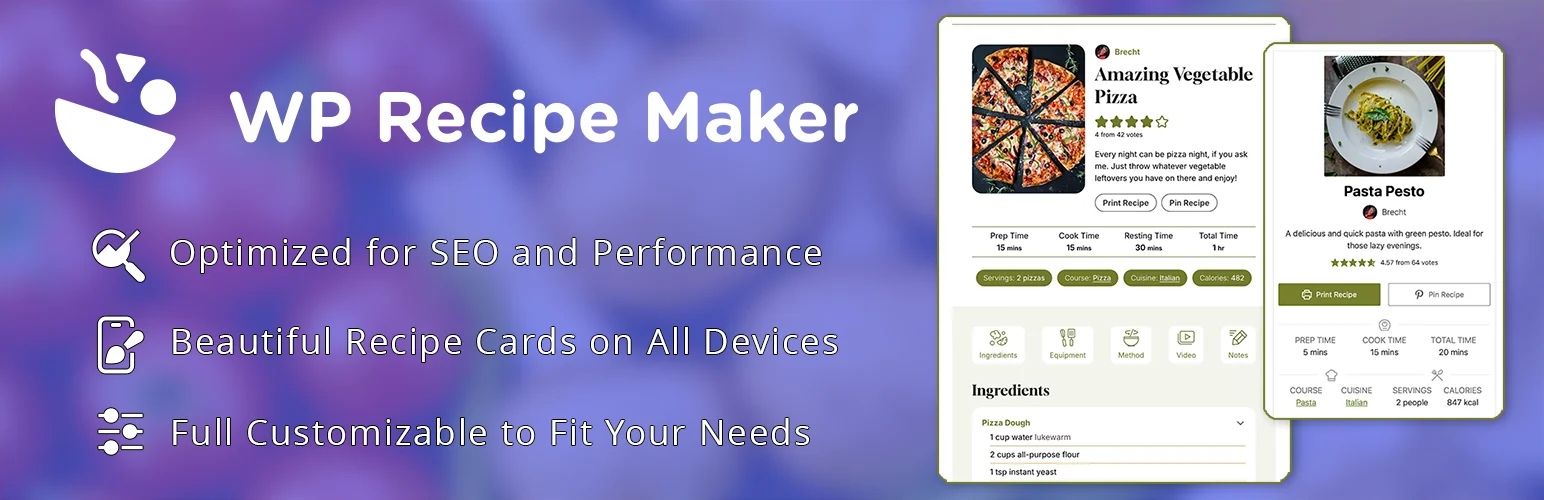
WP Recipe Maker is the strongest starting point for most recipe publishers. The free plugin already covers core recipe-card and structured-data needs, while premium bundles add more advanced nutrition, user ratings, collections and monetization features.
Key features
- Recipe schema markup
- Ingredient and instruction fields
- Serving adjustments
- Print-friendly recipes
- Recipe ratings
- Nutrition and advanced tools on paid plans
Pros
- Mature recipe ecosystem
- Useful free version
- Good migration and long-term flexibility
Cons
- Advanced publisher features require premium bundles
- Many settings can take time to configure
Pricing
The core plugin is free. Premium bundles add nutrition, collections, advanced ratings and other publisher features. Verify current bundle pricing before upgrading.
2. Recipe Card Blocks — Best Gutenberg-First Option
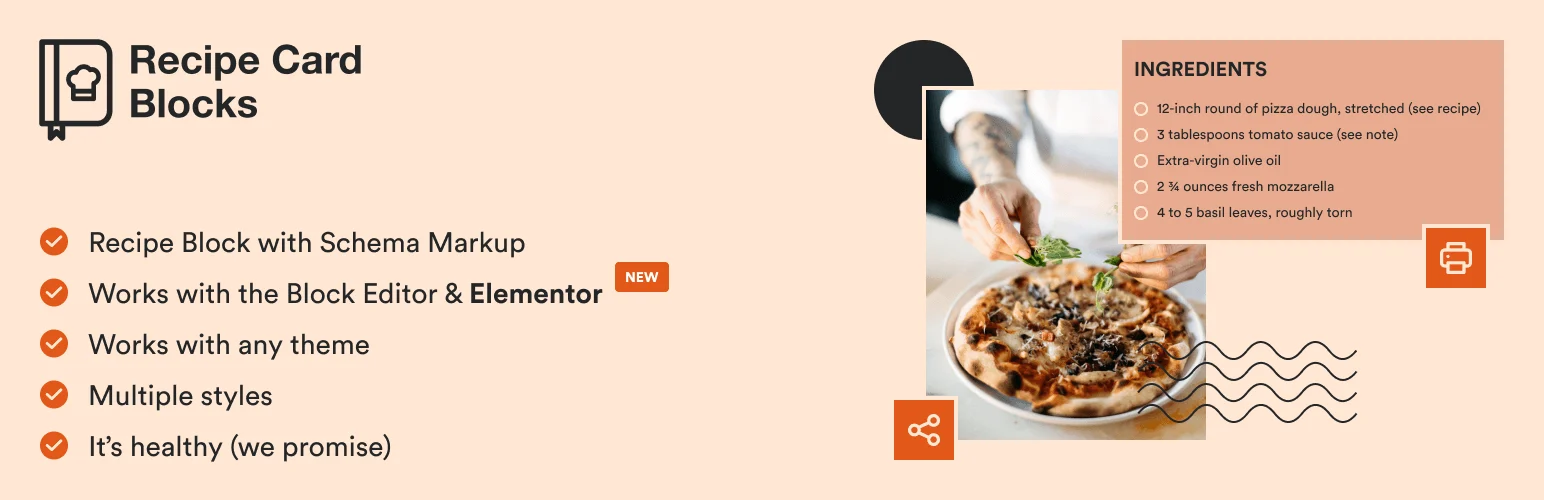
Recipe Card Blocks feels natural if your editorial workflow is already centered on Gutenberg. You build recipes with blocks instead of managing a separate builder interface, which keeps editing simple for teams using the native WordPress editor.
Key features
- Gutenberg recipe blocks
- Recipe structured data
- Ingredient and instruction blocks
- Nutrition fields
- Print layouts
- Responsive recipe cards
Pros
- Native block-editor workflow
- Clean recipe presentation
- Free version available
Cons
- Less attractive if you do not use Gutenberg
- Advanced features depend on Pro
Pricing
A free version is available. Pro adds additional layouts, design controls and advanced recipe features.
3. WP Tasty Recipes — Best for Established Food Publishers
WP Tasty Recipes is aimed at serious food publishers that want polished cards, structured data and a workflow built specifically for recipe content. It is premium-only, but the focused feature set is easier to justify on a recipe site that already earns traffic and revenue.
Key features
- Recipe structured data
- Responsive recipe card templates
- Ingredient and instruction formatting
- Print support
- Star ratings
- Video and nutrition fields
Pros
- Polished food-blogging workflow
- Strong presentation
- Focused publisher product
Cons
- No free version
- Subscription cost is harder to justify for a new hobby blog
Pricing
WP Tasty Recipes is sold as a premium subscription. Check current pricing and site limits on the vendor page.
4. Zip Recipes — Best Simple Free-First Recipe Card
Zip Recipes is a practical choice if you want structured recipe cards without a complicated setup. It covers the essentials well and offers premium features when you need more design and nutrition control.
Key features
- Recipe cards
- Structured data
- Print support
- Nutrition information
- Serving adjustments
- Template customization
Pros
- Easy to start
- Free core plugin
- Covers essential recipe fields
Cons
- Less extensive ecosystem than WP Recipe Maker
- Advanced design features are premium
Pricing
The core plugin is free. Premium plans add more templates, nutrition and design controls.
5. Create by Mediavine — Best for Mediavine-Focused Publishers
Create is useful for publishers who want recipe and how-to cards inside the wider Mediavine publishing ecosystem. It supports structured content while keeping monetization-conscious publishers in a familiar workflow.
Key features
- Recipe and how-to cards
- Structured data
- Print-friendly layouts
- Nutrition fields
- Responsive presentation
- Mediavine ecosystem integration
Pros
- Good fit for Mediavine publishers
- Supports more than recipes
- Free plugin
Cons
- Less compelling outside its target publisher ecosystem
- Not as recipe-specialized as WP Recipe Maker
Pricing
Create is available as a free WordPress plugin. Mediavine advertising and related services have separate eligibility and terms.
How to Choose the Right WordPress Recipe Plugin
Start with structured recipe data and editing workflow, not decorative card styles. Make sure recipes remain readable on mobile, print cleanly, and can be migrated if you change plugins later. For established food sites, ratings, nutrition, collections and monetization integrations can matter as much as the card itself.
Conclusion
WP Recipe Maker is the best overall fit for most recipe publishers because it scales from a useful free plugin to a deeper premium toolkit. Recipe Card Blocks is a strong Gutenberg-first alternative, while WP Tasty Recipes makes more sense for established publishers that want a focused premium workflow.
Frequently Asked Questions
Do I need a recipe plugin for recipe schema?
You can add recipe schema manually, but a dedicated plugin makes ingredients, instructions, nutrition, ratings and structured data much easier to manage consistently.
Which recipe plugin is best for beginners?
WP Recipe Maker and Zip Recipes both have approachable free versions. Recipe Card Blocks is especially convenient if you prefer Gutenberg.
Can recipe plugins help with Google rich results?
They can output Recipe structured data that makes a page eligible for supported recipe search features, but markup does not guarantee a rich result.
Can I migrate recipes between plugins?
Many established recipe plugins include import or migration tools for common competitors, but test the migration on staging before changing a live food site.

