Schema markup is easy to ignore because visitors do not see it on the page. Search engines do. When structured data is accurate, it gives Google and other search systems clearer context about your articles, products, organizations, FAQs, local businesses, reviews, and other entities. When it is wrong, duplicated, or misleading, it can create warnings instead of helping.
I prefer WordPress schema plugins that make the markup easier to manage without encouraging site owners to add every schema type they can find. The goal is not more schema. The goal is correct schema that matches the visible content. On sites where schema matters, SEO change monitoring can help catch structured-data output that disappears or changes after updates.
TL;DR: Best WordPress Schema Plugins in 2026
- Rank Math — best overall when you want schema inside a full SEO plugin.
- Schema Pro — best dedicated schema plugin for automated site-wide markup.
- AIOSEO — best beginner-friendly SEO suite with strong schema tools.
- SEOPress — best clean SEO suite with flexible schema controls.
- Yoast SEO — best for automatic schema graph integration with minimal setup.
- Schema & Structured Data for WP & AMP — best free dedicated option with many schema types.
1. Rank Math — Best Overall WordPress Schema Plugin
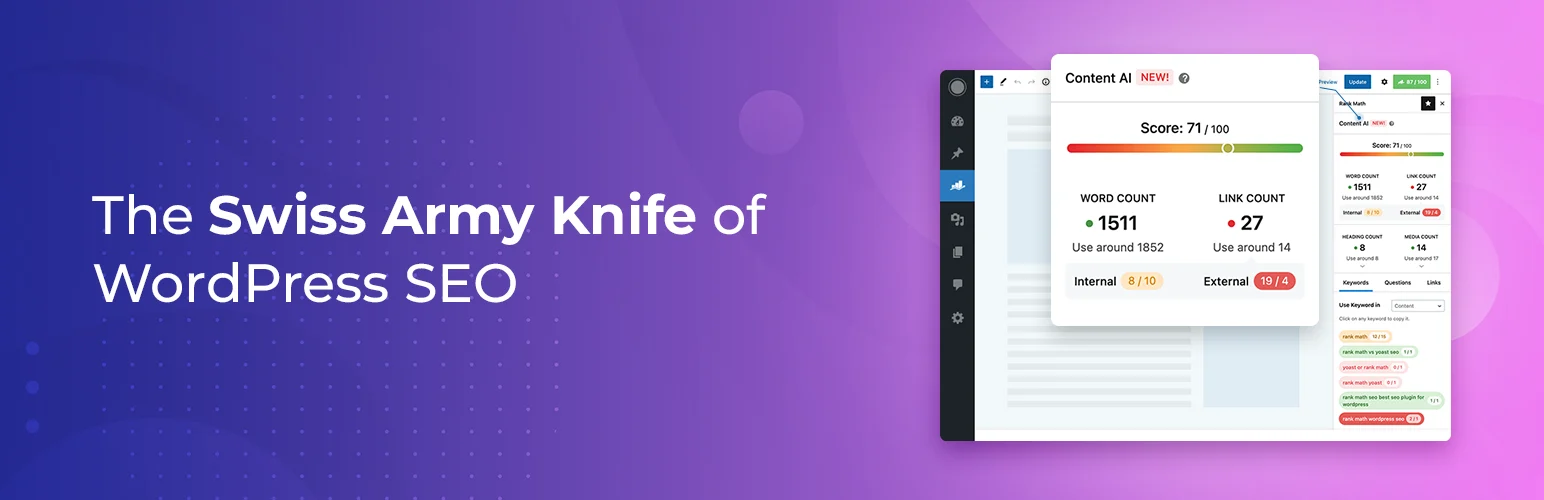
Rank Math is my first choice when the site already needs a full SEO plugin. Schema is built directly into the editing workflow, so you can set defaults by post type and override schema on individual pages without installing another dedicated plugin.
I like that this reduces overlap. Running one strong SEO suite is usually cleaner than stacking several plugins that all try to output article, breadcrumb, organization, and product markup at the same time.
Key features
- Default schema by post type
- Per-post schema controls
- Multiple built-in schema types
- Article, product, local, FAQ, and other markup support
- Schema templates and advanced builder features in Pro
- Integration with Rank Math SEO settings
Pros: Strong free SEO suite, avoids extra schema plugin, flexible per-post controls.
Cons: Advanced schema builder features are premium; unnecessary if another SEO plugin already owns schema.
Best for: Sites that want SEO, metadata, and schema handled in one dashboard.
Pricing: Free version available; premium plans are listed at Rank Math.
2. Schema Pro — Best Dedicated Schema Plugin
Schema Pro makes sense when schema needs to be managed independently from your SEO plugin. Its biggest advantage is automation: you can map schema fields to WordPress data and apply markup across categories, post types, pages, or other conditions without editing every piece of content manually.
I would use it on structured sites where custom post types or repeatable content need consistent markup. The rule-based approach is much safer than asking editors to configure schema from scratch on every post.
Key features
- Automatic schema deployment
- Rule-based display conditions
- Custom field mapping
- Support for many schema.org types
- Custom post type support
- JSON-LD output
Pros: Dedicated schema focus, excellent automation rules, useful for custom content models.
Cons: Paid product; requires careful coordination with your SEO plugin to prevent duplicate markup.
Best for: Developers, agencies, and sites with custom post types or complex schema requirements.
Pricing: Premium product. Current plans are available from Schema Pro.
3. AIOSEO — Best Beginner-Friendly SEO + Schema Suite
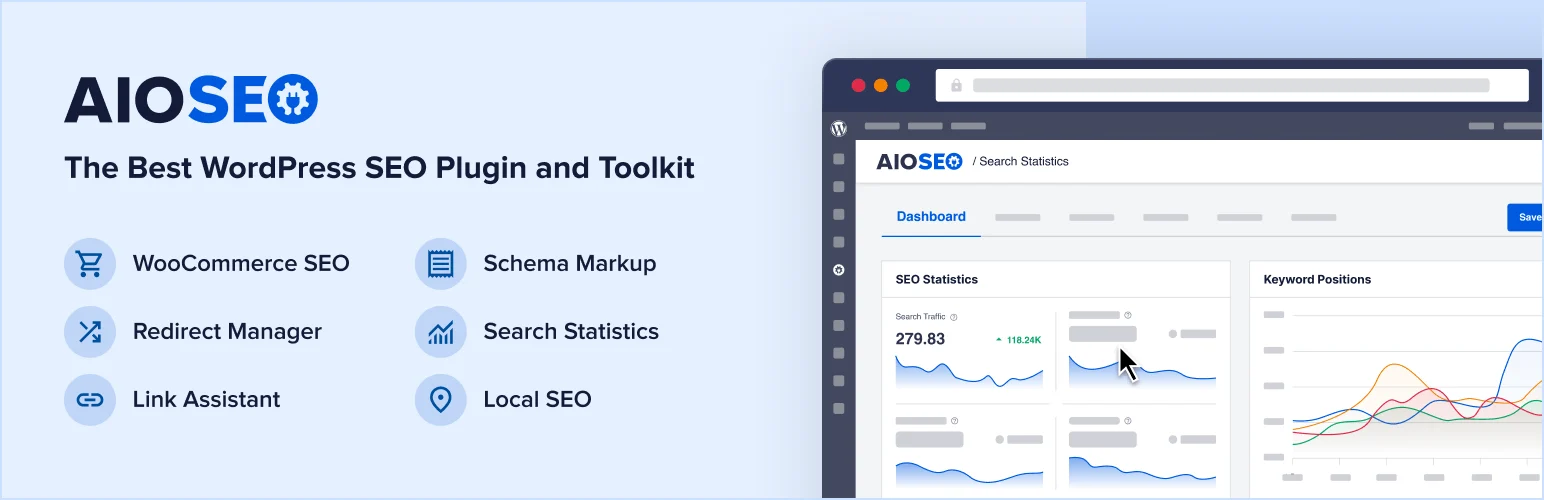
All in One SEO combines standard on-page SEO with a schema generator, search appearance controls, local SEO features, sitemaps, and other search tools. Its schema workflow is designed for users who do not want to think in raw JSON-LD.
The guided interface is the reason I would consider it for small business owners. Schema terminology can become technical quickly, and a clear editor lowers the chance of someone choosing a markup type that does not match the page.
Key features
- Schema generator
- Smart schema defaults
- Multiple rich-result schema types
- Local business schema
- WooCommerce schema
- Custom schema options on eligible plans
Pros: Friendly interface, broad SEO toolkit, schema fits naturally into page optimization.
Cons: Many advanced schema features are tied to paid plans; too broad if you only need one schema type.
Best for: Small businesses and users who want guided SEO and structured data in one plugin.
Pricing: Free version available with paid plans at AIOSEO.
4. SEOPress — Best Clean SEO Suite With Flexible Schema
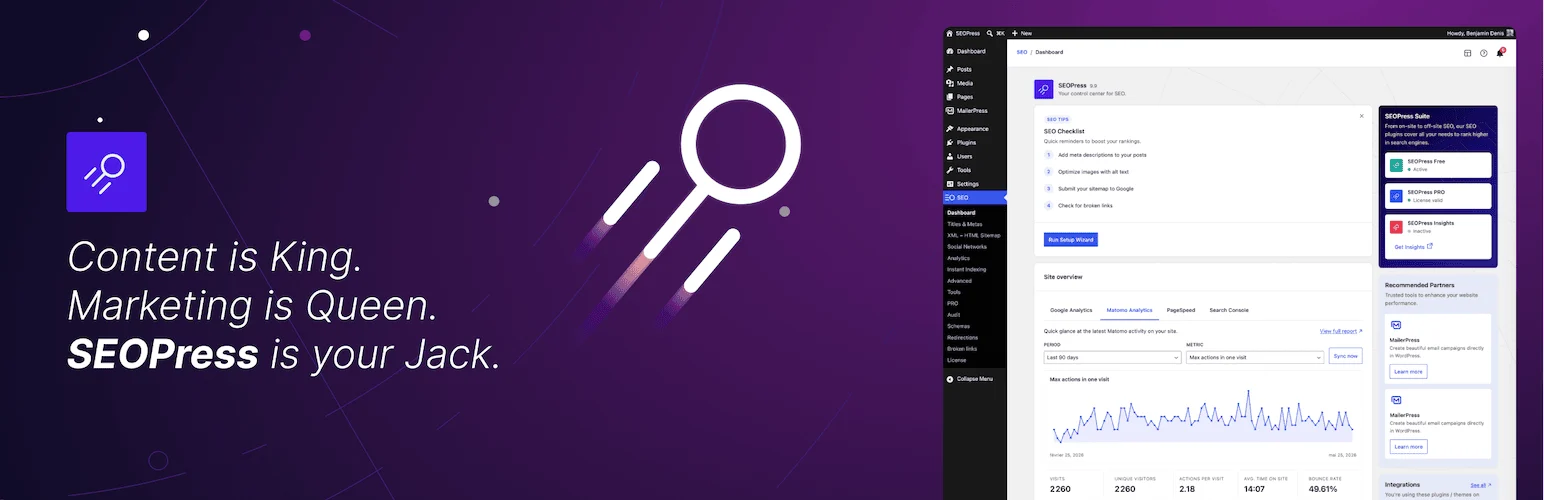
SEOPress appeals to users who want a capable SEO plugin without an overly busy interface. Its paid feature set includes automatic and manual schema options, local business data, ecommerce integrations, breadcrumbs, and broader technical SEO controls.
I like it when a site owner wants strong SEO functionality but prefers a cleaner administration experience. The schema tools feel like part of the SEO workflow rather than a separate layer bolted onto the editor.
Key features
- Automatic and manual schema controls
- Article and local business markup
- WooCommerce schema support
- Custom schema options
- Structured-data variables
- SEO and schema in one plugin
Pros: Clean interface, strong overall SEO value, flexible schema options.
Cons: Advanced structured data features are mostly in the paid edition.
Best for: Users who want a less cluttered SEO suite with capable schema support.
Pricing: Free core plugin and paid plans are available from SEOPress.
5. Yoast SEO — Best for Automatic Schema Graph Integration
Yoast SEO takes a graph-based approach to structured data. Instead of treating each schema block as an isolated object, it connects information about the website, organization or person, webpage, article, breadcrumbs, and related entities into a broader schema graph.
For many standard blogs and business sites, that automatic output is a strength. I would not add a separate schema plugin unless there is a clear gap, because duplicate organization or article markup can create more confusion than benefit.
Key features
- Automatic schema graph
- Organization or person entity markup
- Article and WebPage schema
- Breadcrumb schema
- Site-wide structured-data relationships
- Minimal manual configuration for common content types
Pros: Strong automatic output, mature SEO ecosystem, minimal manual schema work for standard sites.
Cons: Less attractive if you want detailed custom schema rules without extensions or development work.
Best for: Blogs and business sites that prefer automatic structured data inside a familiar SEO plugin.
Pricing: Free version available; premium plans are sold by Yoast.
6. Schema & Structured Data for WP & AMP — Best Free Dedicated Option
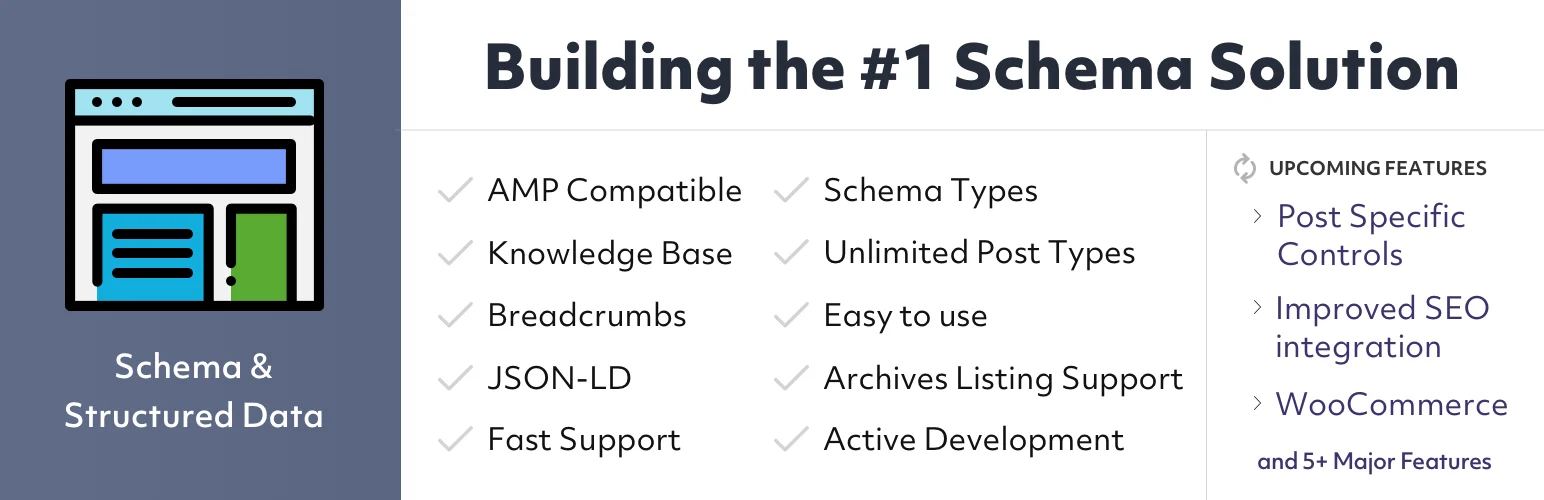
Schema & Structured Data for WP & AMP is worth considering when you specifically want a dedicated schema plugin with a broad range of markup types. It supports conditional display rules and several content integrations while keeping the core plugin accessible to free users.
The wide feature set is useful, but I would still keep the configuration conservative. If another SEO plugin already outputs article, breadcrumb, or organization schema, disable or avoid duplicates rather than assuming more markup is better.
Key features
- Multiple schema types
- Rule-based display conditions
- Custom field support
- AMP compatibility
- Review and article schema options
- JSON-LD structured data output
Pros: Broad free feature set, dedicated schema focus, useful conditional rules.
Cons: More settings to manage; duplication risk if combined carelessly with an SEO suite.
Best for: Users who need a dedicated schema plugin without immediately buying a premium tool.
Pricing: Free core plugin with optional paid extensions.
How to Avoid Schema Problems
- Let one primary plugin own overlapping schema whenever possible.
- Only add schema that matches content visitors can actually see.
- Do not mark up fake reviews, ratings, FAQs, or products.
- Validate important pages with Google Rich Results Test or Schema.org Validator.
- Check for duplicate organization, article, breadcrumb, or product markup after plugin changes.
- Review schema again after changing themes, templates, or ecommerce plugins.
If you are choosing a full SEO suite rather than only structured data, compare our best SEO plugins for WordPress. Schema should support that larger SEO setup, not compete with it.
Conclusion
Rank Math is the strongest all-around option when you want schema and SEO in one plugin. Schema Pro is better for advanced rule-based structured data, AIOSEO is friendly for beginners, SEOPress offers a clean professional workflow, and Yoast handles standard schema graphs with minimal effort. Schema & Structured Data for WP & AMP is the most interesting dedicated free option when you need broader schema coverage.
Frequently Asked Questions
What is the best schema plugin for WordPress?
Rank Math is the best overall choice for many sites because schema is integrated with a full SEO toolkit. Schema Pro is stronger when you need a dedicated schema plugin with site-wide automation rules.
Does schema markup improve rankings?
Schema is not a guaranteed ranking boost. It helps search engines understand content and can make pages eligible for certain rich search features when requirements are met.
Can I use two schema plugins together?
Only when you clearly separate what each plugin outputs. Duplicate Article, Organization, Product, Breadcrumb, or other markup can create conflicting data.
Is FAQ schema still useful?
FAQ content can still be useful to readers and search engines, but Google limits FAQ rich results to specific authoritative site types. Do not add FAQs only to chase a rich-result appearance.