



RSS is still useful in 2026, but the right WordPress RSS plugin depends on whether you want to display a feed or turn feed items into WordPress posts. Those are very different workflows. A simple news widget can stay external, while feed-to-post automation creates local content that needs stronger editorial, copyright, and duplicate-content controls.
I am cautious with autoblogging. Importing headlines and excerpts from sources you have permission to curate can be useful. Republishing complete third-party articles automatically can create copyright problems, thin or duplicated content, and a site that adds very little original value.
These five plugins cover aggregation, feed-to-post imports, automated campaigns, display-only widgets, and classic syndication. For broader WordPress workflows, compare our WordPress automation plugins. For editorial discovery rather than external feeds, see our related posts plugins.
TL;DR
- WP RSS Aggregator: best overall for building RSS aggregators, content hubs, source folders, feed displays, and controlled feed-to-post workflows.
- Feedzy: best for marketers who want flexible RSS display plus feed-to-post imports, filtering, images, custom post types, and automation.
- WPeMatico: best for advanced scheduled RSS campaigns, autoblogging, category mapping, templates, logs, and high-control import workflows.
- Super RSS Reader: best for displaying attractive RSS widgets, tabs, thumbnails, and ticker-style feeds without importing full posts.
- FeedWordPress: best for traditional feed syndication that turns selected external feed items into local WordPress posts.
Quick Comparison
| Plugin | Best for | Main model | Pricing |
|---|---|---|---|
| WP RSS Aggregator | Complete aggregation hubs | Display + feed-to-post | Free + Pro |
| Feedzy | Flexible marketing/content imports | Display + feed-to-post | Free + Pro |
| WPeMatico | Scheduled import campaigns | Automated feed-to-post | Free + add-ons |
| Super RSS Reader | Frontend RSS widgets | Display-only reader | Free + Pro |
| FeedWordPress | Classic feed syndication | Feed items to posts | Free |
How I Chose These Plugins
I compared current maintenance, feed display, feed-to-post support, source management, filtering, scheduling, custom post types, image handling, campaign logs, Gutenberg placement, and how clearly each plugin lets an editor control what is imported instead of blindly publishing every feed item.
1. WP RSS Aggregator – Best Overall RSS Aggregator
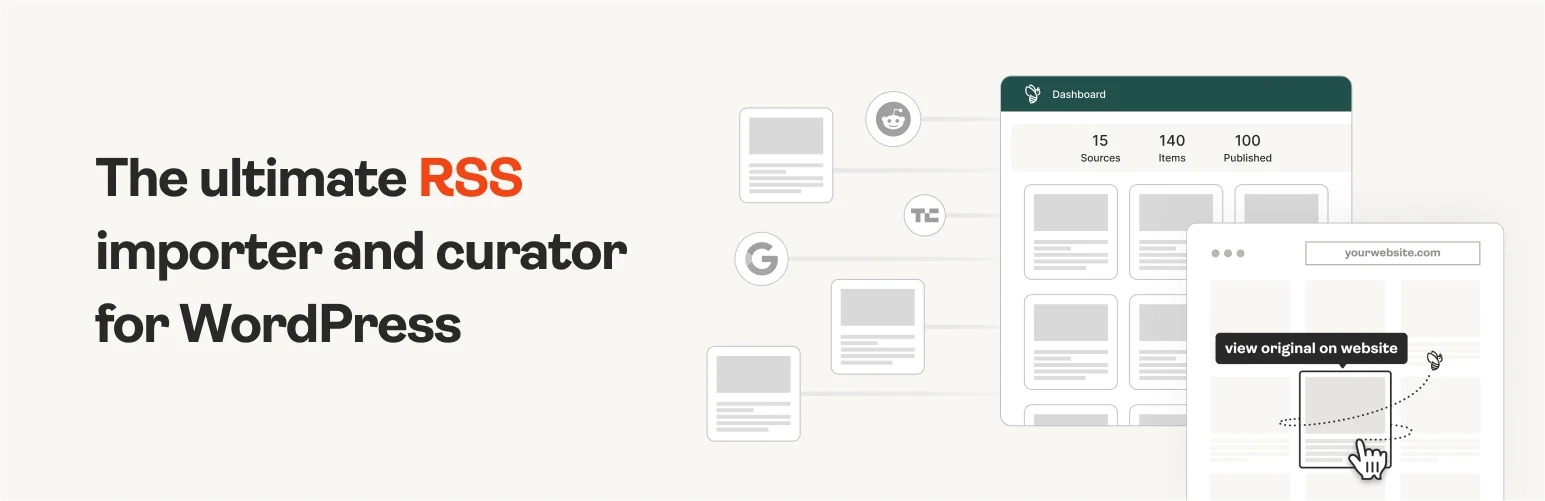
WP RSS Aggregator is the strongest all-round RSS option here. It can collect unlimited feed sources, organize imported items, display curated feeds, discover RSS URLs, and expand into feed-to-post and more advanced content workflows.
I would choose it when the site is intentionally becoming a content hub. The source-management interface matters once you follow dozens of publishers, because you need to know which feeds are healthy, which items should be rejected, and what is actually being shown to visitors.
Key features
- Unlimited RSS feed sources
- Feed auto-discovery
- Central hub for imported feed items
- Source folders and curation workflow
- Display feeds across WordPress
- Paid feed-to-post and advanced automation options
Pros: Mature aggregator workflow, strong source management, actively maintained in 2026, and suitable for serious content hubs.
Cons: Advanced feed-to-post, filtering, and full-content workflows can require paid features.
Best for: News aggregators, curated industry hubs, research sites, and publishers managing many external RSS sources.
Pricing: Free core plugin, with commercial plans for advanced import, filtering, and content features.
2. Feedzy – Best for Flexible Feed Display and Imports
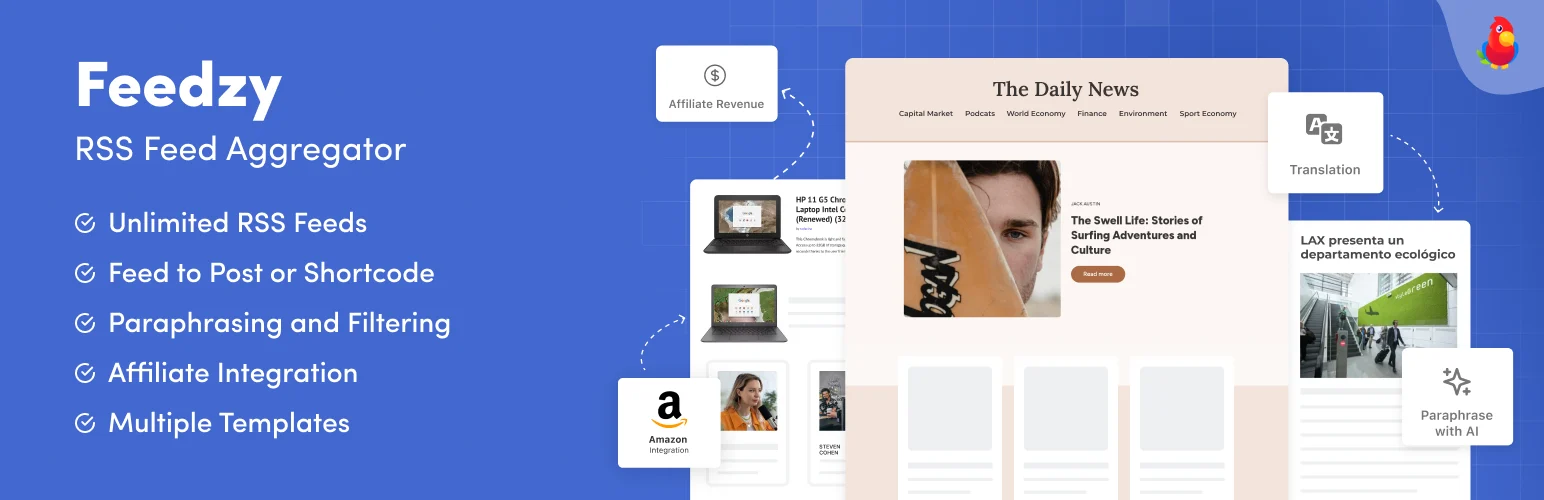
Feedzy RSS Feeds by Themeisle combines frontend feed display with more advanced feed-to-post workflows. The current plugin supports blocks, shortcodes, widgets, source filtering, images, custom post types, and automated imports depending on the plan.
I like Feedzy when marketers want RSS content inside normal page-building workflows. A page can display a curated external feed without creating posts, while a separate import can turn selected sources into editable drafts for an editorial team.
Key features
- Display unlimited RSS feeds
- Gutenberg blocks, shortcodes, and widgets
- Feed-to-post imports on supported plans
- Title/content filtering
- Image, category, tag, and custom post type mapping
- Scheduled import automation in Pro
Pros: Flexible display options, strong WordPress editor fit, and actively maintained through WordPress 7.1.
Cons: The most useful automated import features are part of the paid product.
Best for: Marketing sites, affiliate/editorial teams, and businesses that want both feed widgets and controlled imports.
Pricing: Free version available, with Feedzy Pro plans for feed-to-post automation and advanced filtering.
3. WPeMatico – Best for Advanced Automated RSS Campaigns
WPeMatico is the most campaign-oriented option here. It can fetch RSS or XML sources on a schedule and create posts, pages, or custom post types with rules for categories, templates, images, timing, and campaign behavior.
I would choose it when automation control matters more than a polished frontend feed widget. The campaign model is useful for large import setups because each source group can have its own schedule, template, mapping, and logs.
Key features
- Scheduled RSS and XML campaigns
- Import to posts, pages, or custom post types
- Category and template mapping
- Featured-image and content controls
- Campaign logs, scheduling, and diagnostics
- Large add-on ecosystem for advanced autoblogging
Pros: Deep automation controls, mature campaign model, frequent 2026 security and stability updates, and strong fit for high-volume imports.
Cons: More technical than Feedzy or WP RSS Aggregator, and easy to over-automate if editorial review is not part of the workflow.
Best for: Advanced aggregators, niche news sites, internal feeds, and teams managing many scheduled import campaigns.
Pricing: Free core plugin, with commercial add-ons and bundles for advanced content extraction and automation.
4. Super RSS Reader – Best for Displaying RSS Feeds Without Importing Posts

Super RSS Reader is a display-first plugin. It can show RSS feeds in widgets with tabs, thumbnails, ticker-style movement, and several visual options without turning every feed item into a local WordPress post.
That is often the safer model for a sidebar news feed, partner updates, industry headlines, or a small resources area. You avoid filling the WordPress database with imported posts when visitors only need links to the original sources.
Key features
- Display external RSS feeds
- Tabbed feed layouts
- Thumbnail support
- Ticker-style feed display
- Customizable colors and widget presentation
- No requirement to create local posts
Pros: Simple display model, useful for external news widgets, and avoids creating unnecessary imported content.
Cons: Not the right choice for complex feed-to-post automation or editorial curation workflows.
Best for: Sidebar feeds, partner updates, small news tickers, and sites that want to link out to original sources.
Pricing: Free version available, with a Pro edition for additional display controls.
5. FeedWordPress – Best for Traditional RSS Syndication

FeedWordPress is a long-running syndication plugin that turns items from selected feeds into WordPress posts. It is less polished than the newer commercial aggregators, but its model is clear and still useful for traditional syndication projects.
I would only use this workflow when the site has a clear right to republish or transform the source material. Creating local posts makes sense for owned networks, partner feeds, internal syndication, or sources with explicit permission. It is not a license to copy arbitrary publishers.
Key features
- Syndicate RSS items into WordPress posts
- Multiple feed-source support
- Category and author mapping
- Traditional feed-to-post workflow
- Useful for owned or permission-based content networks
- Free open-source plugin
Pros: Free, established, and useful for classic WordPress syndication workflows.
Cons: More traditional interface and less modern curation tooling than WP RSS Aggregator or Feedzy.
Best for: Owned site networks, partner syndication, and permission-based feeds that should become local WordPress posts.
Pricing: Free.
Which One Should You Choose?
WP RSS Aggregator is my first choice for a dedicated content hub. Feedzy is better when RSS needs to fit into marketing and normal page-building workflows. WPeMatico gives advanced campaign control, Super RSS Reader is the simplest display-only option, and FeedWordPress still fits traditional syndication.
For SEO, the key question is not whether a plugin can publish 100 feed items automatically. It is whether those pages add original value. Use excerpts, source attribution, editorial commentary, categorization, summaries, or original analysis where appropriate, and make sure you have the rights to republish any content you store locally.
Conclusion
RSS can still power useful WordPress content workflows, but automation should not replace editorial judgment. WP RSS Aggregator is the strongest dedicated hub, Feedzy offers a flexible marketing-friendly workflow, and WPeMatico is best for advanced campaigns. Super RSS Reader keeps external feeds lightweight, while FeedWordPress remains useful for traditional syndication. Choose the model first, then the plugin.
Frequently Asked Questions
What is the best RSS feed plugin for WordPress?
WP RSS Aggregator is the best all-round dedicated aggregator. Feedzy is stronger when you want RSS display and import features inside a broader marketing workflow.
Can WordPress import RSS feeds as posts?
Yes. WP RSS Aggregator, Feedzy, WPeMatico, and FeedWordPress can support feed-to-post workflows, although the exact capabilities vary between free and paid editions.
Is RSS autoblogging good for SEO?
Automatically republishing commodity or duplicated content is not a strong SEO strategy. Aggregation is more useful when your site adds curation, context, analysis, organization, or another clear reason for users to visit your version.
Can I legally republish complete RSS articles?
An RSS feed does not automatically grant permission to republish full copyrighted articles. Follow the source’s license or syndication terms and obtain permission when necessary.
Should RSS items be displayed or imported into WordPress?
Display-only feeds are simpler when you only want external headlines and links. Import items as local posts when you need editing, categorization, archives, search, or a permission-based syndication workflow.

