



Social feed plugins solve the opposite problem from social sharing and auto-posting tools: they bring content from Instagram, Facebook, YouTube, TikTok and other networks back into WordPress. The best WordPress social media feed plugins should keep API connections stable, cache feeds for performance, provide useful moderation controls and make the final layout look like part of your site rather than a pasted widget.
TL;DR
Smash Balloon is the safest all-round choice for major social networks. Spotlight Social Feeds is excellent for Instagram-focused sites. Feed Them Social gives a straightforward multi-network WordPress workflow. Juicer is strong for combining multiple sources into one social wall, while Flow-Flow Social Stream suits visually rich mixed feeds.
Quick Comparison
| Plugin | Best for | Pricing model |
|---|---|---|
| Smash Balloon | Major social networks | Free network-specific plugins; paid plans and bundles |
| Spotlight Social Feeds | Instagram-focused sites | Free version; Pro adds advanced sources and controls |
| Feed Them Social | Simple multi-network feeds | Free core with premium extensions |
| Juicer | Combining many networks | Free plan plus paid hosted tiers |
| Flow-Flow Social Stream | Visual mixed social walls | Premium plugin |
How I Chose These Plugins
I focused on supported networks, mixed-feed capability, moderation, caching and performance, responsive layouts, API maintenance and whether the plugin stays useful without buying every premium add-on. I also checked this topic against our social sharing plugins and social auto-poster plugins so the page owns the separate inbound-feed intent.
1. Smash Balloon — Best Overall for Major Social Networks
Smash Balloon has a mature WordPress ecosystem for displaying social content. Its network-specific plugins cover major platforms, and the paid bundle becomes useful when you want several networks with deeper layout and filtering controls.
Key features
- Facebook feeds
- Instagram feeds
- YouTube feeds
- TikTok feed support
- Responsive layouts
- Caching and feed customization
Pros
- Established WordPress ecosystem
- Strong network-specific features
- Free options for individual networks
Cons
- Multiple networks can make premium bundles expensive
- Some networks use separate plugins
Pricing
Free network-specific plugins are available. Paid plans and bundles add advanced layouts, filters, moderation and more source options. Check current bundle pricing before buying.
2. Spotlight Social Feeds — Best for Instagram-Focused Sites
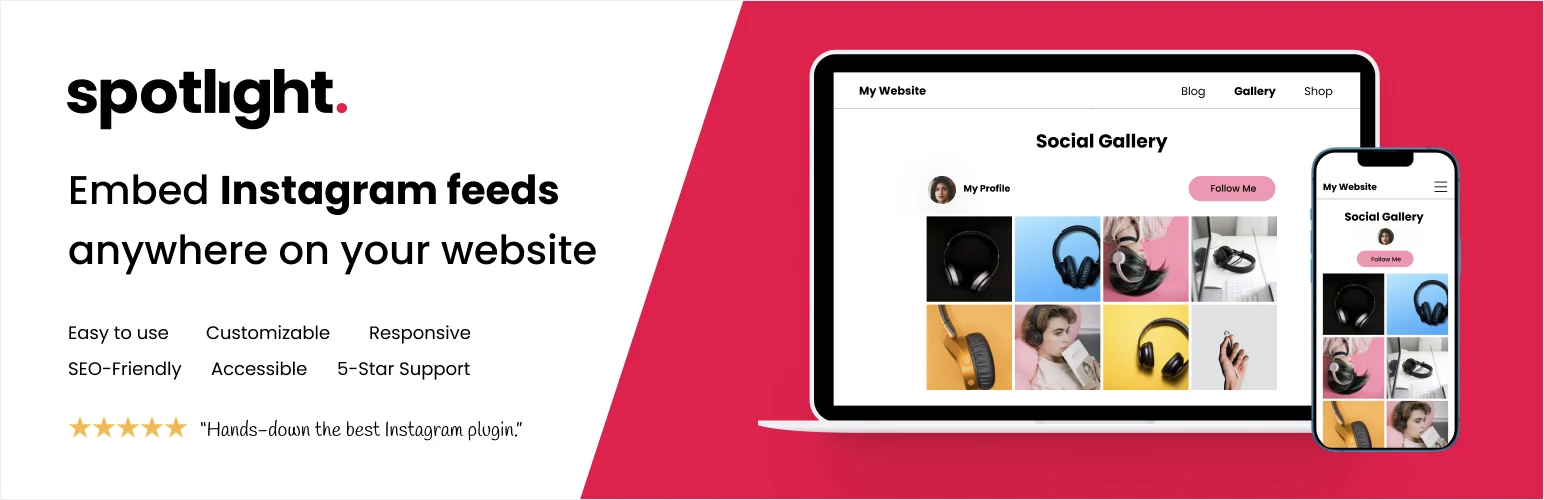
Spotlight is one of the cleanest choices when Instagram is the main network. Its visual feed designer makes it easy to build polished grids, sliders and responsive layouts without touching code.
Key features
- Instagram feed embedding
- Grid, slider and masonry layouts
- Visual feed designer
- Filtering and moderation
- Hashtag and tagged-post feeds on paid plans
- Product and promotional linking features
Pros
- Excellent Instagram workflow
- Polished visual editor
- Good for creator and store sites
Cons
- Instagram-focused rather than multi-network
- Advanced sources require Pro
Pricing
A free version is available. Pro plans add more sources, moderation, promotions and advanced display controls.
3. Feed Them Social — Best Straightforward Multi-Network Plugin

Feed Them Social is a practical choice when you want a WordPress-native plugin for several common networks without moving the whole workflow into an external SaaS dashboard.
Key features
- Facebook feed support
- Instagram feed support
- YouTube feed support
- Responsive feed layouts
- Shortcode-based embedding
- Premium extensions for additional controls
Pros
- Simple WordPress workflow
- Covers several networks
- Free core available
Cons
- Interface is less visual than newer hosted tools
- Feature depth varies by network
Pricing
The core plugin is free. Premium extensions and bundles add more feed types and controls.
4. Juicer — Best for Combining Many Networks

Juicer is a hosted social aggregator that works well when your priority is pulling several social sources into one unified wall. The external service handles much of the connection and feed management.
Key features
- Multi-network aggregation
- Unified social wall
- Moderation and filters
- Embeddable responsive feed
- Templates and branding controls
- Analytics on higher plans
Pros
- Broad network support
- Good mixed-feed use case
- Hosted service manages connections
Cons
- External service dependency
- Paid tiers needed for more feeds and branding control
Pricing
A free plan is available. Paid hosted plans add more sources, moderation, analytics and branding controls.
5. Flow-Flow Social Stream — Best for Visual Mixed Social Walls
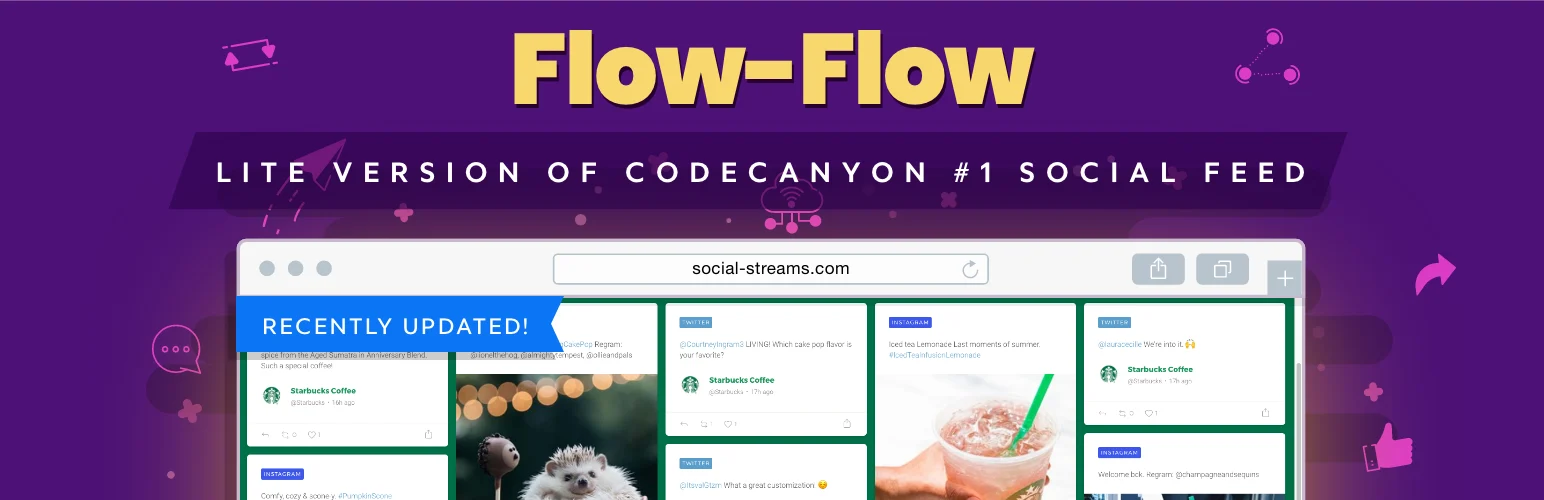
Flow-Flow is built for visually rich social walls that combine several sources. It is a better fit for event, portfolio and brand sites where the feed itself is a major visual section.
Key features
- Multiple social sources
- Grid and masonry layouts
- Feed moderation
- Responsive templates
- Caching controls
- Visual customization
Pros
- Strong visual presentation
- Useful mixed-feed layouts
- Good for brand and event walls
Cons
- Premium product
- Social API changes may require ongoing updates
Pricing
Flow-Flow is sold as a premium plugin. Check its current marketplace/vendor license before purchase.
How to Choose a WordPress Social Media Feed Plugin
Start with the networks you actually use. If Instagram is the priority, Spotlight is easier to justify than a broad aggregator. If you need several networks, Smash Balloon, Feed Them Social or Juicer make more sense. Also check caching, moderation and API maintenance because a beautiful feed is not useful if it slows the page or disconnects regularly.
Conclusion
Smash Balloon is the best all-round starting point for most WordPress sites. Spotlight is better for Instagram-heavy brands. Feed Them Social keeps the workflow simple, while Juicer and Flow-Flow are better for mixed social walls.
Frequently Asked Questions
What is the difference between a social feed plugin and a social sharing plugin?
A social feed plugin displays content from social networks on WordPress. A sharing plugin adds buttons that let visitors share your WordPress content outward.
Which plugin is best for Instagram feeds?
Spotlight is a strong Instagram-focused option. Smash Balloon is better if you also need other major networks.
Do social feed plugins slow WordPress?
They can if feeds load many external assets. Choose a plugin with caching and limit the number of posts and scripts loaded on each page.
Can I combine several social networks in one feed?
Yes. Juicer, Flow-Flow and some premium multi-network tools can combine several sources into one wall.

