


Sharing your website content is much easier when you can Auto-Post WordPress to Social Media. Using the right WordPress Auto-Poster Plugin can help you publish your posts to many platforms without doing it all by hand. Today, Social Media Plugins for WordPress are important for anyone who wants to build an online presence. If you want an easy way to keep your feeds active, a Social Media Scheduling Plugin will save you time and help reach more people.
This guide will talk about the top five free plugins. They all help you Auto-Post WordPress to Social Media. We will explain what makes each WordPress Auto-Poster Plugin special and how you can use these Social Media Plugins for WordPress even if you are new to websites. You will learn how each Social Media Scheduling Plugin can help you and which one is best for your needs.
What is a Social Auto Poster Plugin?
A WordPress Auto-Poster Plugin is a tool that lets you Auto-Post WordPress to Social Media platforms like Facebook, LinkedIn, Twitter, and more. With these Social Media Plugins for WordPress, you connect your blog to your social network accounts. After you publish a new post, the plugin sends it out for you.
Many people find a Social Media Scheduling Plugin useful because it removes the manual part. With a good WordPress Auto-Poster Plugin, you link your accounts once. After that, the plugin takes care of posting. These Social Media Plugins for WordPress let you decide when to share-right away or at the best time using their built-in Social Media Scheduling Plugin features.
Top 5 Free Social Auto Poster Plugins for WordPress
These plugins all offer ways to Auto-Post WordPress to Social Media. We will highlight how each WordPress Auto-Poster Plugin works and what makes their Social Media Scheduling Plugin features helpful.
1. Bit Social – Advanced Social Media Schedule & Auto Poster Plugin for WordPress
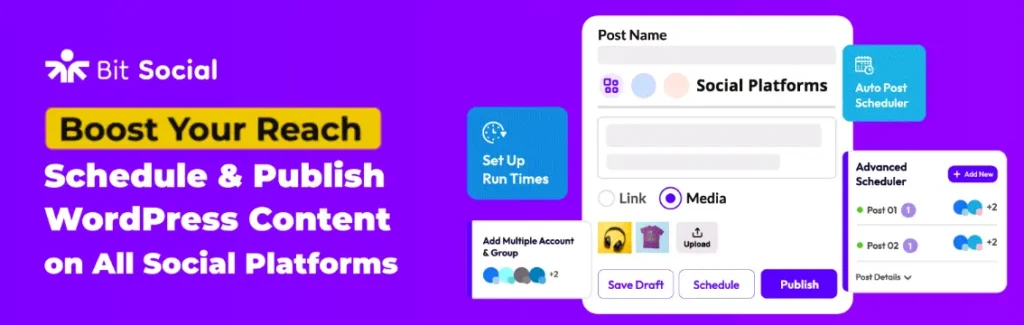
Bit Social is a user-friendly WordPress Auto-Poster Plugin. You can Auto-Post WordPress to Social Media with just a single click to connect your accounts. It works great as one of the top Social Media Plugins for WordPress, and is good for WooCommerce users too.
Free vs. Pro: The free version connects your main accounts and lets you start using the important features of a Social Media Scheduling Plugin. To unlock all networks, especially for WooCommerce, you can upgrade to Pro.
2. Blog2Social – Social Media Auto Post & Scheduler
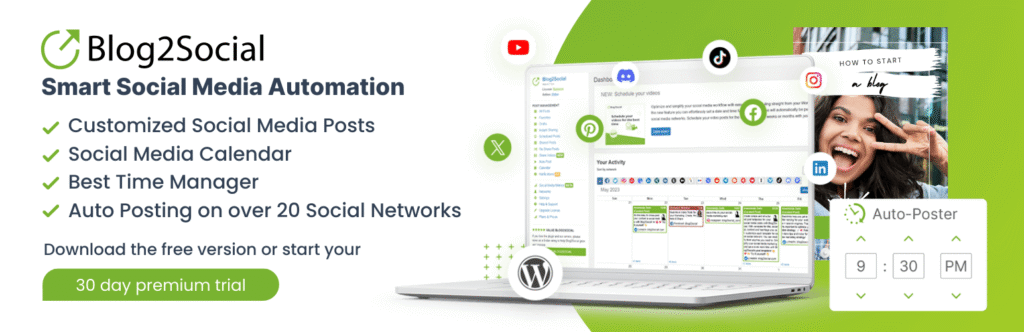
Blog2Social is another leading WordPress Auto-Poster Plugin. It stands out among Social Media Plugins for WordPress because it connects to many platforms and has smart Social Media Scheduling Plugin capabilities.
Free vs. Premium: The free Blog2Social WordPress Auto-Poster Plugin gives you scheduling power. For teams or advanced Social Media Scheduling Plugin options, consider the paid versions.
3. FS Poster – WordPress Social media Auto Poster & Scheduler

FS Poster helps you Auto-Post WordPress to Social Media and is a top Social Media Plugins for WordPress option if you want control and analytics. Its Social Media Scheduling Plugin features help you plan ahead.
Free vs. Premium: Free includes the basics for smaller sites. Expert users who need to Auto-Post WordPress to Social Media with unlimited accounts should use the Pro plan.
4. SchedulePress – Auto Post & Publish, Auto Social Share, Schedule Posts
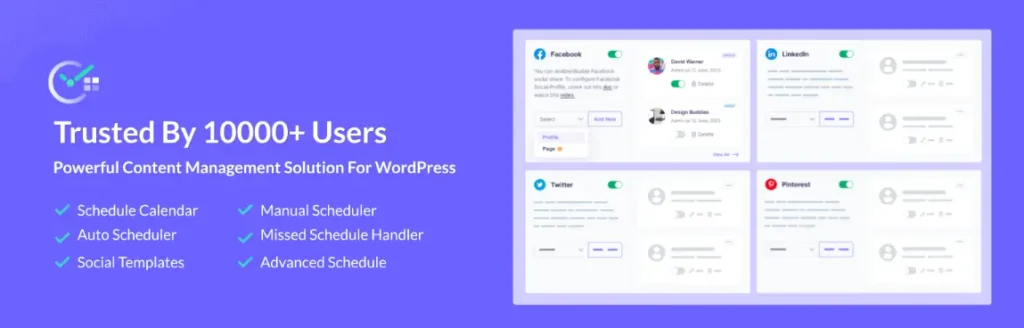
SchedulePress stands out as an editorial calendar and Social Media Scheduling Plugin. If you want total overview and planning, it is a top WordPress Auto-Poster Plugin for you.
Free vs. Pro: The free version of this Social Media Plugins for WordPress tool is enough for basic users. Power users can unlock advanced Social Media Scheduling Plugin options in Pro.
5. Revive Social – Social Media Auto Post and Scheduling Automation Plugin
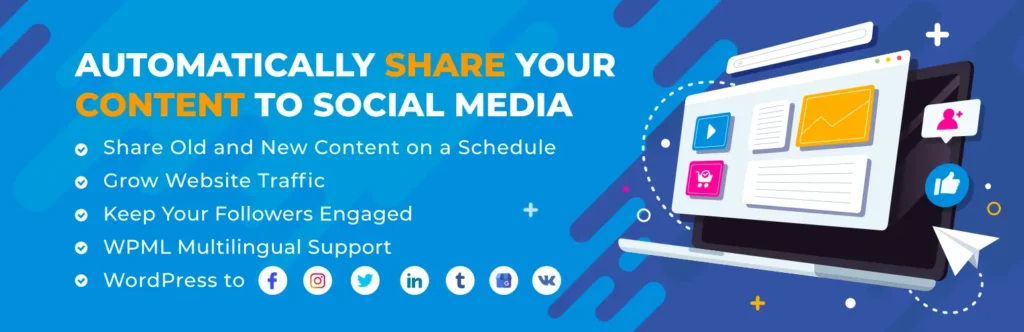
Revive Social shines if you want to re-share old content. It is often called the best WordPress Auto-Poster Plugin for evergreen posts, and its Social Media Scheduling Plugin function keeps your feeds active.
Free vs. Pro: You can Auto-Post WordPress to Social Media with the free version. For teams, multiple LinkedIn profiles, or the richest Social Media Scheduling Plugin tools, go Pro.
Plugin Comparison Summary
| Plugin | Free Features | What Pro Adds |
|---|---|---|
| Bit Social | Auto-Post WordPress to Social Media on Facebook & LinkedIn | More networks, WooCommerce auto-post, unlimited accounts, and advanced features. |
| Blog2Social | Scheduled posts, custom messages, 14 networks | Team options, TikTok, YouTube, advanced Social Media Scheduling Plugin features |
| FS Poster | 9 networks, up to 5 posts/day | 22+ networks, unlimited Auto-Posting, Instagram, analytics |
| SchedulePress | Visual calendar with Social Media Plugins for WordPress | Google Business Profile, more profiles, advanced Social Media Scheduling Plugin rules |
| Revive Social | New and old posts, WooCommerce, analytics | Telegram, multiple profiles, advanced auto-sharing |
How to Get the Most Out of a Social Media Scheduling Plugin
If you want to Auto-Post WordPress to Social Media effectively, keep these tips in mind:
A good social media automation strategy can handle repetitive publishing while still leaving room for manual engagement, replies, and platform-specific content.
When Is the Best Time to Auto-Post WordPress to Social Media?
The timing with your Social Media Scheduling Plugin matters. Most studies show that weekdays from 10 AM to 1 PM are the best for engagement. Using a WordPress Auto-Poster Plugin and scheduling for these times will help you reach more people.
Social Media Plugins for WordPress like Blog2Social and SchedulePress allow you to test post times and see which ones bring the most clicks. Facebook, for example, is best in the morning. Instagram and TikTok do better from lunch to early evening. Try different times using your Social Media Scheduling Plugin and keep track of what works.
How Social Media Plugins for WordPress Help Your Site Grow
When you Auto-Post WordPress to Social Media using a WordPress Auto-Poster Plugin, more people will see your website. Even if shares to social networks are not a direct Google ranking factor, every good Social Media Scheduling Plugin can help.
Here’s how Social Media Plugins for WordPress work for your benefit:
Consistent posting with a WordPress Auto-Poster Plugin will make your site look active. That is good for both users and search engines.
Conclusion
If you want to Auto-Post WordPress to Social Media, you have many options. Each WordPress Auto-Poster Plugin we described is easy to use for anyone-even if you are not techy. All these Social Media Plugins for WordPress have free versions, so you can try a Social Media Scheduling Plugin risk-free.
Bit Social is simple and good for WooCommerce. Blog2Social and FS Poster are best for larger sites or when you want to pick post times. SchedulePress helps plan with a calendar. Revive Social is ideal for stores or blogs with evergreen posts needing a quality Social Media Scheduling Plugin.
Test a few WordPress Auto-Poster Plugin options and see which one fits your workflow. With the right Social Media Plugins for WordPress, you will save time, reach more readers, and enjoy social sharing.
Frequently Asked Questions (FAQ)
How can I Auto-Post WordPress to Social Media?
Use a WordPress Auto-Poster Plugin. Link your accounts in the dashboard. Your Social Media Plugins for WordPress send posts automatically.
Are there free Social Media Plugins for WordPress for auto-posting?
Yes. Bit Social, Blog2Social, FS Poster, SchedulePress, and Revive Social all offer a free Social Media Scheduling Plugin option.
How does a Social Media Scheduling Plugin help my site?
You reach more users, drive more traffic, and your website looks active. These benefits make a WordPress Auto-Poster Plugin a smart tool.
Can I schedule posts with a WordPress Auto-Poster Plugin?
Yes, every Social Media Plugins for WordPress in this list offers Social Media Scheduling Plugin functions so you can set posts to go out at the best time for your audience.
Which Social Media Scheduling Plugin is best for WooCommerce products?
Bit Social (Pro), FS Poster (Pro), and Revive Social work well for shops needing to Auto-Post WordPress to Social Media with products.
Are Social Media Plugins for WordPress easy to set up?
Most WordPress Auto-Poster Plugins focus on beginner-friendly setup. You can link accounts with a click and start using Social Media Scheduling Plugin features quickly.
Can I Auto-Post WordPress to Social Media on all networks?
Each Social Media Plugins for WordPress support different networks. Check the plugin’s details for the ones you want to reach.
How do Social Media Plugins for WordPress help SEO?
They drive genuine visitors and can earn you backlinks. A Social Media Scheduling Plugin keeps your brand top of mind and site active-both help with SEO.
What’s the best Social Media Scheduling Plugin?
It depends on your needs, but with any WordPress Auto-Poster Plugin listed here, you will have strong Social Media Plugins for WordPress to try.
Do I need to upgrade my WordPress Auto-Poster Plugin?
Start free. If you want more from your Social Media Scheduling Plugin-extra profiles, advanced rules, or product auto-sharing-an upgrade can be worth it.


