



Social proof notification plugins show recent purchases, signups, reviews, visitor activity, or other real events in small on-site popups. They are different from testimonial plugins: the goal is timely behavioral proof rather than a static review section. Used carefully, they can support trust without turning the site into a stream of distracting alerts.
TL;DR
NotificationX offers the broadest WordPress-native feature set. Salert is focused on live sales popups. TrustPulse is a recognizable hosted FOMO platform, while Nudgify and Herd Effects are alternatives for real-time nudges and activity notifications.
Quick comparison
| Plugin | Best for | Active installs |
|---|---|---|
| NotificationX | Flexible WordPress social proof | 30,000+ |
| Salert | WooCommerce sales notifications | 8,000+ |
| TrustPulse | Hosted FOMO campaigns | 10,000+ |
| Nudgify | Behavioral nudges | 500+ |
| Herd Effects | Simple real-time popups | 1,000+ |
How I chose
I looked for maintained plugins whose core use case includes live social proof, sales activity, FOMO, or behavioral notifications. General testimonial, review-feed, popup, and push-notification plugins were excluded unless real-time social proof is a clear part of the product.
1. NotificationX
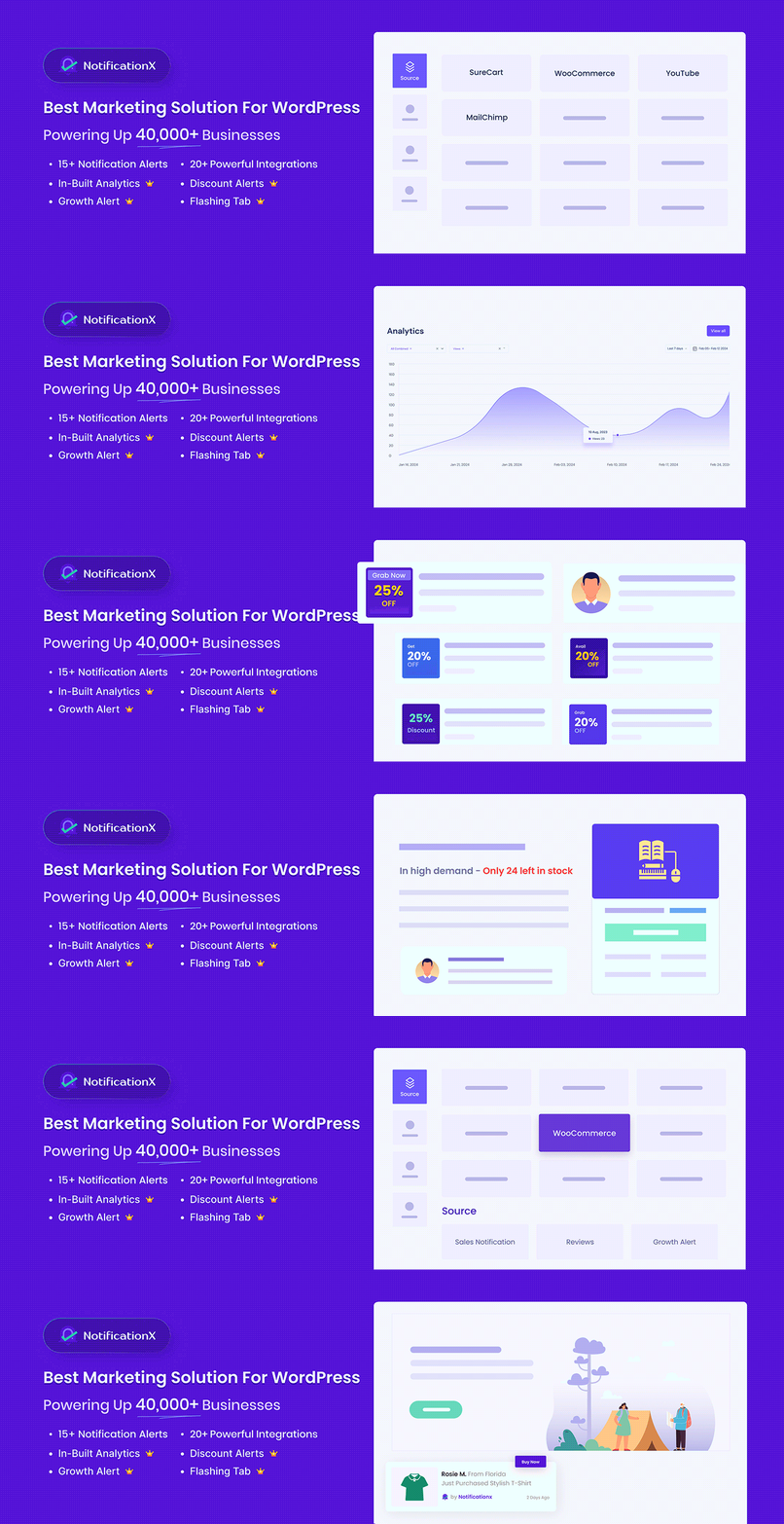
Best for: WordPress and WooCommerce sites that want several notification types in one plugin.
NotificationX has 30,000+ active installations and covers live sales notifications, FOMO alerts, announcement bars, and other notification formats. It is the most versatile choice here when you want to build multiple campaign types without combining several small plugins.
- Live sales and activity notifications
- WooCommerce-oriented social proof use cases
- Multiple notification and announcement formats
- Large install base relative to this niche
Limitation: the broad feature set can be more than a site needs. Keep campaign frequency conservative and avoid showing repetitive proof on every page.
2. Salert
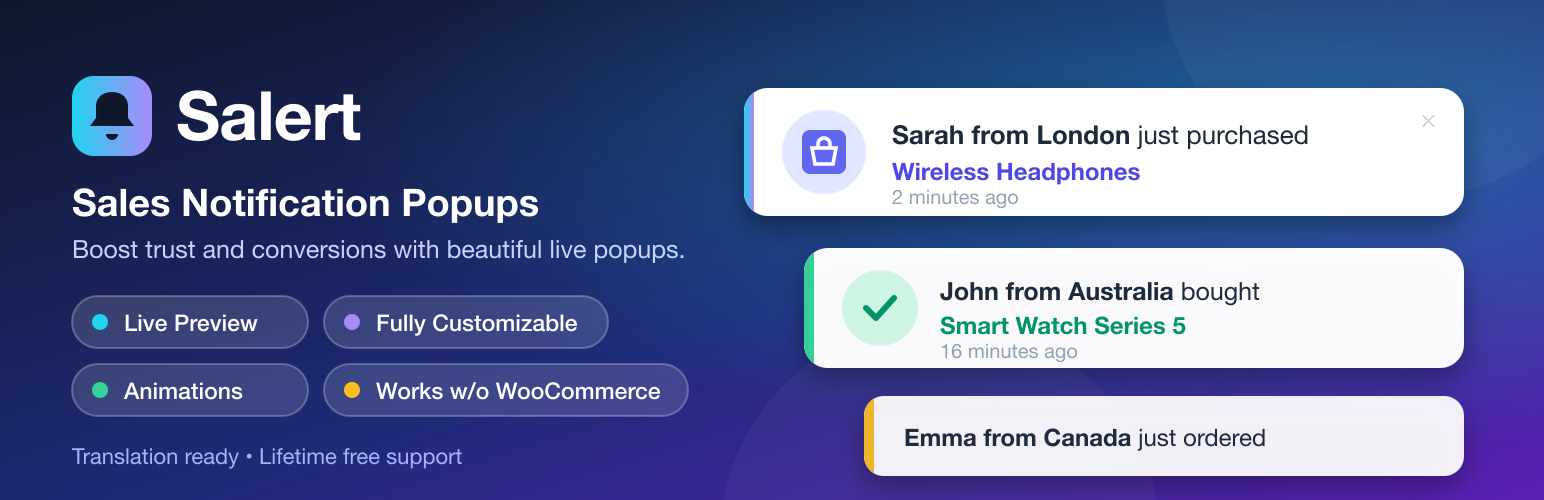
Best for: stores that mainly want recent-sales popups.
Salert is built around social proof and live sales notifications. With 8,000+ active installations, it is a narrower alternative for stores that do not need a full marketing-notification suite.
Limitation: sales popups work best when they reflect genuine activity. Avoid fake or misleading purchase events; short-term urgency is not worth damaging trust.
3. TrustPulse

Best for: businesses that prefer a hosted social-proof platform connected to WordPress.
TrustPulse uses a WordPress connector for its FOMO and social-proof service. It can suit businesses that want campaign management beyond a purely local WordPress plugin. The WordPress.org connector has 10,000+ active installations.
Limitation: it relies on an external service, so review the current plan limits, data handling, and pricing on the official TrustPulse site before committing.
4. Nudgify

Best for: sites that want small behavioral nudges and social-proof messages.
Nudgify approaches social proof as a set of on-page nudges rather than a conventional WordPress widget. Its WordPress.org plugin is smaller, with 500+ active installations, but it remains actively maintained.
Limitation: this is another service-led model. Confirm the current external account requirements and plan before choosing it over a self-contained WordPress option.
5. Herd Effects

Best for: simpler real-time social proof popup campaigns.
Herd Effects is different from the automatic live-sales tools above. Its current WordPress.org description says the free plugin uses user-defined or simulated activity rather than automatically pulling real-time purchases or signups from the site. That makes it useful for custom notification scenarios, but it should not be presented to visitors as verified live activity unless the underlying message is genuinely true.
Limitation: if you specifically need automatically verified WooCommerce sales or signup events, choose a tool with a real data integration instead of manually authored social-proof messages.
Social proof without annoying visitors
Use real events, limit frequency, keep notifications small on mobile, and avoid covering checkout controls or important content. If your main need is permanent customer feedback rather than activity popups, a WordPress testimonial plugin is the better fit.
What to look for in a social proof plugin
Start with the event source. A WooCommerce store may want verified purchase activity, while a SaaS site may care more about registrations or form submissions. Then check targeting: useful tools let you decide where a notification appears instead of showing the same message across every page.
Mobile behavior matters just as much. A small desktop popup can cover product options, sticky cart controls, or form fields on a phone. Look for position, timing, frequency, and dismissal controls. Finally, consider privacy. Hosted services may process event data outside WordPress, so review the vendor documentation and your consent/privacy setup before sending customer information to a third party.
Data source integrity matters
Social proof only works while visitors believe it. Prefer plugins that can connect to genuine orders, registrations, reviews, or form events when you want to describe the notification as recent activity. If a plugin uses manually entered examples or simulated data, label and configure those messages so they do not imply a purchase or signup actually occurred when it did not.
Final Take
NotificationX is the strongest starting point for a WordPress-native setup, while Salert is easier to justify for a focused store use case. Hosted options can be useful when you want centralized campaign tooling, but check their external-service requirements and current pricing first.
Social Proof Notification FAQs
What is a social proof notification?
It is a small on-site message showing activity such as a recent purchase, signup, review, or visitor action.
Are social proof popups the same as testimonials?
No. Testimonials are usually static customer feedback. Social proof notifications emphasize recent or real-time activity.
Can social proof hurt conversions?
Yes, if alerts are excessive, misleading, or block important mobile content. Frequency and placement matter.
Should I show fake sales notifications?
No. Use genuine data and clear messaging. Fabricated activity can undermine customer trust.

