



WooCommerce’s default My Account area is functional, but stores often need extra tabs, clearer navigation, role-specific content, or a more branded customer dashboard. These plugins approach that problem differently, from endpoint management to full visual redesign.
TL;DR
For WooCommerce My Account Page Plugins, choose around the workflow the store must run reliably rather than the longest feature list. I checked the options below against current WordPress.org listings and official product information before publication.
Quick Comparison
| Plugin | Best for | Pricing model |
|---|---|---|
| SysBasics Customize My Account for WooCommerce | a visual account-page redesign | Free version available; check the official developer site for current premium options. |
| Customize My Account Page | custom endpoints and personalized content | Free version available; Premium adds more visual and navigation controls. |
| Customize My Account for WooCommerce | account design plus login security | Free version available; the current listing advertises one-time Pro licenses. |
| Custom My Account Pages for WooCommerce | adding simple account pages | Free version available; advanced features are offered in Pro. |
| My Account Menu Builder for WooCommerce | navigation-focused customization | Free on WordPress.org at the time of review. |
How I Chose These Plugins
For this WooCommerce My Account Page Plugins roundup, I kept plugins only when they directly serve the workflow, have a current WordPress.org listing or official product presence, and offer a meaningfully different approach. Loosely related tools were excluded, and any requirement that matters to production should still be confirmed on the official product page before deployment.
1. SysBasics Customize My Account for WooCommerce
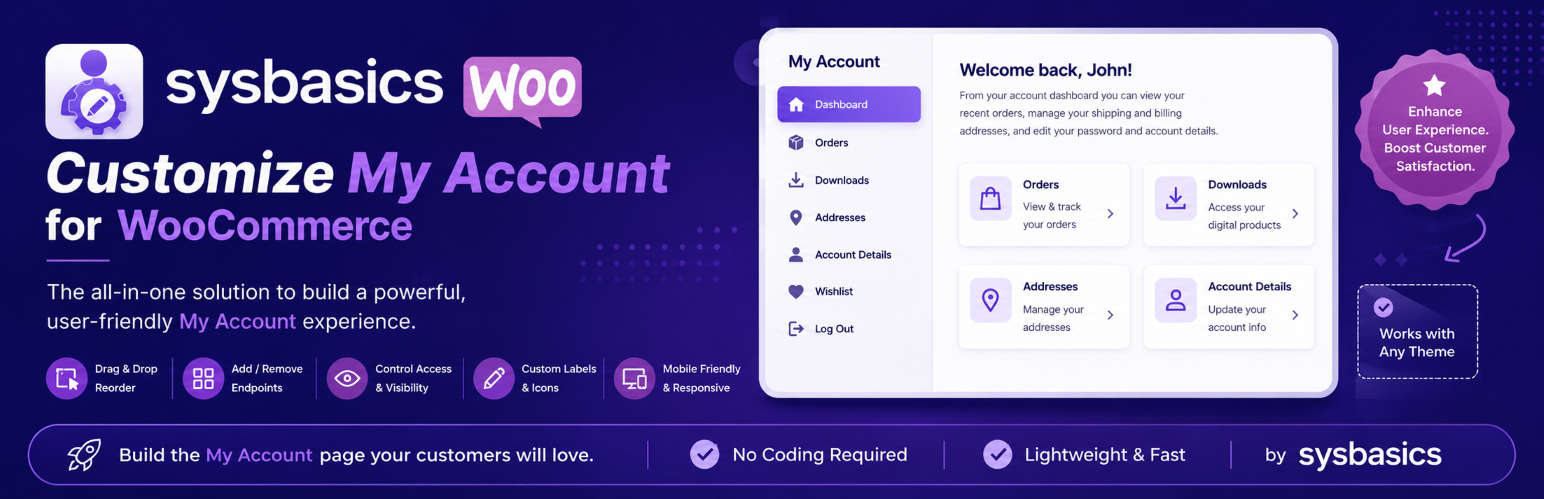
Best for a visual account-page redesign
SysBasics combines endpoint management with a live customizer and customer-dashboard features. Its listing highlights account navigation controls, spending views, shipment tracking, avatars and additional account-page tools.
What stands out
- A focused fit for the use case described above.
- Current WordPress.org listing was checked before inclusion.
- Designed to work inside a WooCommerce/WordPress workflow rather than as a generic unrelated tool.
Limitations to consider
Before using a WooCommerce My Account Page Plugins plugin on a production store, verify the exact free-versus-paid split, compatibility with the extensions that touch the same workflow, and whether the feature depends on an external service.
Pricing: Free version available; check the official developer site for current premium options.
2. Customize My Account Page
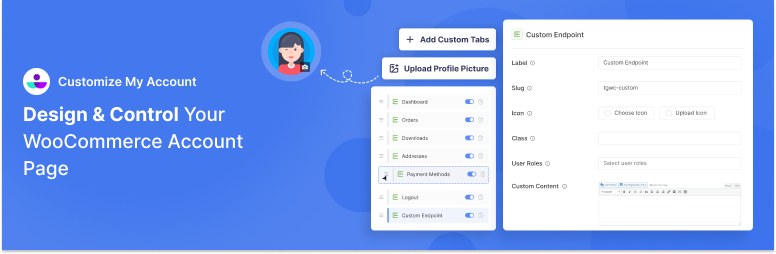
Best for custom endpoints and personalized content
ThemeGrill’s plugin can modify default endpoints, add custom endpoints and links, reorder account navigation, control visibility, use icons, and personalize content with user data.
What stands out
- A focused fit for the use case described above.
- Current WordPress.org listing was checked before inclusion.
- Designed to work inside a WooCommerce/WordPress workflow rather than as a generic unrelated tool.
Limitations to consider
Before using a WooCommerce My Account Page Plugins plugin on a production store, verify the exact free-versus-paid split, compatibility with the extensions that touch the same workflow, and whether the feature depends on an external service.
Pricing: Free version available; Premium adds more visual and navigation controls.
3. Customize My Account for WooCommerce
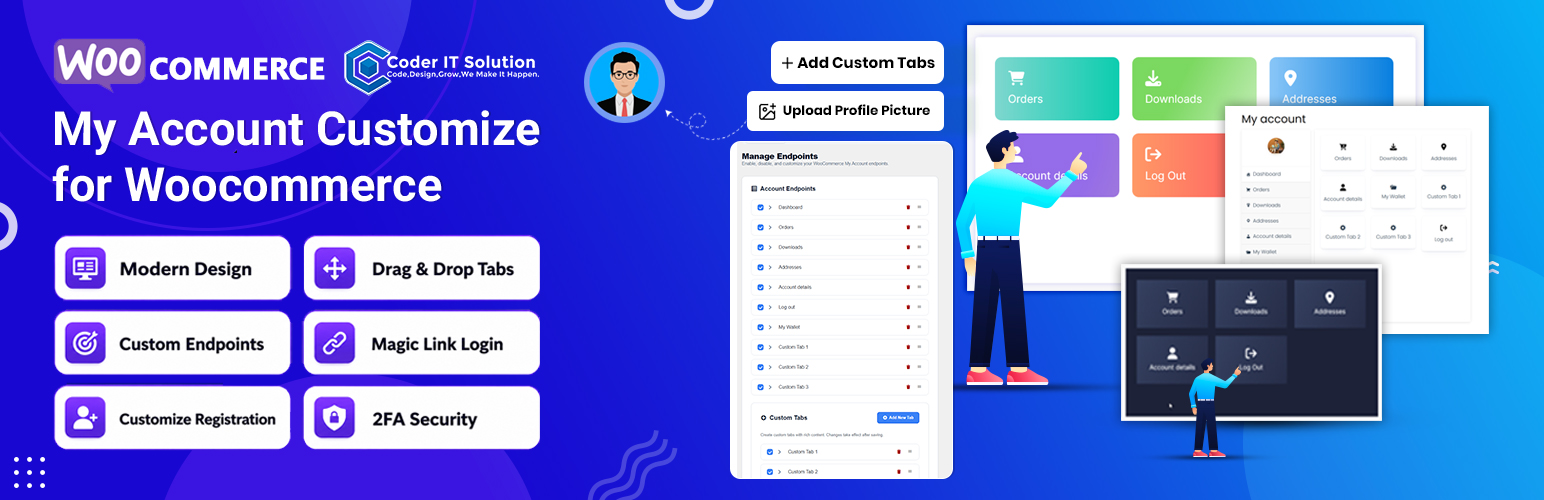
Best for account design plus login security
This plugin combines account themes and custom tabs with optional security features such as magic links, 2FA and passkeys in Pro. The free edition includes design themes, navigation controls and limited custom tabs.
What stands out
- A focused fit for the use case described above.
- Current WordPress.org listing was checked before inclusion.
- Designed to work inside a WooCommerce/WordPress workflow rather than as a generic unrelated tool.
Limitations to consider
Before using a WooCommerce My Account Page Plugins plugin on a production store, verify the exact free-versus-paid split, compatibility with the extensions that touch the same workflow, and whether the feature depends on an external service.
Pricing: Free version available; the current listing advertises one-time Pro licenses.
4. Custom My Account Pages for WooCommerce
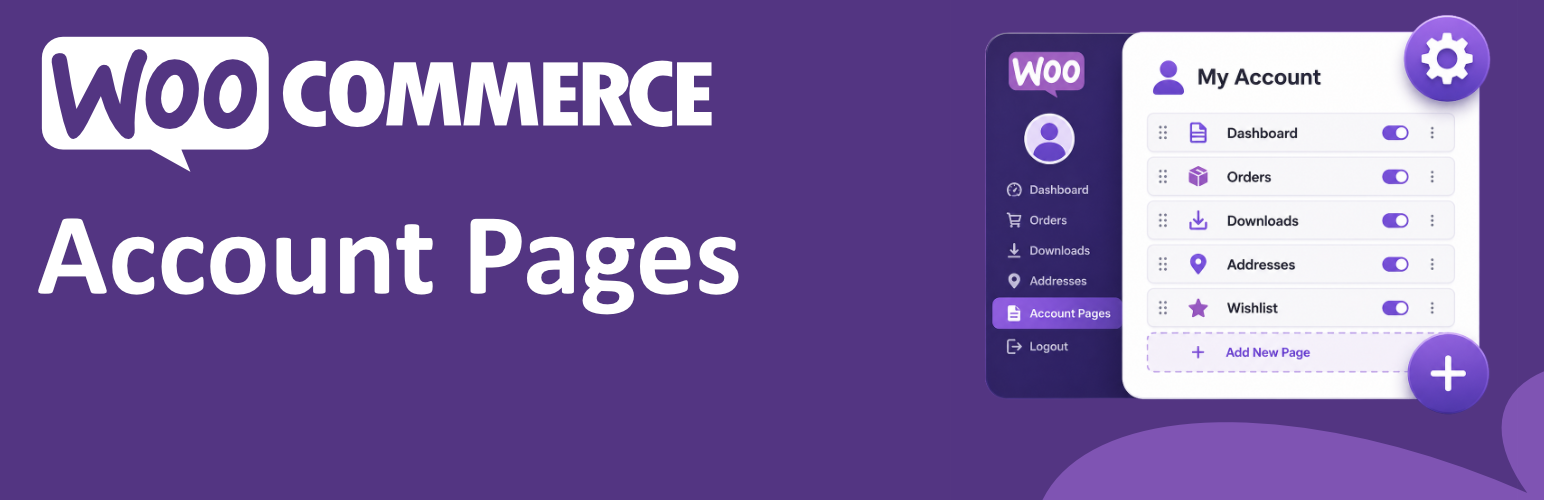
Best for adding simple account pages
Hulk’s plugin focuses on adding custom pages/endpoints and role-aware content without replacing the default WooCommerce account sections. It is a simpler fit when you need new tabs more than a full visual redesign.
What stands out
- A focused fit for the use case described above.
- Current WordPress.org listing was checked before inclusion.
- Designed to work inside a WooCommerce/WordPress workflow rather than as a generic unrelated tool.
Limitations to consider
Before using a WooCommerce My Account Page Plugins plugin on a production store, verify the exact free-versus-paid split, compatibility with the extensions that touch the same workflow, and whether the feature depends on an external service.
Pricing: Free version available; advanced features are offered in Pro.
5. My Account Menu Builder for WooCommerce
Best for navigation-focused customization
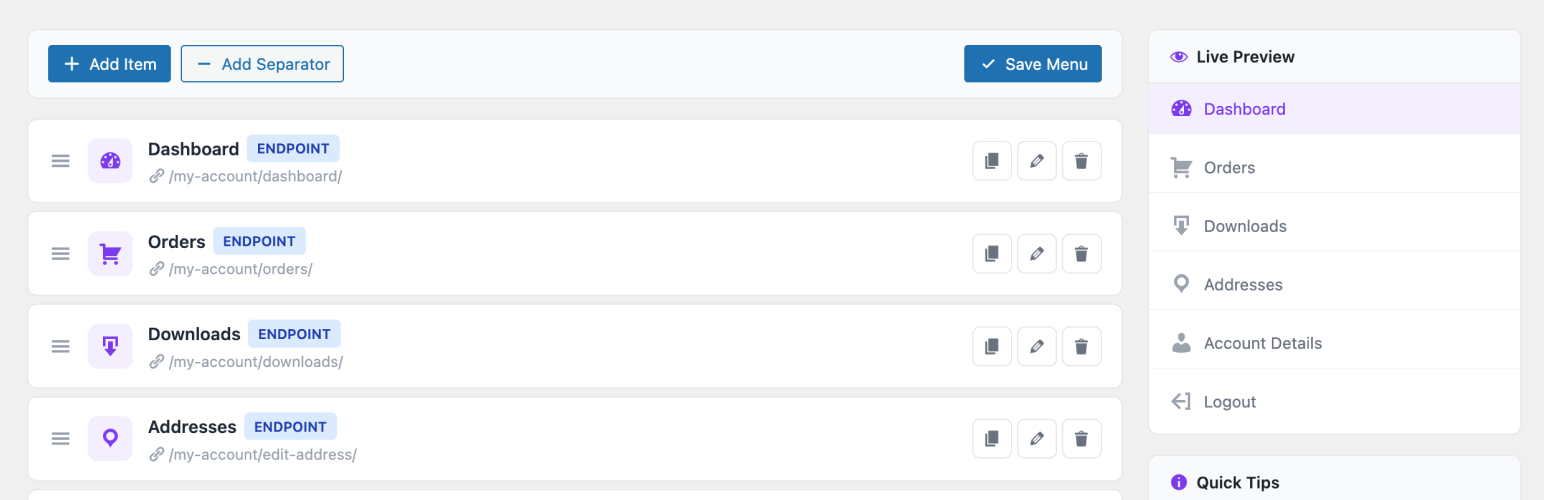
This plugin uses a visual menu builder for WooCommerce My Account navigation. It supports custom pages, icons, badges, drag-and-drop ordering and role-based visibility, making it useful when navigation structure is the main problem.
What stands out
- A focused fit for the use case described above.
- Current WordPress.org listing was checked before inclusion.
- Designed to work inside a WooCommerce/WordPress workflow rather than as a generic unrelated tool.
Limitations to consider
Before using a WooCommerce My Account Page Plugins plugin on a production store, verify the exact free-versus-paid split, compatibility with the extensions that touch the same workflow, and whether the feature depends on an external service.
Pricing: Free on WordPress.org at the time of review.
Account-page customization can complement WordPress user registration plugins and user role management plugins, but keep responsibilities separate to avoid competing account and permission logic.
How to Choose
For WooCommerce My Account Page Plugins, start with the one store task that cannot fail. Compare compatibility, data ownership, automation requirements, and whether the free edition covers that task. On a live WooCommerce site, test the change on staging and back up relevant order, product, customer, or financial data before rollout.
Final Take
There is no universal WooCommerce My Account Page Plugins choice for every WooCommerce store. The better fit is the option whose core workflow matches the store’s operational requirement without duplicating another extension. If two products solve the same job, prefer the simpler stack and verify current support before committing.
FAQs
Are free WooCommerce plugins enough for this job?
For a basic WooCommerce My Account Page Plugins workflow, a free edition can be enough. Paid tiers become more relevant when the store needs automation, advanced controls, integrations, or higher-volume management.
Should I test these plugins on a staging site first?
Yes. A WooCommerce My Account Page Plugins plugin can affect product, order, customer, checkout, or account behavior, so staging is the safer place to test compatibility before a production change.
How were the plugins selected?
Each WooCommerce My Account Page Plugins option was checked for a current official listing and direct relevance to the workflow. I excluded tools that only overlap loosely with the search intent.
Can plugin features or pricing change?
Yes. WooCommerce My Account Page Plugins features, limits, pricing, and compatibility can change. Verify any production-critical detail on the official product or WordPress.org page before purchase or deployment.

