



The default WooCommerce order-received screen confirms a purchase, but it does very little to guide the customer after checkout. A dedicated thank you page plugin can turn that moment into a clearer post-purchase experience with custom content, redirects, coupons, product-specific messages, or follow-up actions.
TL;DR
NextMove Lite is the best fit when the thank-you page is part of a post-purchase conversion flow. Thanko is better for visual customization and coupon offers. Thank You Page for WooCommerce and Custom Thank You Page suit stores that mainly need a branded replacement or redirect, while ThankRedirect is the most useful when different products or payment methods should send customers to different destinations.
Quick Comparison
| Plugin | Best for | Pricing starting point |
|---|---|---|
| NextMove Lite | conversion-focused post-purchase layouts | Free version on WordPress.org |
| Thanko Thank You Page Customizer | visual customization and coupons | Free version on WordPress.org |
| Thank You Page for WooCommerce | simple custom pages and redirects | Free version on WordPress.org |
| Custom Thank You Page for WooCommerce | replacing the default order-received page | Free version on WordPress.org |
| ThankRedirect | conditional post-purchase redirects | Free version on WordPress.org |
How I Chose These Plugins
I compared these plugins around the part of WooCommerce they actually change: whether they replace the order-received page, redirect it, add conditional rules, preserve order/customer information, or add post-purchase conversion elements. I also looked for current WordPress.org availability and avoided general funnel builders unless the plugin had a clear thank-you-page role.
1. NextMove Lite
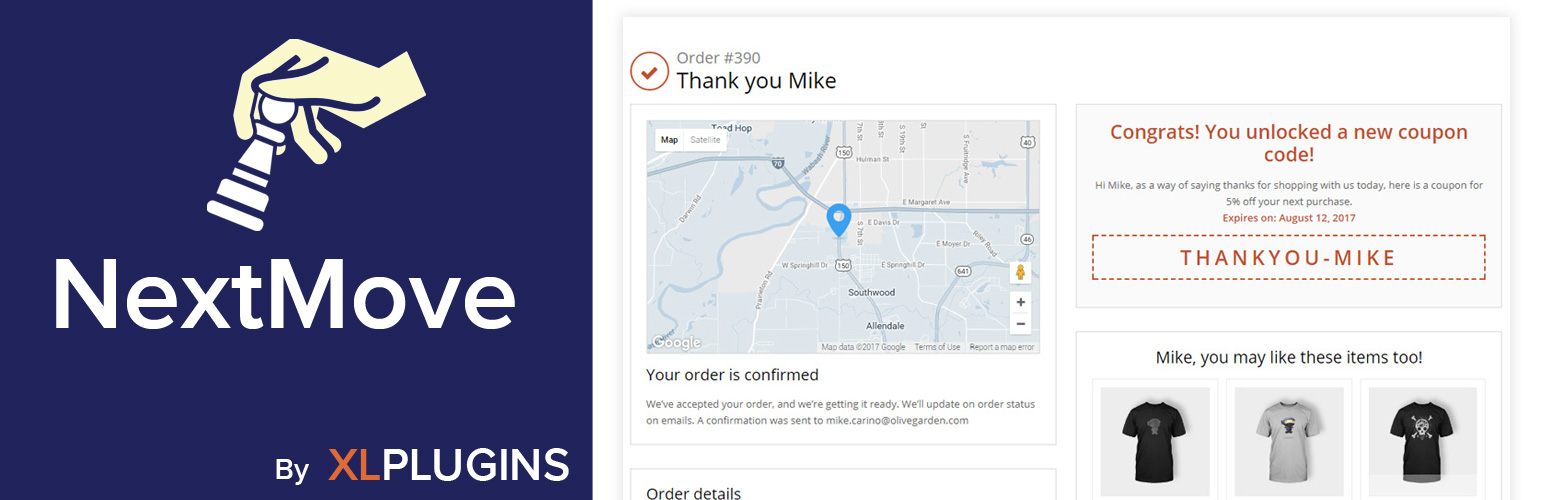
Best for: Conversion-focused post-purchase layouts.
Builds WooCommerce thank you pages from ready-made components and is aimed at stores that want more control over the post-checkout experience.
Key features
- Plug-and-play thank you page components
- order details and customer information blocks
- post-purchase page customization
Pros
- Focused specifically on post-purchase pages
- established WordPress.org adoption
Limitations
- Advanced conversion features may require the paid product
Pricing: this WooCommerce Thank You Page Plugins option has a free WordPress.org version. Check the current developer listing before buying an optional upgrade, especially if the paid tier changes limits, integrations, or support.
2. Thanko Thank You Page Customizer
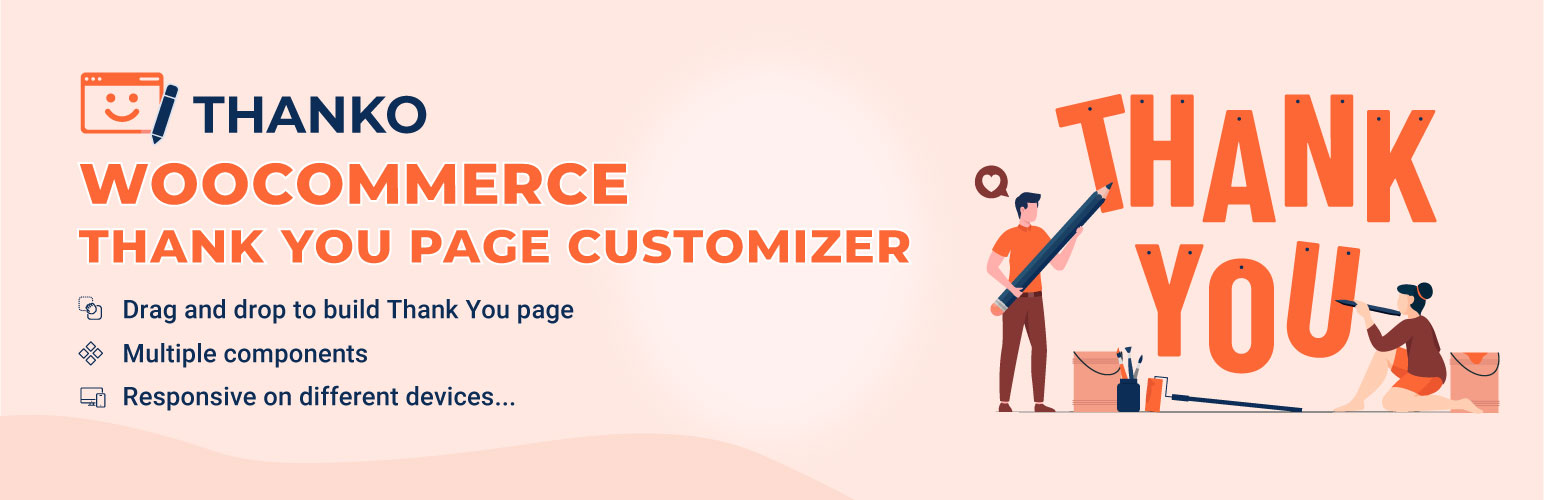
Best for: Visual customization and coupons.
Lets store owners customize the WooCommerce thank you page and add post-purchase elements such as coupon offers without rebuilding checkout itself.
Key features
- Thank you page customization
- coupon offers after purchase
- WooCommerce-focused controls
Pros
- Useful for stores that want a more branded confirmation page
- current WordPress.org listing
Limitations
- Feature depth differs between free and premium editions
Pricing: this WooCommerce Thank You Page Plugins option has a free WordPress.org version. Check the current developer listing before buying an optional upgrade, especially if the paid tier changes limits, integrations, or support.
3. Thank You Page for WooCommerce
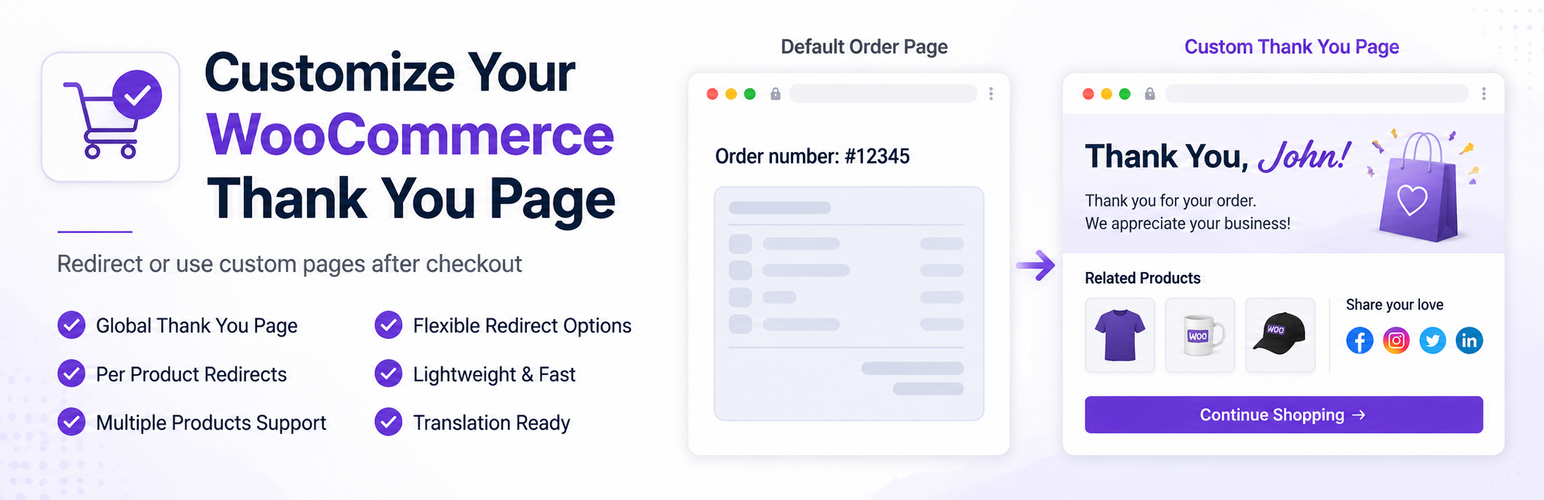
Best for: Simple custom pages and redirects.
Replaces or redirects the default order-received experience to a custom thank you page or URL.
Key features
- Custom thank you page
- custom thank you URL
- personalized post-purchase destination
Pros
- Simple scope
- strong fit when a redirect is the main requirement
Limitations
- Less suited to complex post-purchase funnel building
Pricing: this WooCommerce Thank You Page Plugins option has a free WordPress.org version. Check the current developer listing before buying an optional upgrade, especially if the paid tier changes limits, integrations, or support.
4. Custom Thank You Page for WooCommerce
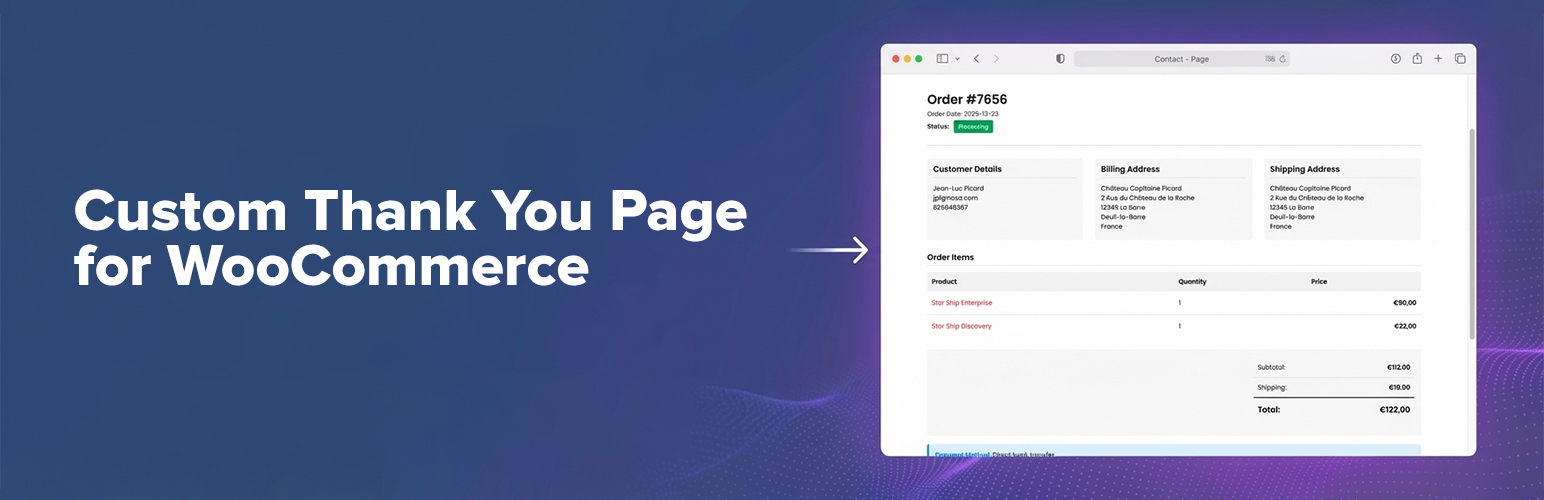
Best for: Replacing the default order-received page.
Provides a straightforward way to replace WooCommerce’s default thank you page with a custom page.
Key features
- Custom replacement page
- WooCommerce order-received customization
- lightweight workflow
Pros
- Easy to understand
- good for a branded confirmation page
Limitations
- Narrower feature set than funnel-oriented tools
Pricing: this WooCommerce Thank You Page Plugins option has a free WordPress.org version. Check the current developer listing before buying an optional upgrade, especially if the paid tier changes limits, integrations, or support.
5. ThankRedirect

Best for: Conditional post-purchase redirects.
Customizes the thank you experience with redirects that can depend on order context such as products, categories, or payment methods.
Key features
- Custom thank you pages
- conditional redirects
- product/category/payment-method conditions
Pros
- Useful when different purchases need different destinations
- focused rules
Limitations
- Smaller install base than the leading options
Pricing: this WooCommerce Thank You Page Plugins option has a free WordPress.org version. Check the current developer listing before buying an optional upgrade, especially if the paid tier changes limits, integrations, or support.
What a good post-purchase page should do
A strong thank-you page should answer four questions immediately: was the order successful, what did the customer buy, what happens next, and where can they get help? Branding and upsells come after those basics. If the page hides order details behind a promotion or sends customers somewhere unexpected, it can create support tickets instead of extra revenue.
Keep the confirmation experience consistent with your broader WooCommerce checkout setup. For subscription, bank-transfer, COD, or delayed-payment orders, make sure the wording reflects the real order state instead of implying that payment is complete when it is not.
How to Choose
Before choosing a plugin, decide whether you need a better-looking confirmation page or a true post-purchase workflow. Simple replacement plugins are easier to maintain. Conditional redirects become more useful when products, categories, gateways, or customer types need different next steps. Whatever you choose, preserve the order number, payment status, customer details, and next-action information customers expect after checkout. Test guest checkout, logged-in checkout, failed or delayed payments, and caching before going live.
Final Take
For most stores, the best thank-you-page plugin is the smallest one that supports the post-purchase action you actually need. Use a simple replacement for branding, a conditional redirect tool for routing, and a conversion-focused builder only when coupons, upsells, or follow-up actions justify the extra complexity.
FAQs
Can I replace the default WooCommerce thank you page safely?
Yes, but the replacement should still show essential order confirmation information and must be tested with your payment gateways and checkout flow.
Can different products use different thank you pages?
Some plugins support conditional redirects based on product, category, payment method, or order context. Check the exact conditions before choosing a plugin.
Will a custom thank you page affect payment processing?
It should not if the plugin only changes the post-payment destination, but poorly configured redirects can interfere with confirmation flows. Test successful, failed, and delayed payments.
Should the thank you page include order details?
Usually yes. Customers should be able to confirm the order number, purchased items, payment state, and what happens next.
Can I show a coupon or upsell after checkout?
Yes. Some conversion-focused thank-you-page plugins support coupons, offers, or additional actions after a completed order.

