



A shopper can like your product, trust your store, and still leave at checkout. Too many fields, a clumsy mobile layout, slow loading, or an unnecessary cart step can turn a ready-to-buy customer into an abandoned order. That is why I treat the WooCommerce checkout as a conversion page, not just the last form in the purchase process.
I have worked with WooCommerce stores where a checkout plugin made the buying flow noticeably easier to manage, but I have also seen stores install a full funnel builder when they only needed to remove two fields. The best WooCommerce checkout plugin depends on the actual friction you are trying to fix: layout, fields, one-page purchasing, order bumps, upsells, or simply skipping the cart.
For this 2026 comparison, I narrowed the list to seven tools that solve different checkout problems. Pricing was checked against current public pages in September 2026 and can change, so confirm the vendor page before purchasing. If you are improving a store more broadly, also see our best WooCommerce plugins roundup.
TL;DR: Best WooCommerce Checkout Plugins in 2026
- FunnelKit Funnel Builder: best overall for custom checkout pages, order bumps, and post-purchase funnels.
- CartFlows: best for stores that want checkout optimization plus a visual sales-funnel workflow.
- Fluid Checkout: best for a cleaner, conversion-focused checkout without rebuilding the whole funnel.
- CheckoutWC: best premium option when you want a polished Shopify-style checkout experience.
- Flexible Checkout Fields: best for adding, removing, and conditionally showing checkout fields.
- Checkout Field Editor by ThemeHigh: best for detailed field control with a straightforward WooCommerce workflow.
- Direct Checkout for WooCommerce: best for shortening the path from product page to payment.
1. FunnelKit Funnel Builder – Best Overall WooCommerce Checkout Plugin
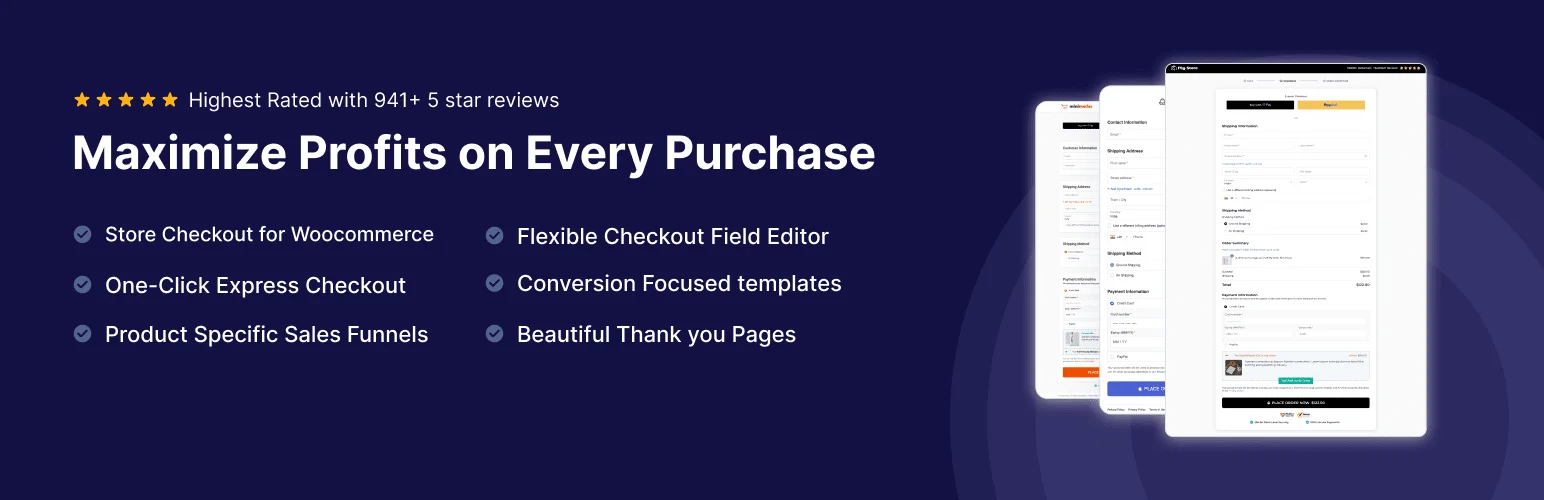
FunnelKit Funnel Builder goes much further than editing a few checkout fields. It lets you build custom checkout pages, one-page checkouts, order bumps, sales funnels, post-purchase offers, and tailored thank-you pages around WooCommerce.
What I like about FunnelKit in real WooCommerce work is that the checkout and revenue features live in the same system. If I am already trying to improve average order value, I would rather manage the checkout, bump offer, and post-purchase path together than stitch three separate plugins into one flow.
Key features
- Custom one-step and multi-step WooCommerce checkout layouts
- Order bumps displayed inside the purchase flow
- Post-purchase upsells and downsells
- Checkout templates for popular WordPress builders
- Field editing and checkout section controls
- Sales funnel and thank-you page customization
Pros: Strong checkout and funnel depth, useful free entry point, polished templates, and good room to grow with a serious store.
Cons: More setup than a simple field editor, and the advanced conversion features require a paid plan.
Best for: WooCommerce stores that want checkout optimization, order bumps, and funnels in one system.
Pricing: Free version available. Premium FunnelKit Funnel Builder plans currently start around $99.50 per year.
2. CartFlows – Best for Visual Sales Funnels
CartFlows is built around the idea that checkout is one step inside a larger sales flow. It lets you create funnel steps, custom checkouts, order bumps, upsells, downsells, and landing pages while continuing to use WooCommerce for products and orders.
I find CartFlows most useful when the store has focused offers rather than a purely browse-and-buy catalog. For a course, service package, event, or hero product, the ability to shape the full path before and after checkout is more valuable than simply changing how the form looks.
Key features
- Custom WooCommerce checkout pages
- Visual sales-funnel steps
- Order bumps and one-click upsells
- Funnel templates for common builders
- Checkout field controls
- Conversion-oriented flow reporting in paid plans
Pros: Flexible funnel workflow, good builder compatibility, useful checkout templates, and a free version for basic flows.
Cons: Can feel excessive if you only need a cleaner checkout form, and several high-value funnel tools are Pro features.
Best for: Product launches, digital products, courses, service offers, and stores built around dedicated funnels.
Pricing: Free version available. Paid plans generally start around $99 per year, depending on the current offer and license.
3. Fluid Checkout – Best for a Cleaner Checkout UX
Fluid Checkout focuses on improving the checkout experience itself rather than building a full marketing funnel. It restructures WooCommerce checkout into a cleaner, more guided flow designed to reduce visual friction on desktop and mobile.
This is the option I would consider when the existing store structure is already fine and the checkout simply feels dated or crowded. I like that the core problem stays narrow: make checkout easier to understand without forcing the merchant into a completely different funnel system.
Key features
- Optimized multi-step checkout layout
- Responsive mobile-first checkout experience
- Address and contact step improvements
- Compatibility with common WooCommerce payment methods
- Express checkout support in higher plans
- Additional checkout customization through premium extensions
Pros: Focused on checkout usability, strong free version, clean mobile experience, and less complexity than a full funnel builder.
Cons: It is not designed for advanced funnels or broad marketing automation, so stores wanting upsell sequences may need other tools.
Best for: Stores that want a modern, distraction-reduced WooCommerce checkout without rebuilding their sales process.
Pricing: Free version available. Fluid Checkout Pro currently starts around $99 per year.
4. CheckoutWC – Best Premium Checkout Redesign
CheckoutWC replaces the default WooCommerce checkout presentation with a purpose-built checkout experience. Its layouts are designed to feel more like modern hosted ecommerce platforms, with a stronger focus on clarity, mobile use, and reducing unnecessary distractions.
What stands out to me is the polish. CheckoutWC makes sense when design consistency at checkout matters enough to justify a dedicated premium product. It is not the cheapest route, but it can save a lot of manual styling when the default WooCommerce layout is the problem.
Key features
- Purpose-built checkout templates
- Mobile-optimized checkout layouts
- Express checkout and address enhancements
- Cart editing from the checkout flow
- Trust and conversion-oriented checkout components
- Compatibility tooling for many WooCommerce extensions
Pros: Very polished checkout experience, strong visual consistency, focused feature set, and good fit for established stores.
Cons: No permanent free version, and the annual cost is higher than many field-editing alternatives.
Best for: Established WooCommerce stores that want a premium checkout redesign without building a custom checkout from scratch.
Pricing: Paid plans currently start around $149 per year.
5. Flexible Checkout Fields – Best for Conditional Checkout Fields
Flexible Checkout Fields is a more targeted solution. Instead of replacing the checkout, it gives you control over the fields WooCommerce collects, including adding new fields, reordering them, changing labels, and applying conditional rules in the Pro version.
I prefer a field editor like this when the problem is operational rather than visual. If a business needs a VAT number, delivery instruction, company ID, or different fields for certain products, changing the data collected is more important than installing a new checkout template.
Key features
- Add custom checkout fields
- Edit labels and placeholders
- Reorder WooCommerce checkout fields
- Conditional display rules in Pro
- Field validation options
- Control where custom data appears after checkout
Pros: Solves a specific problem cleanly, free version covers common edits, and Pro adds practical conditional logic.
Cons: It does not redesign the checkout or add funnel features, so it will not solve broader conversion problems.
Best for: Stores that need better checkout data collection without changing the entire purchasing experience.
Pricing: Free version available. Pro pricing currently starts around $59 per year.
6. Checkout Field Editor by ThemeHigh – Best for Detailed Field Management
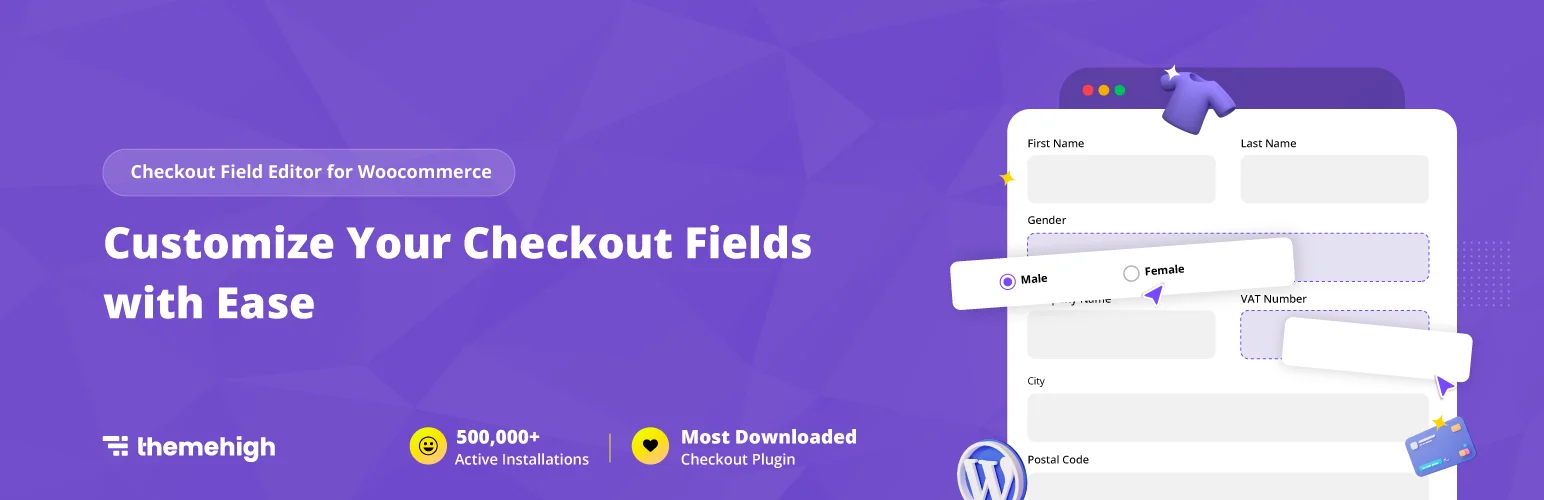
Checkout Field Editor for WooCommerce by ThemeHigh gives store owners a familiar field-management approach for WooCommerce checkout. You can add, remove, enable, disable, and rearrange fields while keeping the normal checkout structure.
The appeal for me is predictability. When a client only wants to adjust form fields, I do not want a plugin that also introduces a new funnel architecture. ThemeHigh keeps the job focused and is especially useful when checkout information has business-specific rules.
Key features
- Create multiple checkout field types
- Reorder default and custom fields
- Edit labels, classes, and validation
- Conditional field rules in Pro
- Display custom field values in orders and emails
- Section-level checkout customization in premium versions
Pros: Straightforward field workflow, mature WooCommerce focus, useful free version, and more advanced rules available when needed.
Cons: Visual checkout redesign and funnel optimization are outside its main scope.
Best for: Businesses with custom checkout-information requirements and administrators who want field-level control.
Pricing: Free version available. Premium licensing is typically around $49 per year for a single site, subject to current pricing.
7. Direct Checkout for WooCommerce – Best for Skipping the Cart
Direct Checkout for WooCommerce tackles a different problem: too many steps between product selection and payment. It can let shoppers bypass the cart and move directly to checkout, which can work well for simple stores or products where customers usually buy one item at a time.
I only use this approach when the buying behavior supports it. Removing the cart can reduce friction for focused purchases, but it is not automatically better for stores where customers compare products, adjust quantities, or build larger baskets.
Key features
- Skip-cart purchase flow
- Custom Add to Cart button behavior
- AJAX add-to-cart options
- Checkout field simplification
- One-page checkout options in premium versions
- Quick-purchase workflow for focused product pages
Pros: Simple concept, can shorten the purchase path, useful free version, and well suited to focused offers.
Cons: Skipping the cart is not ideal for every store, and it does not provide the depth of a full checkout or funnel builder.
Best for: Single-product stores, direct-response landing pages, or purchases where shoppers rarely need a traditional cart.
Pricing: Free version available. Premium plans are commonly around $49 per year, depending on the license.
How I Would Choose a WooCommerce Checkout Plugin
- Choose FunnelKit when checkout, order bumps, and post-purchase offers should work as one system.
- Choose CartFlows when the full landing-page-to-checkout funnel matters more than the checkout form alone.
- Choose Fluid Checkout or CheckoutWC when the main problem is checkout UX and presentation.
- Choose Flexible Checkout Fields or ThemeHigh when the business simply needs different information at checkout.
- Choose Direct Checkout only when removing the cart genuinely matches how customers buy.
Whatever you install, test guest checkout, logged-in checkout, coupons, shipping, taxes, every active payment gateway, and mobile behavior before pushing the change to customers. Checkout is not a safe place to assume that one successful test order covers every edge case. Performance also matters, so our WordPress speed optimization plugin guide is worth checking if checkout pages feel slow.
Conclusion
The best WooCommerce checkout plugin is the one that removes the specific friction your store actually has. FunnelKit is my strongest all-around pick when checkout optimization is part of a wider conversion strategy. Fluid Checkout is easier to justify when you mainly want a cleaner purchase experience, while dedicated field editors are better when the issue is simply what information WooCommerce collects.
I would start with the smallest change that can solve the problem, test it with real purchase scenarios, and only add more checkout functionality when there is a clear reason. A lighter checkout that customers understand is usually better than a complicated funnel full of features nobody needs.
Frequently Asked Questions
What is the best WooCommerce checkout plugin in 2026?
FunnelKit Funnel Builder is the best overall option for stores that want custom checkout pages, order bumps, and funnel features together. Fluid Checkout is a strong choice when the main goal is improving the checkout experience without building a full funnel.
Is there a free WooCommerce checkout plugin?
Yes. FunnelKit, CartFlows, Fluid Checkout, Flexible Checkout Fields, ThemeHigh Checkout Field Editor, and Direct Checkout all offer free starting options. The free versions differ significantly, so choose based on the checkout problem you need to solve.
Can a checkout plugin increase WooCommerce conversions?
It can reduce friction by simplifying fields, improving mobile usability, shortening steps, or adding relevant order offers. A plugin cannot fix weak pricing, poor product pages, unexpected shipping costs, or low trust, so checkout optimization should be part of a broader conversion strategy.
Will a checkout plugin work with every WooCommerce payment gateway?
Not automatically. Most popular checkout plugins support major WooCommerce gateways, but custom fields, express checkout methods, subscriptions, and third-party payment extensions can behave differently. Always test every gateway you actually use on staging before launch.
Should I use more than one WooCommerce checkout plugin?
Usually no. Two plugins that both replace checkout layouts or control the same fields can conflict. Pairing a focused field plugin with another checkout tool can work in some setups, but only when their responsibilities do not overlap and the full purchase flow has been tested.

