



A survey plugin should help you learn something useful, not just collect another form submission. For customer research, product feedback, NPS, onboarding questions, employee feedback, and post-purchase surveys, the important features are question types, conditional logic, response analysis, completion rate, and how easily the results can be turned into decisions.
I separate survey tools from normal contact-form builders by the reporting layer. A contact form stores entries. A survey tool should help you understand patterns across those entries with charts, scoring, segmentation, or structured feedback analysis.
These five cover different survey workflows without duplicating our WordPress form builder guide or WordPress quiz plugins roundup.
TL;DR
- Survey Maker: best overall dedicated survey plugin for questionnaires, popup surveys, reporting, and survey-specific controls.
- UserFeedback: best for fast on-site customer feedback, micro-surveys, and asking targeted questions without building long forms.
- Quiz and Survey Master: best free-first option when surveys and scored assessments need to live in the same system.
- Formidable Forms: best for advanced survey fields, NPS, Likert scales, charts, and data-heavy form workflows.
- Everest Forms: best when surveys are one part of a broader WordPress form stack with payments and conversational forms.
Quick Comparison
| Plugin | Best for | Survey style | Free version |
|---|---|---|---|
| Survey Maker | Dedicated surveys | Full questionnaires / popups | Yes |
| UserFeedback | On-site feedback | Micro-surveys | Yes |
| QSM | Surveys + quizzes | Questionnaires / assessments | Yes |
| Formidable Forms | Advanced survey reporting | NPS / Likert / forms | Free core; survey tools in Pro |
| Everest Forms | Survey inside broader form stack | Forms / surveys / conversational | Yes |
How I Chose These Plugins
I compared current maintenance, question types, conditional logic, survey-specific reporting, NPS and rating fields, popup or embedded delivery, response management, export options, free-versus-paid limits, and whether the plugin genuinely supports research rather than only adding a few survey-looking fields to a form.
1. Survey Maker – Best Overall Dedicated Survey Plugin
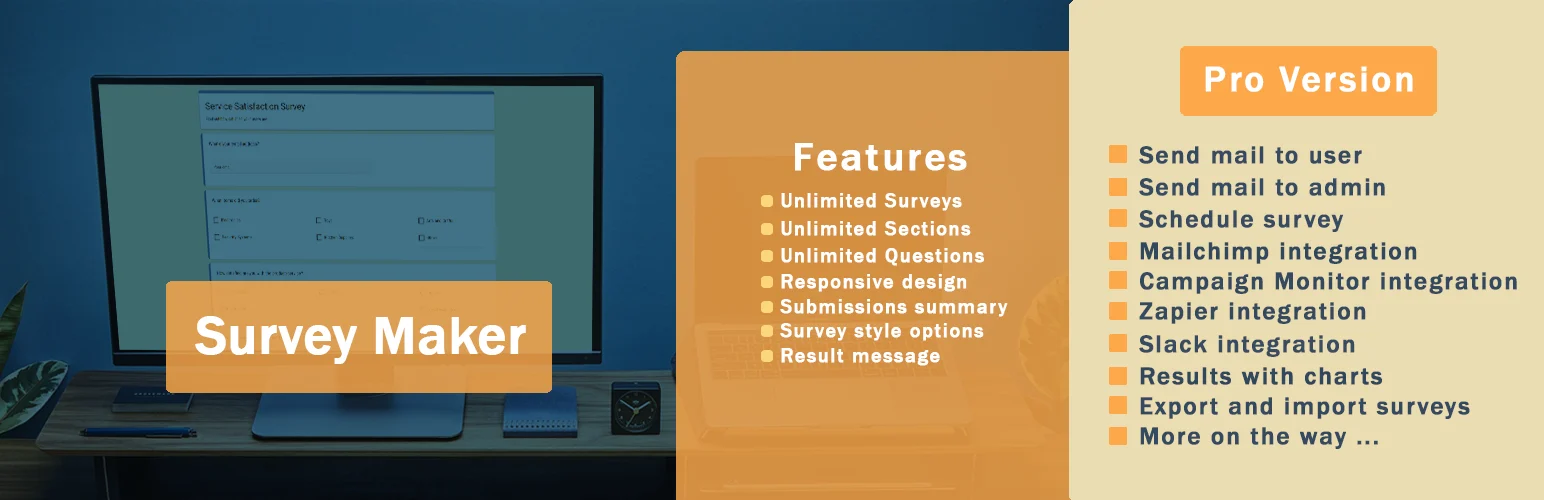
Survey Maker by AYS is the strongest dedicated survey tool in this list because the product is built around surveys instead of treating them as a secondary addon.
It supports questionnaires, different question types, popup surveys, styling controls, charts, result management, and a Gutenberg block. Its 2026 releases have remained active and compatible with WordPress 7.1.
Key features
- Multiple survey question types
- Popup and embedded surveys
- Survey results and charts
- Gutenberg survey block
- Terms, password, and access-related survey controls
- Commercial features for deeper logic and integrations
Pros: Purpose-built, actively maintained, and easier to reason about than a huge general-purpose form builder.
Cons: Advanced logic, integrations, and some research features require the paid edition.
Best for: Customer research, product feedback, internal questionnaires, and sites where surveys are a recurring content type.
Pricing: Free version available with commercial upgrades.
2. UserFeedback – Best for Fast On-Site Feedback

UserFeedback is better when you want short, contextual questions displayed directly to visitors rather than a long standalone questionnaire.
I would use it for questions such as “What stopped you from buying?”, “Did this page answer your question?”, or “What should we improve?” because the survey can appear while the user is still in the relevant experience.
Key features
- On-site feedback widgets
- Short customer surveys and polls
- Targeted questions
- Response dashboard
- Useful templates for common feedback questions
- Premium targeting and integration options
Pros: Low-friction feedback collection and strong fit for conversion research.
Cons: Not as appropriate as Survey Maker or Formidable for long research questionnaires.
Best for: SaaS, ecommerce, and marketing sites that want contextual website feedback.
Pricing: Free Lite version with paid plans for advanced targeting and reporting.
3. Quiz and Survey Master – Best Free-First Survey + Quiz System

Quiz and Survey Master is a mature free-first option that handles both surveys and scored assessments.
I would use it for educational, research, or community projects where some questionnaires need scores or result logic while others are simple feedback forms.
Key features
- Survey and quiz builder
- Multiple question types
- Scoring and results pages
- Lead capture options
- Reports and result management
- Large addon ecosystem for advanced workflows
Pros: Established, flexible, strong free core, and handles surveys plus assessments.
Cons: The interface and addon model can feel more complex than a focused micro-survey tool.
Best for: Courses, assessments, research, and sites that need both surveys and quizzes.
Pricing: Free core plugin with commercial addons and bundles.
4. Formidable Forms – Best for Advanced Survey Fields and Reports
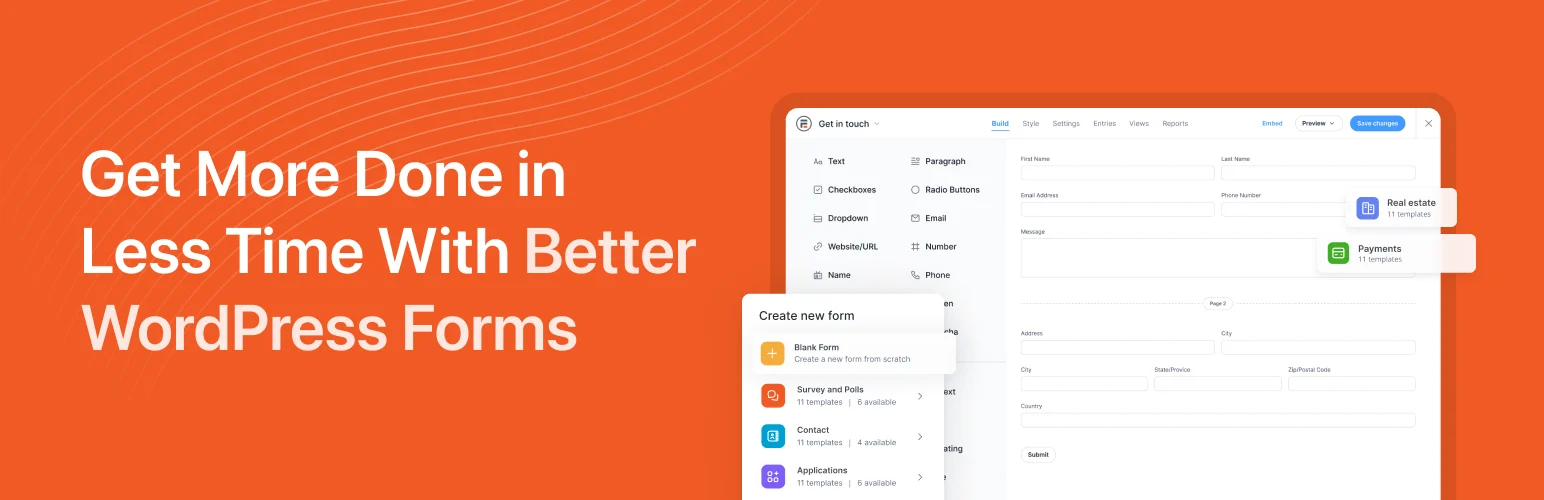
Formidable Forms is the strongest option when survey data is part of a broader application or reporting workflow.
Its paid survey tools include NPS, Likert scales, star ratings, image choices, graphs, charts, and the ability to display or reuse submitted data elsewhere in WordPress. That makes it much more powerful than a basic feedback form when the survey data needs to drive reports or front-end views.
Key features
- NPS and Likert-scale fields
- Star ratings and image choices
- Conditional logic
- Survey charts and reports
- Advanced form calculations and data views
- Large integration ecosystem
Pros: Deepest data/reporting model in this list and suitable for complex survey-driven workflows.
Cons: Survey-specific fields and reporting are premium features, and the product is much broader than surveys alone.
Best for: Research-heavy sites, internal tools, directories, and businesses that need survey data reused elsewhere.
Pricing: Free core form builder; advanced survey tools are available in paid plans.
5. Everest Forms – Best Survey Option Inside a Broader Form Stack
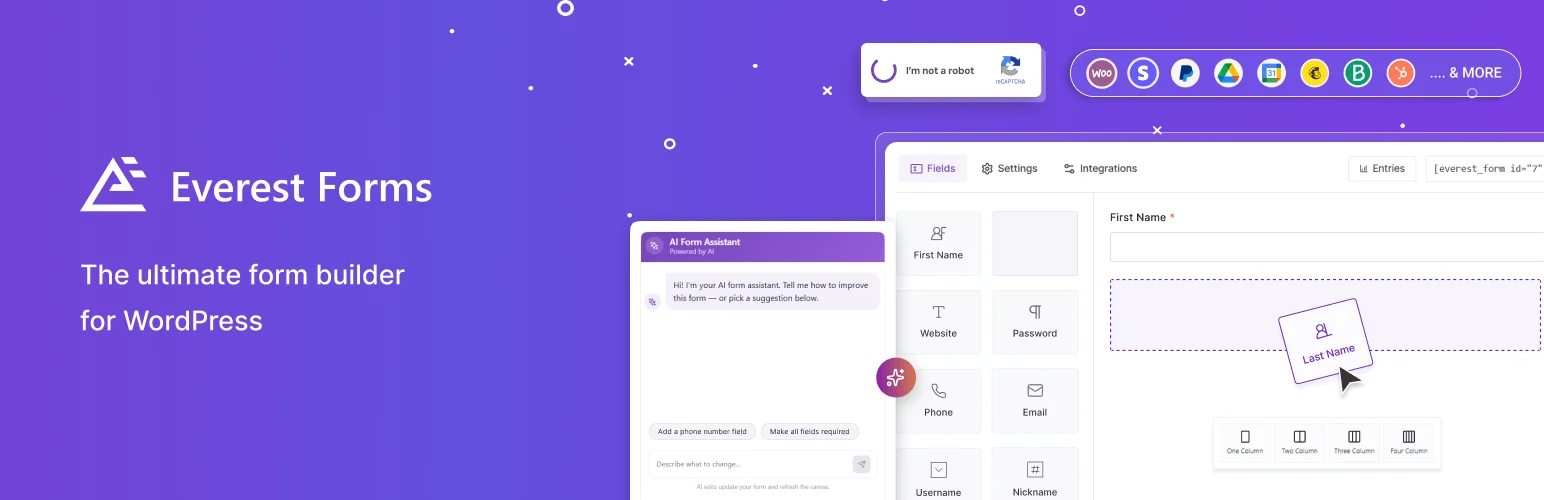
Everest Forms combines contact forms, surveys, quizzes, conversational forms, payments, and other form workflows in one product.
I would choose it when the site already needs a general form builder and surveys are one of several recurring use cases. That keeps the admin stack smaller than installing separate plugins for every form type.
Key features
- Drag-and-drop form builder
- Survey and quiz workflows
- Conversational forms
- Conditional logic
- Payment and integration options
- Templates and broader form features
Pros: Good all-in-one value when surveys are part of a larger WordPress form requirement.
Cons: Less focused on survey research than Survey Maker and less data-centric than Formidable.
Best for: Small businesses and marketing sites that want one form system for surveys, contact forms, quizzes, and payments.
Pricing: Free version available with commercial plans for advanced features.
Which WordPress Survey Plugin Should You Choose?
Survey Maker is the best dedicated choice. UserFeedback is better for fast contextual questions, QSM is stronger when surveys and quizzes overlap, Formidable wins for advanced analysis, and Everest Forms is the best fit when surveys are one part of a wider form stack.
The quality of the questions matters more than the plugin. Keep surveys short unless respondents have a strong reason to complete them, avoid leading wording, and decide how you will use each answer before adding another field.
Conclusion
Choose the survey tool around the research method. Survey Maker is the strongest dedicated platform, UserFeedback is ideal for short contextual questions, and Formidable is the best fit when survey responses feed deeper reporting or applications. A simpler plugin with better questions will usually produce more useful insight than a complex survey nobody finishes.
Frequently Asked Questions
What is the best WordPress survey plugin?
Survey Maker is the strongest dedicated option here. Formidable Forms is better for advanced survey reporting, while UserFeedback is better for short on-site feedback.
Can WordPress create NPS surveys?
Yes. Formidable Forms and several premium survey tools support NPS fields and reporting.
What is the difference between a survey and a poll?
A poll usually asks one or a few quick choice questions. A survey can include multiple question types, logic, ratings, free-text feedback, and deeper analysis.
Can I show a survey as a popup?
Yes. Survey Maker supports popup surveys, and UserFeedback is designed specifically for contextual on-site survey widgets.
Are survey plugins GDPR friendly?
They can be, but compliance depends on what data you collect, your consent wording, retention policy, integrations, cookies, and legal requirements. Collect only the data you genuinely need.

