



WooCommerce already stores orders and customer details, but that is not the same as having a CRM. A WooCommerce CRM should turn purchase history into useful customer profiles, segments, automations, follow-ups, and retention campaigns without forcing you to export spreadsheets every week.
I compared WooCommerce customer data, order history, segmentation, lifecycle automation, email marketing, abandoned-cart workflows, sales records, data ownership, and integrations. For related workflows, see our WooCommerce abandoned cart plugins and WordPress marketing automation plugins.
TL;DR
- FunnelKit Automations: best for WooCommerce lifecycle marketing and revenue automation.
- FluentCRM: best self-hosted WooCommerce email CRM.
- HubSpot: best for stores that need a broader hosted sales CRM.
- Jetpack CRM: best for small stores that want customer and transaction records.
- Groundhogg: best for advanced self-hosted ecommerce funnels.
Quick Comparison
| Plugin | Best for | Pricing |
|---|---|---|
| FunnelKit Automations | WooCommerce lifecycle automation | Free core + Pro |
| FluentCRM | Self-hosted email CRM | Free core + Pro |
| HubSpot | Hosted sales CRM | Free CRM + paid hubs |
| Jetpack CRM | Customer records and transactions | Free core + extensions |
| Groundhogg | Advanced self-hosted funnels | Free core + paid plans |
How I Chose These WooCommerce CRM Plugins
I looked for tools that can use order behavior rather than just store contact details. Useful ecommerce CRM features include product-based segments, purchase triggers, customer timelines, repeat-purchase automation, cart recovery, and a clean way to see what each customer has bought.
What Makes a Good WooCommerce CRM?
A useful WooCommerce CRM should do more than copy customer names into a contact list. It should understand orders, products, customer value, repeat purchases, and store events so you can act on that data without manual exports.
- Customer context: Look for order history, product activity, tags, segments, and lifetime value.
- Automation: Useful triggers include purchases, failed orders, cart activity, subscriptions, and inactivity.
- Email delivery: Self-hosted CRMs still need a reliable transactional or marketing email service.
- CRM type: Decide whether you need ecommerce lifecycle marketing, a sales pipeline, or both.
1. FunnelKit Automations – Best Overall for WooCommerce
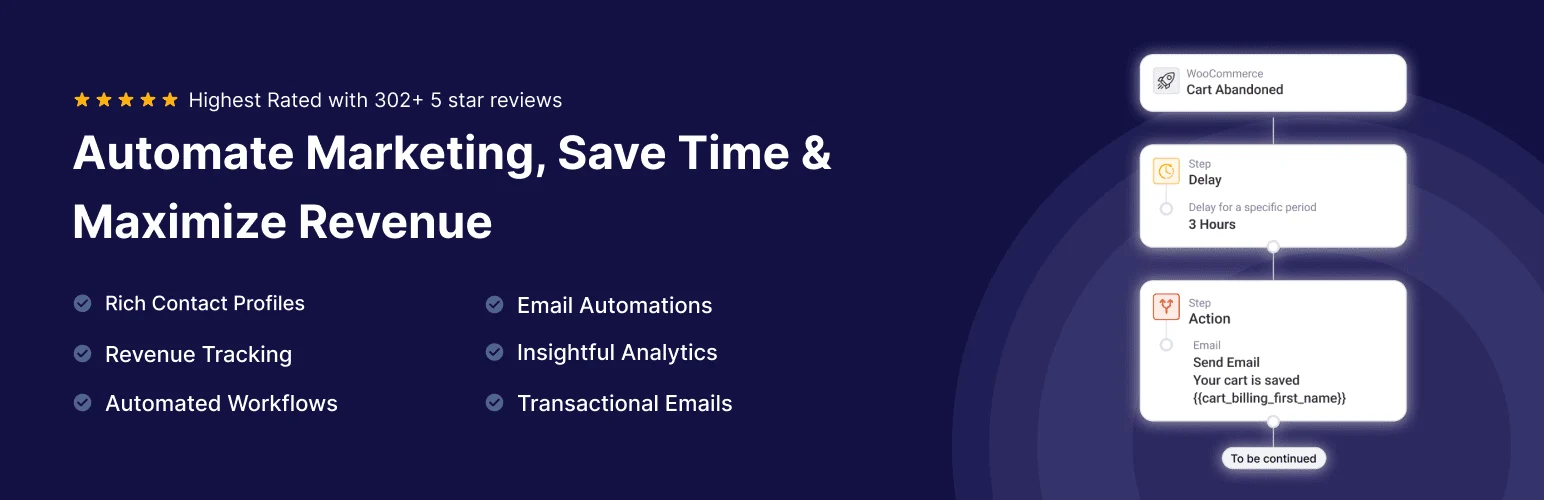
FunnelKit Automations is built around ecommerce customer journeys. It can segment customers by purchase behavior, automate follow-ups, recover carts, send broadcasts, and trigger workflows from WooCommerce events.
I would start here when the CRM’s main job is increasing repeat purchases and managing lifecycle campaigns. Its customer profiles are useful because they are tied closely to orders and store behavior instead of generic contact records.
Key features
- WooCommerce customer profiles
- Purchase-based segmentation
- Abandoned-cart recovery
- Automated email sequences
- Broadcast campaigns
- Deep WooCommerce event triggers
Pros: Excellent ecommerce context and strong revenue-focused automations.
Cons: The most powerful automation features require paid plans, and it is more marketing-focused than pipeline-focused.
Pricing: Free version available; Pro adds advanced automations and integrations.
2. FluentCRM – Best Self-Hosted WooCommerce CRM

FluentCRM keeps contacts and email automation inside WordPress, then enriches customer records with WooCommerce activity through integrations. It is a strong fit for stores that want ownership of customer data and do not want per-contact SaaS pricing.
Key features
- Contact tags and segments
- WooCommerce purchase triggers
- Email campaigns and sequences
- Customer activity history
- Dynamic segmentation
- Forms and membership integrations
Pros: Self-hosted contact database and excellent automation value.
Cons: It is not a traditional sales pipeline CRM, and large email volumes still need a capable sending service.
Pricing: Free core plugin; Pro unlocks advanced integrations and automation.
3. HubSpot – Best for Larger Sales Teams
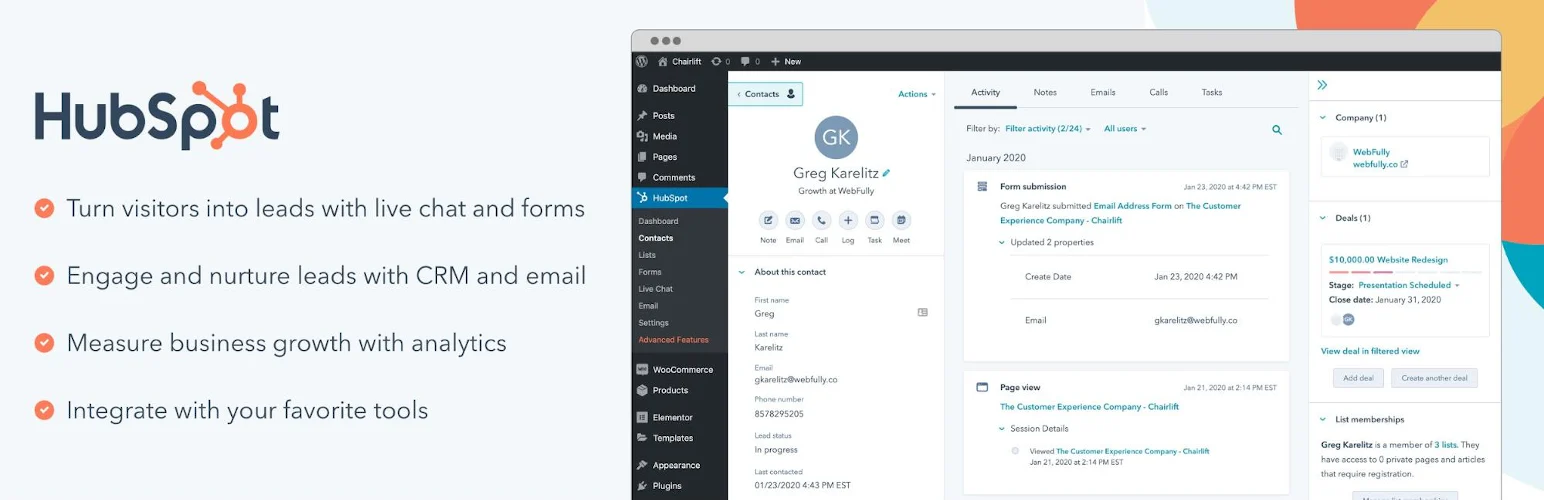
HubSpot can connect WooCommerce customer and order data to a hosted CRM used by sales and marketing teams. It works best when ecommerce activity needs to sit alongside deals, pipelines, meetings, support, company records, and broader marketing attribution.
Key features
- Hosted CRM contacts and companies
- Sales pipelines and deals
- Email marketing
- Forms and live chat
- WooCommerce connections through integrations
- Cross-team reporting
Pros: Strong cross-team CRM with mature sales features beyond ecommerce.
Cons: Integration depth and costs depend on the HubSpot plan and connector you use.
Pricing: Free CRM available; paid hubs add advanced sales and marketing features.
4. Jetpack CRM – Best for Customer and Transaction Records
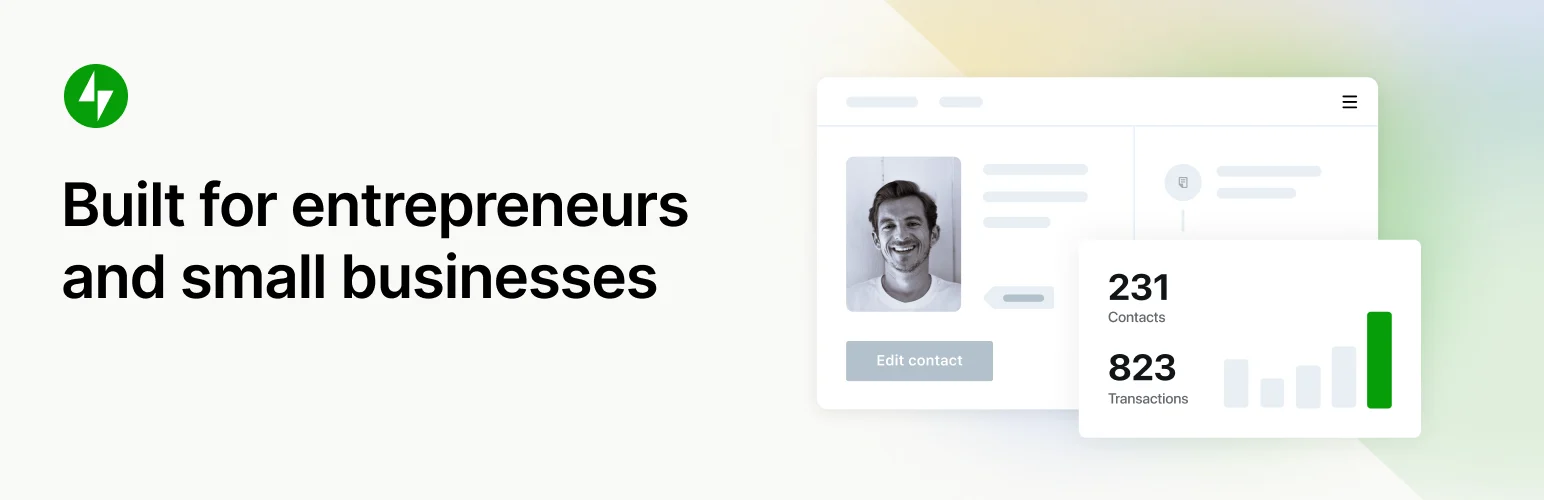
Jetpack CRM gives WooCommerce businesses a simpler client-management layer with customers, transactions, invoices, quotes, notes, and communication history.
I prefer it when the store also behaves like a service business and staff need to manage customer relationships manually, not only run automated marketing campaigns.
Key features
- Customer records
- Transaction tracking
- Quotes and invoices
- Client portal options
- Tasks and notes
- WooCommerce extensions
Pros: Straightforward customer-management model for smaller businesses.
Cons: Ecommerce marketing automation is less advanced than FunnelKit Automations or FluentCRM.
Pricing: Free core plugin with paid extensions and bundles.
5. Groundhogg – Best for Advanced Self-Hosted Funnels
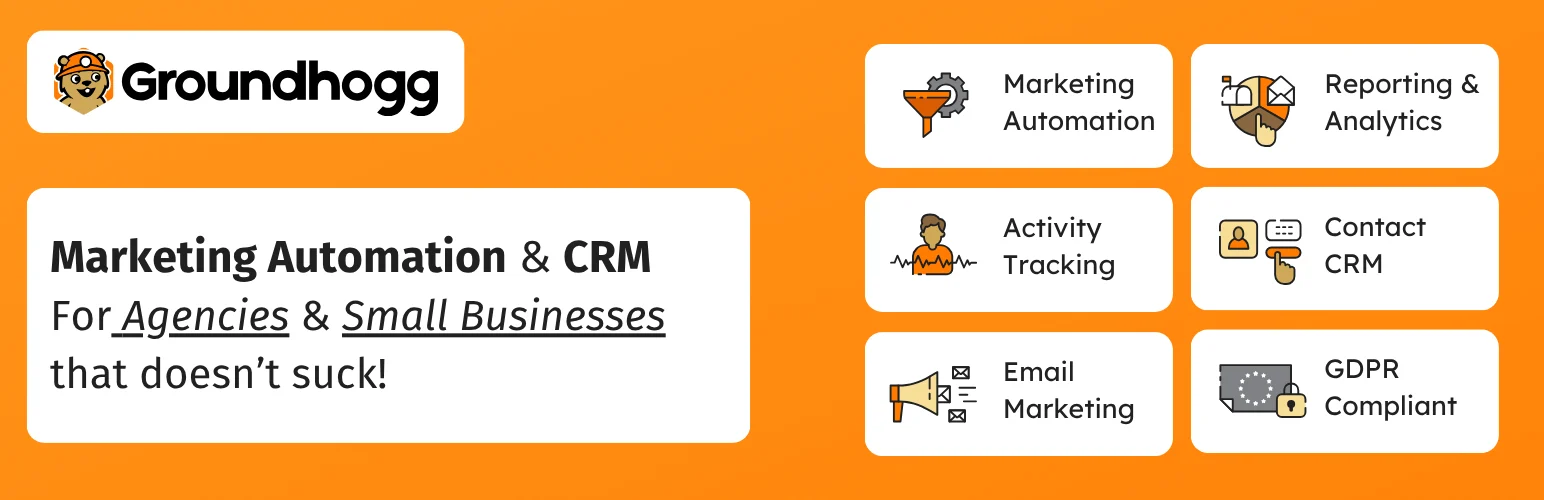
Groundhogg can use WooCommerce activity to trigger marketing funnels, apply tags, update contact records, and run follow-up sequences. It is useful for store owners who want deeper self-hosted lifecycle automation and are comfortable configuring a more technical system.
Key features
- CRM contact database
- Visual funnels
- WooCommerce triggers
- Email marketing
- Tagging and lead scoring
- Developer-friendly integrations
Pros: Powerful automation flexibility and strong data ownership.
Cons: Steeper learning curve and more add-on decisions than simpler store-focused tools.
Pricing: Free core plugin; paid extensions and plans available.
Which WooCommerce CRM Should You Choose?
FunnelKit Automations is the best store-first choice because its workflows are built around ecommerce behavior. FluentCRM is excellent when you want a self-hosted contact and email system, HubSpot is better for a larger sales team, Jetpack CRM suits straightforward customer records, and Groundhogg fits advanced self-hosted funnels.
Conclusion
The right CRM should make WooCommerce customer data more useful, not create another disconnected database. Start with the customer actions you need to track and automate, then choose the CRM that uses those signals cleanly.
Frequently Asked Questions
What is the best CRM for WooCommerce?
FunnelKit Automations is my first choice for WooCommerce-specific lifecycle automation. FluentCRM is a strong alternative if you prefer a self-hosted email CRM.
Does WooCommerce have a built-in CRM?
WooCommerce stores customer and order information, but it does not provide a complete CRM with segmentation, follow-up automation, pipelines, and lifecycle marketing.
Can a WooCommerce CRM recover abandoned carts?
Some can. FunnelKit Automations is especially strong for abandoned-cart workflows.
Should WooCommerce customer data stay in WordPress?
That depends on your business. Self-hosted CRMs provide more direct data ownership, while hosted CRMs can offer stronger sales collaboration and reporting.
Can I use a general WordPress CRM with WooCommerce?
Yes, but the quality of the WooCommerce integration matters. Look for purchase triggers, order history, product-based segments, and customer context.

