



WooCommerce order emails are functional, but many stores need more control over branding, layout, product blocks, customer messaging, and third-party email types. WooCommerce now has a newer block-based email editing direction, so I would only add a separate customizer when it gives you a better workflow or features your current email editor does not cover.
For this roundup, I compared drag-and-drop editing, live preview, responsive templates, dynamic WooCommerce data, third-party email compatibility, conditional content, test emails, reusable layouts, and how much code is required. If email delivery itself is unreliable, fix that separately with our WordPress SMTP plugin guide. For conversion-focused checkout changes, see our WooCommerce checkout plugins.
TL;DR
- YayMail: best overall for a true drag-and-drop WooCommerce email builder.
- Kadence WooCommerce Email Designer: best free option for improving branding without rebuilding every email.
- Email Template Customizer for WooCommerce by VillaTheme: best free-first visual builder alternative.
- Decorator: best lightweight option for styling standard WooCommerce emails through the Customizer.
- ThemeHigh Email Customizer: best for advanced template building and conditional content.
Quick Comparison
| Plugin | Best for | Pricing |
|---|---|---|
| YayMail | Drag-and-drop email building | Free core + Pro |
| Kadence Email Designer | Free branding improvements | Free |
| VillaTheme Email Customizer | Visual builder alternative | Free core + Pro |
| Decorator | Lightweight email styling | Free |
| ThemeHigh Email Customizer | Advanced layouts and logic | Free/premium options |
How I Chose These WooCommerce Email Customizers
I separated email design from email deliverability. A customizer changes what the message looks like; SMTP or a transactional mail service affects whether it reaches the inbox. For design, I focused on tools that let store owners preview real WooCommerce data, create responsive layouts, preserve transactional information, and test messages before replacing production templates.
1. YayMail – Best Overall Drag-and-Drop Builder
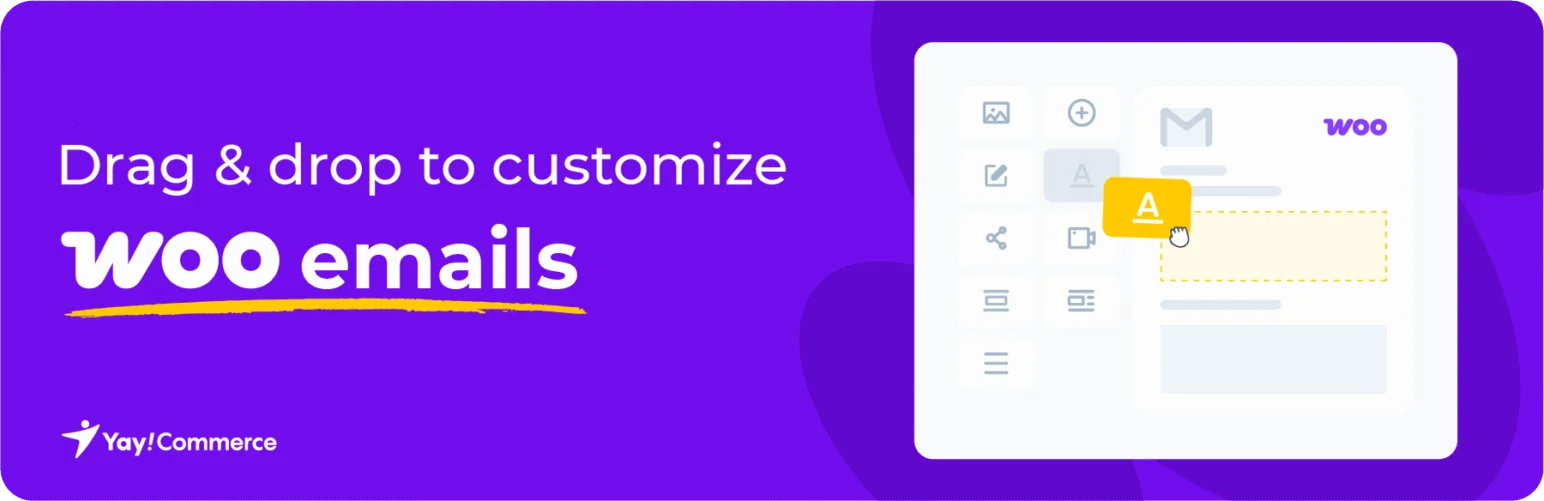
YayMail turns WooCommerce transactional emails into a visual drag-and-drop editing experience. You can arrange text, images, buttons, customer information, order details, products, dividers, and other dynamic WooCommerce elements while previewing the email as you build it.
I would choose YayMail when email layout is genuinely part of the brand experience and you want more than changing a logo and accent color. Its ecosystem also includes integrations for many WooCommerce extensions whose emails go beyond the default order templates.
Key features
- Drag-and-drop email builder
- Live preview with WooCommerce data
- Dynamic order and customer elements
- Responsive email layouts
- Reusable templates
- Third-party WooCommerce email integrations in Pro
Pros: Real visual builder with strong WooCommerce-specific elements and a broad integration ecosystem.
Cons: Supporting emails from many third-party extensions may require paid integrations, and complex designs need careful testing across email clients.
Pricing: Free core plugin with Pro and integration options.
2. Kadence WooCommerce Email Designer – Best Free Branding Option

Kadence WooCommerce Email Designer focuses on improving the standard WooCommerce email design rather than replacing it with a full canvas builder. You can customize colors, typography, header and footer content, background, container styling, and order-detail presentation with live previews.
I like it for stores that want emails to match the website without adding a large email-building system. If your goal is simply “make the default emails look professional and on-brand,” this is often enough.
Key features
- Live email preview
- Logo, header, and footer styling
- Typography and color controls
- Background and container styling
- Order-detail design controls
- WooCommerce email compatibility
Pros: Free, lightweight, and ideal for improving standard WooCommerce emails without overcomplicating them.
Cons: It is a designer rather than a full drag-and-drop layout builder, so structural freedom is limited.
Pricing: Free.
3. Email Template Customizer for WooCommerce by VillaTheme – Best Free-First Visual Builder
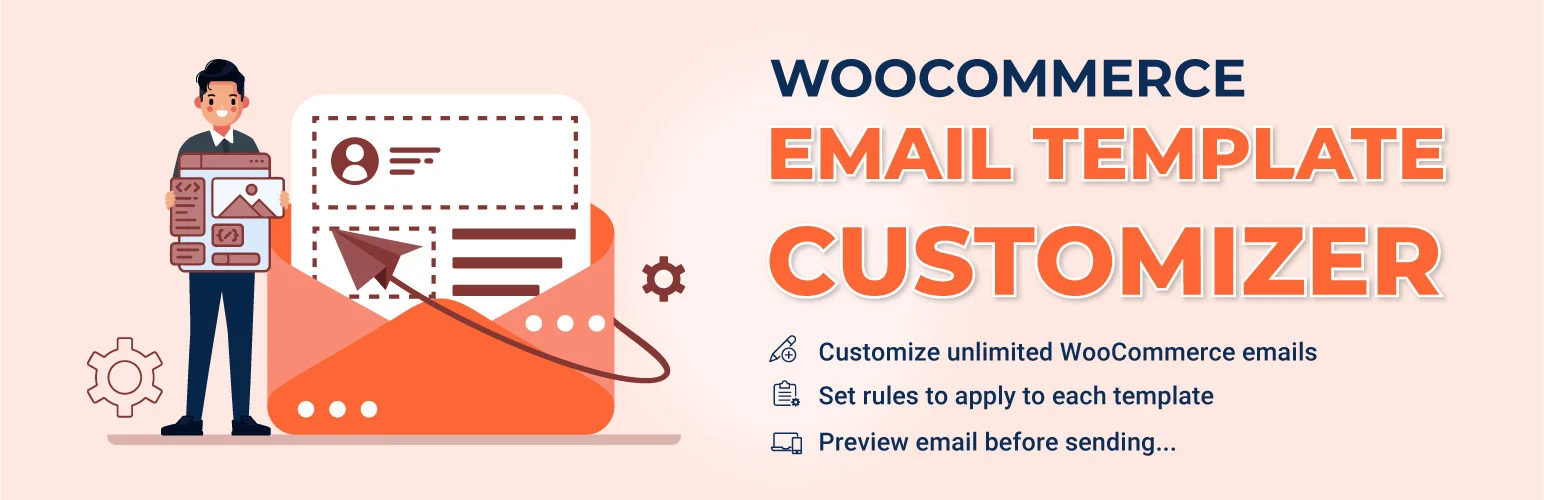
Email Template Customizer for WooCommerce by VillaTheme provides a visual builder with rows, text, images, buttons, WooCommerce order elements, and preview controls.
It is a useful alternative to YayMail if you want a drag-and-drop direction but prefer to test a different free core. The premium version expands template rules, elements, and support for more advanced email workflows.
Key features
- Visual email builder
- Rows and content elements
- WooCommerce order elements
- Responsive email preview
- Template customization
- Advanced rules and elements in Pro
Pros: Flexible free visual editing and good coverage of standard WooCommerce transactional emails.
Cons: The builder has many controls, so creating a clean template can take more time than using a branding-focused designer.
Pricing: Free core plugin with a premium edition.
4. Decorator – Best Lightweight Customizer
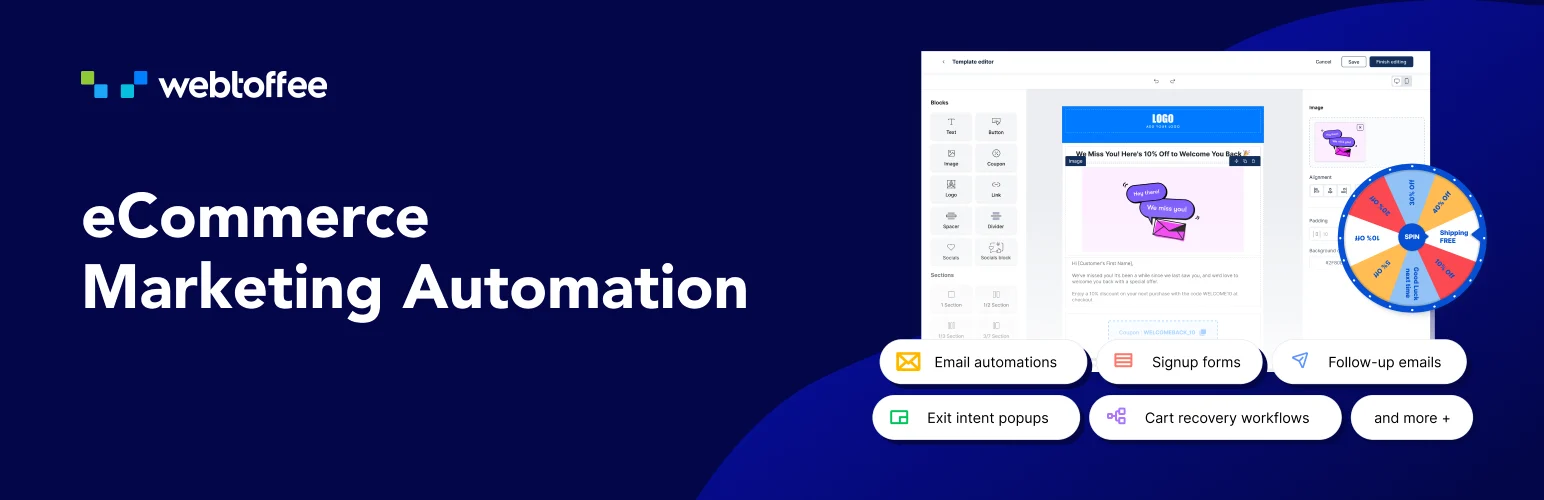
Decorator – WooCommerce Email Customizer uses the familiar WordPress Customizer approach for changing the appearance of WooCommerce emails. It is aimed at store owners who want quick control over colors, fonts, header, footer, spacing, and container styling without learning a separate email builder.
Decorator is a sensible choice when the default email structure is already fine. You keep the standard transactional layout and focus on making it feel consistent with the rest of the brand.
Key features
- WordPress Customizer interface
- Live email preview
- Typography and color controls
- Header and footer styling
- Spacing and container controls
- Standard WooCommerce email support
Pros: Simple, familiar, and lightweight for branding standard transactional emails.
Cons: It does not provide the layout freedom or conditional content of a full visual email builder.
Pricing: Free.
5. ThemeHigh Email Customizer – Best for Advanced Templates and Conditions
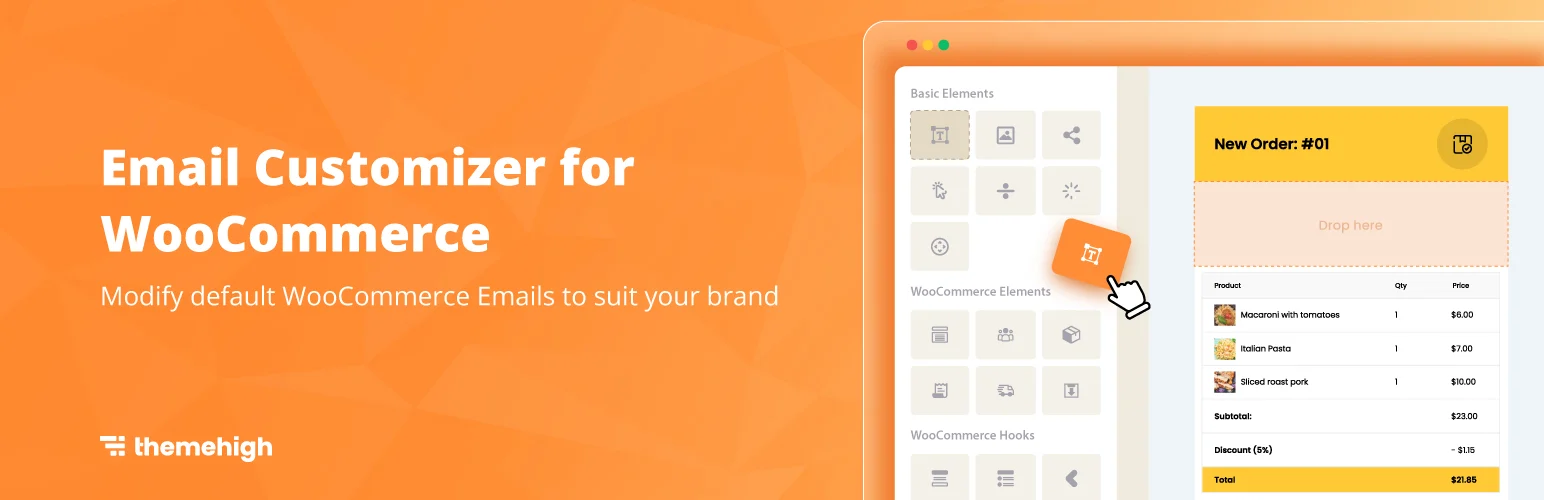
ThemeHigh WooCommerce Email Customizer provides visual rows and columns, dynamic WooCommerce elements, preview and test tools, and more advanced template assignment or conditional content in its commercial feature set.
I would consider it when different orders need different email designs or content. A store selling several product types, for example, may want separate messaging for subscriptions, digital goods, wholesale orders, or specific customer roles.
Key features
- Visual rows and columns
- Dynamic WooCommerce elements
- Email preview and test sending
- Reusable email templates
- Template assignment rules
- Conditional content in advanced versions
Pros: Stronger template logic for stores that need more than one global transactional email design.
Cons: The advanced feature set is more than a small store needs if only basic branding changes are required.
Pricing: Free and premium options are available depending on the current product edition.
Which WooCommerce Email Customizer Should You Choose?
YayMail is the strongest choice when you want a true drag-and-drop builder. Kadence Email Designer and Decorator are better when you only need to improve branding. VillaTheme is a capable visual-builder alternative, while ThemeHigh makes more sense for stores that need advanced template rules and conditional content.
Conclusion
Start by testing WooCommerce’s current native email controls. If they already cover your branding needs, another plugin may be unnecessary. Add a customizer when you need visual layout control, third-party template support, or conditional content, and always send real test emails to Gmail, Outlook, and mobile clients before replacing production templates.
Frequently Asked Questions
Do I still need a WooCommerce email customizer in 2026?
Not always. WooCommerce’s own email-editing tools are improving. A separate plugin is most useful when you need more flexible layouts, third-party email support, reusable templates, or conditional content.
What is the best free WooCommerce email customizer?
Kadence WooCommerce Email Designer is excellent for free branding changes. YayMail and VillaTheme are better if you specifically want a visual builder.
Can I customize WooCommerce emails without coding?
Yes. All five tools in this roundup provide visual controls that avoid editing WooCommerce email PHP templates directly.
Will an email customizer fix WooCommerce emails going to spam?
No. Design and deliverability are separate. Use proper SMTP or transactional email configuration, domain authentication, and a reliable sending service for deliverability.
Can email customizers style subscription or booking emails?
Some can, but third-party extension support varies. Check that the customizer explicitly supports the extension that creates your additional WooCommerce emails.

