



WooCommerce product badges and labels help shoppers spot discounts, new arrivals, low-stock items, bestsellers, free shipping, or other important product signals without opening every product page. The best plugins make those labels easy to automate instead of forcing you to edit products one by one.
For 2026, I would prioritize plugins that support current WooCommerce versions, flexible display conditions, multiple badge positions, responsive output, and enough styling control to match a store without adding unnecessary front-end weight.
If you are improving product discovery more broadly, see our WooCommerce product filter plugin roundup and WooCommerce product search plugin guide.
TL;DR
- Advanced Product Labels for WooCommerce: best overall for flexible rules, multiple labels, and broad product conditions.
- Advanced Woo Labels: best for detailed display conditions and dynamic label content.
- YITH WooCommerce Badge Management: best for a polished badge builder with strong WooCommerce compatibility.
- Product Labels for WooCommerce by Acowebs: best for simple sale badges, product lists, and scheduled campaigns.
- WPC Badge Management: best for stores that want reusable badges with images, icons, text, and shortcode content.
Quick Comparison
| Plugin | Best for | Rule flexibility | Free version |
|---|---|---|---|
| Advanced Product Labels | Overall badge automation | High | Yes |
| Advanced Woo Labels | Detailed conditions | High | Yes |
| YITH Badge Management | Polished badge workflow | Medium to high | Yes |
| Acowebs Product Labels | Sale labels and schedules | Medium | Yes |
| WPC Badge Management | Reusable badge designs | Medium | Yes |
How I Chose These Plugins
I compared current maintenance, WooCommerce compatibility, product and taxonomy conditions, sale and stock rules, multiple-badge support, scheduling, badge positioning, image and text options, responsive behavior, and how practical each workflow is for stores with more than a handful of products.
1. Advanced Product Labels for WooCommerce – Best Overall
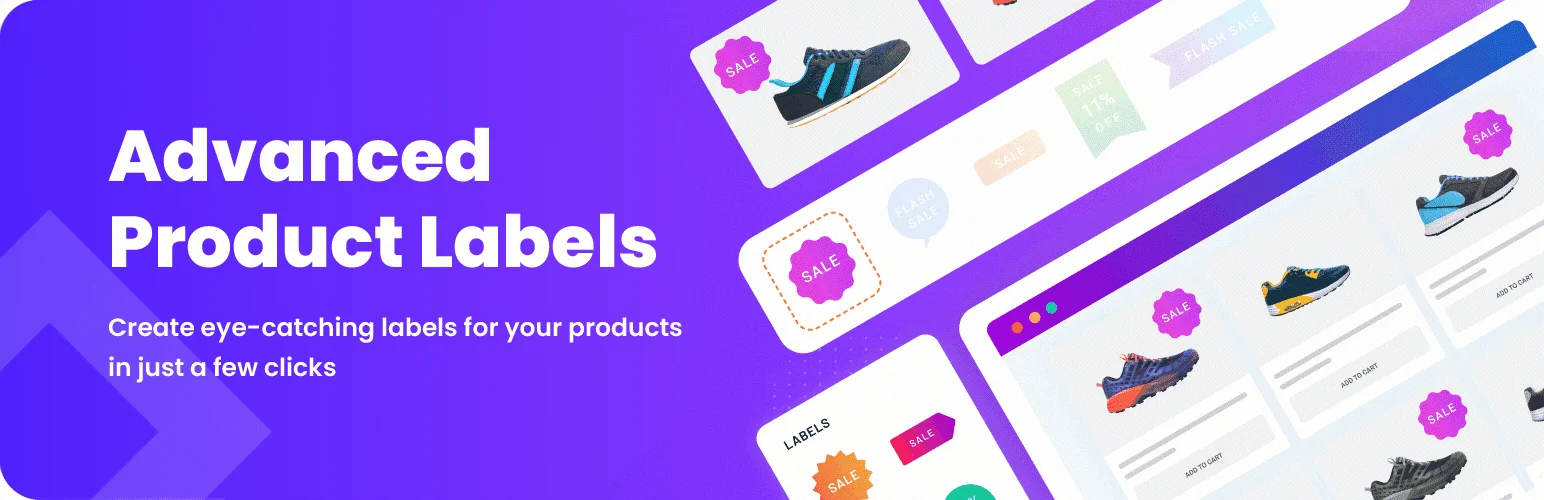
Advanced Product Labels for WooCommerce by BeRocket is the strongest all-round choice in this list. It supports rules based on product name, category, sale status, stock status, price, sales count, and other product signals.
The plugin can place multiple labels on one product and lets you control text, colors, sizing, position, templates, and custom images. That makes it useful for stores that want more than a single “Sale” sticker.
Key features
- Product, category, sale, stock, price, and sales-count conditions
- Multiple labels on one product
- Custom text and discount percentage labels
- Background, text, size, and position controls
- CSS and image templates
- Current WordPress and WooCommerce compatibility
Best for: stores that need flexible badge automation across a large catalog
Keep in mind: The rule system is powerful, so it takes a little more setup than a plugin designed only for basic sale labels.
2. Advanced Woo Labels – Best for Detailed Conditions
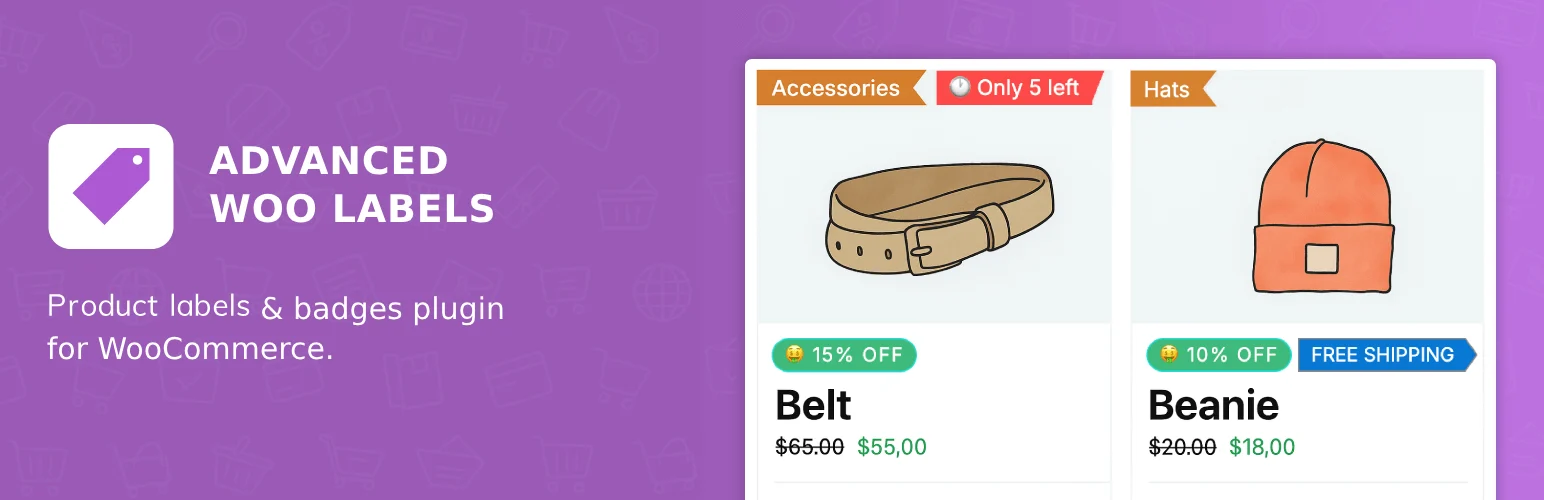
Advanced Woo Labels is a strong option when targeting logic matters. You can show labels based on product data, discount values, taxonomies, pages, user groups, and other conditions.
It can also display dynamic product information inside labels, such as stock status, discount value, rating, quantity, shipping class, and sale state. Recent updates have kept it aligned with current WooCommerce releases.
Key features
- Conditional labels by product, taxonomy, page, and user
- Dynamic values such as discount, stock, and rating
- Multiple style and position controls
- Support for multiple condition values
- HPOS-related compatibility improvements
- Frequently updated WooCommerce support
Best for: stores that want labels driven by detailed product or audience conditions
Keep in mind: Advanced conditions can become hard to audit if you create too many overlapping label rules.
3. YITH WooCommerce Badge Management – Best Polished Workflow

YITH WooCommerce Badge Management is a mature option with a dedicated badge creation workflow. It supports text and image badges, custom positioning, padding, border radius, and product-level badge assignment.
YITH has kept the plugin updated for recent WordPress and WooCommerce releases in 2026, which matters for a feature that touches product cards and product imagery across the storefront.
Key features
- Text and image badge types
- Custom positioning controls
- Padding and border-radius settings
- Product-level badge selection
- Dedicated badge management interface
- Frequent WooCommerce compatibility updates
Best for: store owners who prefer a polished, familiar YITH-style admin workflow
Keep in mind: As with many freemium WooCommerce tools, advanced targeting and design options may require the commercial version.
4. Product Labels for WooCommerce by Acowebs – Best for Sale Campaigns
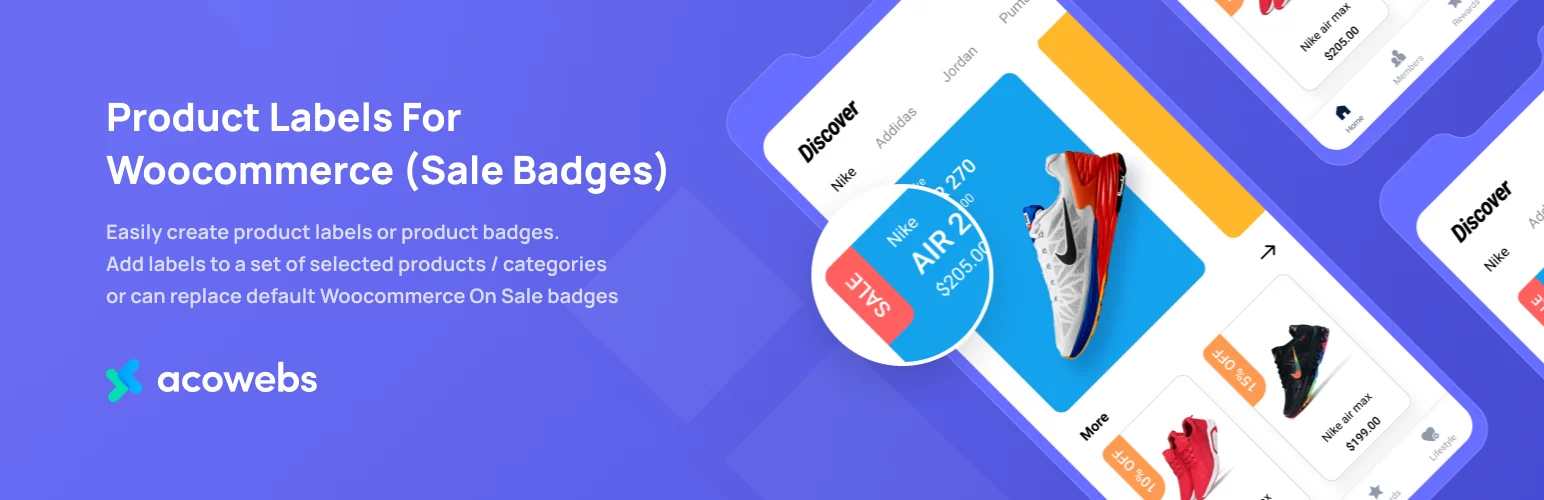
Product Labels for WooCommerce by Acowebs focuses on creating custom product labels and replacing or supplementing WooCommerce sale badges. You can target selected products, categories, and product lists.
The plugin also supports multiple badges and scheduled badge campaigns, which is useful for seasonal offers or short promotions. I would test it carefully on staging because support feedback has been mixed even though the plugin remains listed for current WordPress versions.
Key features
- Custom product labels and sale badges
- Selected product and category targeting
- Dynamic product lists
- Multiple badges per product
- Scheduled badge campaigns
- Replacement for default WooCommerce sale badges
Best for: stores running seasonal promotions and straightforward product-label campaigns
Keep in mind: Verify compatibility on your own theme and WooCommerce stack before rolling it out broadly.
5. WPC Badge Management – Best for Reusable Badge Designs
WPC Badge Management by WPClever is designed around reusable product badges that can contain images, shapes, icons, colors, text, and even shortcode-driven content.
It works across single-product and archive views and gives store owners a dedicated Product Badges area in wp-admin. That makes it a practical fit if you already use other WPClever WooCommerce plugins and want a consistent ecosystem.
Key features
- Reusable product badge manager
- Text, image, icon, and shape badge content
- Custom colors and styling
- Single-product and archive display
- Dedicated wp-admin badge area
- Works alongside the broader WPClever ecosystem
Best for: WooCommerce stores that want reusable visual badge assets across products
Keep in mind: Check the exact free-versus-premium condition controls before choosing it for complex automation.
Which WooCommerce Badge & Label Plugin Should You Choose?
Advanced Product Labels is my first choice for most stores because its condition system and multiple-label support cover the widest range of real catalog needs. Advanced Woo Labels is excellent when the label itself should reflect dynamic product data, while YITH offers a polished badge-building workflow.
Acowebs is useful for straightforward promotional campaigns, and WPC Badge Management is attractive for reusable visual designs. Whichever plugin you choose, avoid covering every product with badges; they work best when a label actually communicates something useful.
Conclusion
The best WooCommerce product badge plugin is the one that gives you enough automation without turning the catalog into a wall of labels. Advanced Product Labels is the strongest overall option, Advanced Woo Labels suits detailed conditions, and YITH offers a polished workflow. Use badges as concise product signals rather than decoration.
Frequently Asked Questions
What is the best WooCommerce product badge plugin in 2026?
Advanced Product Labels for WooCommerce is the best all-round choice in this list because it combines flexible conditions, multiple labels, custom positions, and broad styling controls.
Can I show WooCommerce badges only on sale products?
Yes. Several plugins here can target sale status directly, and some can also show the discount percentage or replace WooCommerce’s default sale badge.
Can I add multiple badges to one WooCommerce product?
Yes. Advanced Product Labels and Acowebs Product Labels support multiple badges, which is useful when one product needs separate sale, stock, or promotional signals.
Can WooCommerce product badges be scheduled?
Some plugins support scheduled visibility, which is useful for flash sales, seasonal promotions, launches, and limited-time campaigns.
Do product badges improve conversions?
They can improve product scanning and highlight useful offers, but too many badges create visual noise. Use them selectively for information that changes a shopper’s decision.

