



A WooCommerce store can have the right products and still make customers work too hard to find them. Once a catalog grows beyond a few dozen items, basic category pages and the default sidebar stop being enough. Shoppers want to narrow by price, brand, size, color, rating, stock, attributes, and sometimes custom fields without reloading the page every time.
I have found that product filtering is one of those features that looks simple until SEO, AJAX behavior, mobile layout, and catalog size enter the picture. A filter that feels fast on 50 products can become frustrating on 5,000. The best WooCommerce product filter plugin should make discovery easier without creating messy URLs, duplicate pages, or a slow shop archive.
This comparison focuses on six actively used filtering tools with different strengths. If search itself is the bigger problem, see our WooCommerce product search plugin guide. For a broader store toolkit, see the best WooCommerce plugins roundup.
TL;DR: Best WooCommerce Product Filter Plugins
- BeRocket AJAX Products Filter: best overall balance of WooCommerce-focused filters, styling, and AJAX.
- YITH WooCommerce Ajax Product Filter: best for stores already using the YITH ecosystem.
- Filter Everything: best for filtering products plus other WordPress post types and custom data.
- HUSKY/WOOF: best for users who want many filter types and shortcode flexibility.
- FacetWP: best for developer-led faceted search and complex custom data.
- Premmerce Product Filter: best for stores that care about SEO-friendly filtered landing pages.
1. BeRocket AJAX Products Filter – Best Overall

BeRocket AJAX Products Filter is built specifically for WooCommerce and covers the filter types most stores need: attributes, categories, price, stock status, ratings, search, and custom taxonomy-style controls. AJAX filtering keeps the shop page responsive while shoppers refine results.
What I like about BeRocket is that it can grow with the catalog. I can start with simple checkbox and price filters, then add more advanced presentation and SEO controls without replacing the whole filtering system later.
Key features
- AJAX product filtering without full page reloads
- Attribute, category, tag, price, stock, and rating filters
- Multiple filter display styles
- Filter presets and widget/shortcode placement
- SEO-oriented filtered URL options in higher plans
- Responsive controls for mobile shop pages
Pros: WooCommerce-focused, broad filter coverage, flexible styling, and a capable free version.
Cons: The number of settings can feel busy at first, and advanced SEO or analytics features require paid tiers.
Best for: Most medium-sized WooCommerce stores that need a flexible AJAX filtering system.
Pricing: Free version available. Premium pricing varies by feature bundle and site count.
2. YITH WooCommerce Ajax Product Filter – Best for YITH Users
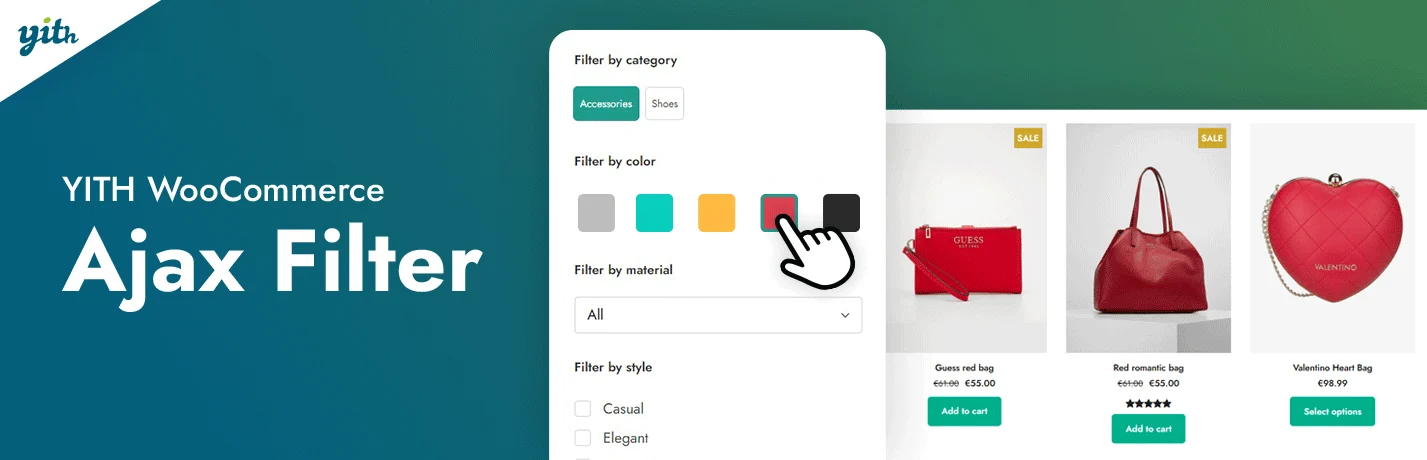
YITH WooCommerce Ajax Product Filter provides polished filter layouts for categories, attributes, prices, ratings, brands, and other catalog properties. It is especially convenient when a store already relies on YITH plugins for wishlists, subscriptions, or other ecommerce functions.
I tend to favor YITH when the site already uses their ecosystem because the admin patterns feel consistent. The filter design tools are useful when the storefront needs something more polished than a plain checkbox sidebar.
Key features
- AJAX filtering for WooCommerce archives
- Color, label, dropdown, checkbox, and text filter styles
- Price and rating filters
- Brand and attribute filtering
- Preset-based filter groups
- Mobile-friendly filter layouts
Pros: Polished interface, strong WooCommerce focus, flexible presentation, and good fit with other YITH extensions.
Cons: The strongest controls are premium, and a store with no other YITH products may find cheaper alternatives.
Best for: WooCommerce stores that value visual filter design or already use YITH plugins.
Pricing: Free version available; premium plans are sold annually by YITH. Check current pricing before purchase.
3. Filter Everything – Best for Products and Custom Content
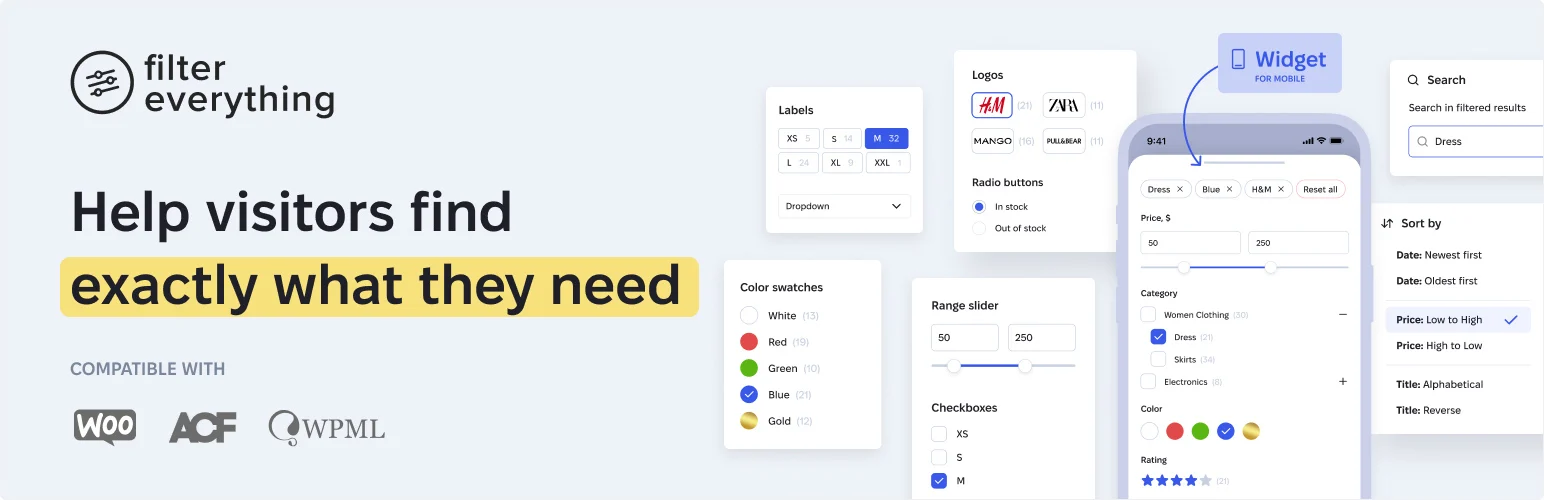
Filter Everything is not limited to WooCommerce. It can filter products, posts, custom post types, taxonomies, custom fields, authors, and other WordPress data, which makes it useful when the store is part of a larger content or directory site.
I would choose it when WooCommerce is only one part of the filtering problem. If a project also has resources, listings, or custom post types that need the same filtering logic, using one flexible system is easier to maintain than several narrowly scoped plugins.
Key features
- Filters for WooCommerce products and WordPress post types
- Taxonomy and custom field filtering
- AJAX filtering support
- URL-based filter states
- Filter sets for different archive types
- SEO-friendly permalink controls in Pro
Pros: Works beyond WooCommerce, flexible data support, good free starting point, and strong for mixed-content sites.
Cons: Broader flexibility means more configuration than a very simple store filter.
Best for: Stores that also need filtering for custom post types, taxonomies, or custom fields.
Pricing: Free version available; Filter Everything Pro uses paid licenses based on site count.
4. HUSKY (WOOF) – Best for Filter Variety

HUSKY, formerly known as WOOF, is a long-running WooCommerce product filter with a large set of filter types and extensions. It supports categories, attributes, price, SKU, metadata, hierarchy, and several different front-end controls.
The reason I still consider HUSKY is flexibility. It can handle unusual filter combinations without requiring custom development, although the interface feels more technical than newer products.
Key features
- WooCommerce taxonomy and attribute filters
- Price, SKU, and metadata filtering
- AJAX result updates
- Shortcode-based placement
- Multiple display types including radio, checkbox, dropdown, and range controls
- Optional extensions for specialized filtering behavior
Pros: Mature plugin, many filter types, useful free version, and strong configuration depth.
Cons: The settings are less beginner-friendly than newer alternatives, and styling may need extra work.
Best for: Users who need unusual filter combinations and do not mind a more technical configuration screen.
Pricing: Free core plugin available; paid extensions and premium versions vary by marketplace.
5. FacetWP – Best for Developer-Led Faceted Search
FacetWP is a faceted search system for WordPress rather than a WooCommerce-only sidebar filter. It indexes data for fast filtering and supports custom fields, taxonomies, post data, WooCommerce properties, and many advanced site structures.
I reach for FacetWP when the filtering logic is part of the site architecture. It is especially strong when developers are already working with custom fields, custom templates, and large datasets where a simple widget-based filter is not enough.
Key features
- Indexed faceted filtering for faster queries
- WooCommerce product and variation support
- Custom field and taxonomy facets
- Search, sliders, checkboxes, dropdowns, and proximity facets
- Integrations with common WordPress builders and data plugins
- Developer hooks for custom filtering behavior
Pros: Fast indexing approach, excellent custom-data support, developer friendly, and scalable for sophisticated sites.
Cons: Paid only and less beginner-friendly than WooCommerce-specific plug-and-play filters.
Best for: Custom WooCommerce builds, directories, and large catalogs managed by developers or agencies.
Pricing: Paid annual licenses; pricing depends on site count and plan.
6. Premmerce Product Filter – Best for SEO-Focused Filtering

Premmerce Product Filter combines WooCommerce filtering with stronger attention to filter URLs and searchable landing pages. That makes it interesting for stores where filtered combinations such as brand + category + attribute have real organic search value.
I would only index filtered pages deliberately. The value of Premmerce is not creating thousands of URLs automatically; it is giving SEO-focused stores more control when selected filter combinations deserve their own crawlable landing pages.
Key features
- AJAX WooCommerce product filtering
- Attribute, category, tag, and price filters
- SEO-friendly filter URLs
- Filter result caching options
- Widget and shortcode placement
- Controls for selected searchable filter combinations
Pros: Strong SEO angle, useful WooCommerce coverage, clear filtered URLs, and good fit for category-heavy stores.
Cons: SEO filters require careful indexing strategy, and casual users may not need the extra URL controls.
Best for: Ecommerce sites that intentionally build organic landing pages around product attributes and filtered categories.
Pricing: Free and premium options are available; check Premmerce for current license pricing.
How to Choose a WooCommerce Product Filter Plugin
- Start with the catalog structure: identify the 3–6 filters shoppers actually use instead of exposing every attribute.
- Test filtering on mobile; a perfect desktop sidebar can become unusable on a small screen.
- Decide which filtered URLs should be crawlable or indexable before enabling SEO features.
- Check performance with the real catalog size, not only a demo store.
- Avoid combining two plugins that both rewrite the same shop query.
Conclusion
BeRocket is the most balanced starting point for a normal WooCommerce catalog. FacetWP makes more sense when filtering is part of a custom data architecture, while Premmerce stands out when SEO-friendly filtered landing pages are part of the plan.
The right filter should reduce decisions, not create more of them. I would rather give shoppers four useful filters that return results quickly than twelve controls that make the catalog feel like a database form.
Frequently Asked Questions
What is the best WooCommerce product filter plugin?
BeRocket AJAX Products Filter is the strongest all-around choice for many stores because it combines WooCommerce-specific filters, AJAX updates, styling controls, and a free version. FacetWP is better for custom developer-led filtering.
Do WooCommerce product filters hurt SEO?
They can if every filter combination creates crawlable duplicate or low-value URLs. Use canonical, noindex, or controlled SEO landing-page rules so search engines only index filter combinations that have genuine search value.
Should WooCommerce filters use AJAX?
AJAX usually creates a smoother shopping experience because results update without a full page reload. The implementation still needs usable URLs, browser history behavior, accessibility, and fallback handling.
What filters should a WooCommerce store add first?
Start with the attributes customers use to make purchase decisions: category, price, brand, size, color, stock status, rating, or a niche-specific property. Do not expose internal attributes that shoppers do not understand.

