



Product photos cannot always show movement, scale, setup, or real-world use. WooCommerce product video plugins solve that gap by adding videos to the product gallery, featured-media area, or a richer product slider. The right choice depends on whether you need one featured video or a full mixed image-and-video gallery.
TL;DR
Choose Product Video Gallery for WooCommerce or Video Gallery for WooCommerce when video needs to live inside the product gallery. Really Simple Featured Video and Featured Video for WooCommerce are better when one featured video is enough. Reno Product Gallery makes more sense when video is only one part of a broader gallery upgrade with zoom, sliders, and variation media.
Quick Comparison
| Plugin | Best for | Pricing starting point |
|---|---|---|
| Product Video Gallery for WooCommerce | adding video beside product gallery images | Free version on WordPress.org |
| Video Gallery for WooCommerce | featured and gallery product videos | Free version on WordPress.org |
| Really Simple Featured Video | using video as featured media | Free version on WordPress.org |
| Featured Video for WooCommerce | a lightweight featured-video setup | Free version on WordPress.org |
| Reno Product Gallery | combined image, variation and video galleries | Free version on WordPress.org |
How I Chose These Plugins
I separated true WooCommerce gallery/video tools from generic video players. The main criteria were where the video appears, whether image and video media can coexist cleanly, theme/gallery compatibility, support for featured media versus full galleries, and how much extra gallery functionality the plugin adds.
1. Product Video Gallery for WooCommerce
Best for: Adding video beside product gallery images.
Adds product videos to the WooCommerce product gallery so shoppers can move between images and video from the same product-media area.
Key features
- Product gallery video embeds
- mixed image/video presentation
- WooCommerce product-page integration
Pros
- Purpose-built for WooCommerce
- established install base
Limitations
- Best suited to gallery video rather than broader video marketing
Pricing: this WooCommerce Product Video Plugins option has a free WordPress.org version. Check the current developer listing before buying an optional upgrade, especially if the paid tier changes limits, integrations, or support.
2. Video Gallery for WooCommerce

Best for: Featured and gallery product videos.
Adds product and featured video support to WooCommerce product galleries with customization controls.
Key features
- Product video
- featured video
- WooCommerce gallery integration
Pros
- Focused product-video feature set
- highly rated current listing
Limitations
- Store-theme gallery behavior should be tested before rollout
Pricing: this WooCommerce Product Video Plugins option has a free WordPress.org version. Check the current developer listing before buying an optional upgrade, especially if the paid tier changes limits, integrations, or support.
3. Really Simple Featured Video

Best for: Using video as featured media.
Adds featured-video support to posts, pages, custom post types, and WooCommerce products, making it useful when a store needs a video in the featured-media role.
Key features
- Featured video support
- WooCommerce products
- posts/pages/custom post types
Pros
- Useful beyond WooCommerce
- straightforward featured-video approach
Limitations
- Not a full product-gallery replacement
Pricing: this WooCommerce Product Video Plugins option has a free WordPress.org version. Check the current developer listing before buying an optional upgrade, especially if the paid tier changes limits, integrations, or support.
4. Featured Video for WooCommerce

Best for: A lightweight featured-video setup.
Focuses on adding a featured video to WooCommerce product pages without turning the media area into a larger gallery system.
Key features
- WooCommerce featured videos
- product-page integration
- simple setup
Pros
- Narrow and easy-to-understand purpose
Limitations
- Smaller ecosystem and fewer gallery features
Pricing: this WooCommerce Product Video Plugins option has a free WordPress.org version. Check the current developer listing before buying an optional upgrade, especially if the paid tier changes limits, integrations, or support.
5. Reno Product Gallery
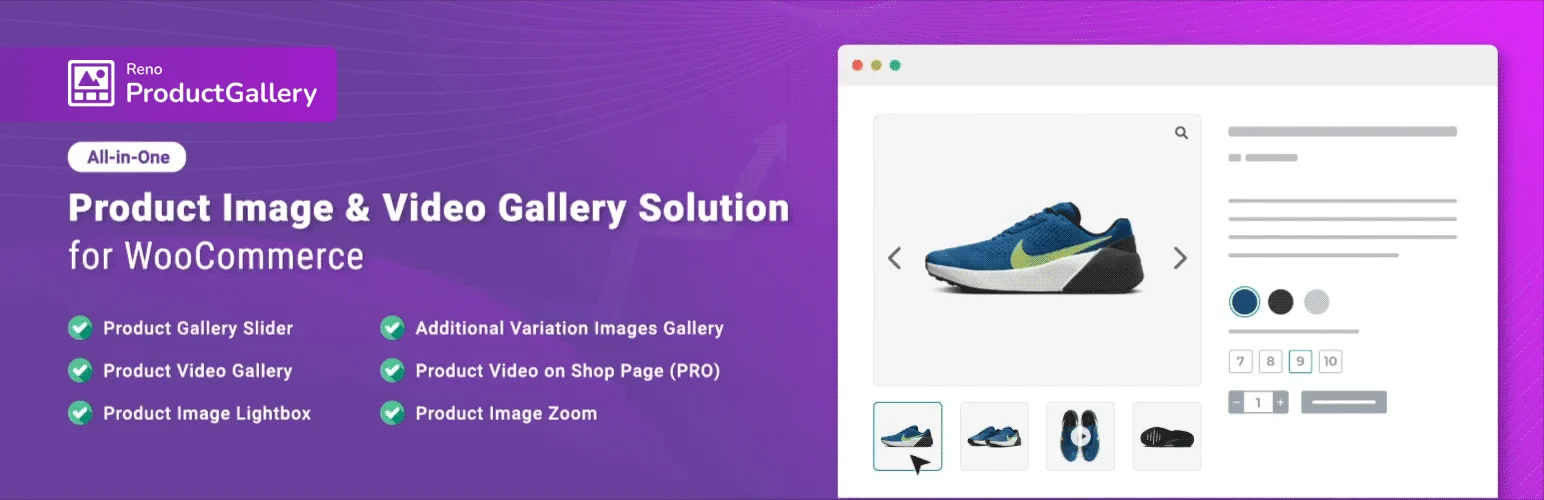
Best for: Combined image, variation and video galleries.
An all-in-one WooCommerce gallery tool that combines product images, video, zoom/lightbox behavior, and additional variation-image features.
Key features
- Product video gallery
- gallery slider
- image zoom/lightbox
- additional variation images
Pros
- Broader gallery toolkit
- strong current rating
Limitations
- May be more functionality than stores needing only one video require
Pricing: this WooCommerce Product Video Plugins option has a free WordPress.org version. Check the current developer listing before buying an optional upgrade, especially if the paid tier changes limits, integrations, or support.
Video hosting, performance, and gallery compatibility
Product video is most useful when it answers a buying question that images cannot: how a product moves, sounds, assembles, fits, or works in context. Avoid adding video only because the gallery supports it. Each extra embed can increase network requests and layout complexity, particularly on mobile product pages.
Hosted video from YouTube or Vimeo can reduce server load, while self-hosted files give more control but require careful compression, poster images, and delivery. If you are already considering a broader gallery redesign, compare the dedicated WooCommerce product gallery plugins before stacking two plugins that both replace the same media area.
How to Choose
Start by choosing the placement model. A single featured video is simpler and lighter; a mixed image/video gallery is better for products that need demonstrations, setup clips, or several angles. Check whether the plugin expects YouTube or Vimeo URLs or supports self-hosted files, whether videos change with variations, and whether thumbnails, zoom, lightbox, or swipe behavior still work on mobile. Product-media plugins often touch theme-sensitive markup, so test your exact product template before rollout.
Final Take
For a simple product demo, use a focused featured-video plugin. For richer merchandising, choose a WooCommerce gallery plugin that treats video as part of the same media experience as images. Avoid replacing a working gallery with a larger tool unless the added video and variation features solve a real presentation problem.
FAQs
Does WooCommerce support product videos by default?
Core WooCommerce is primarily image-based, so dedicated video or gallery extensions are commonly used when video needs to appear in the product media area.
Can I use YouTube or Vimeo videos in a WooCommerce gallery?
Many product-video plugins support hosted video URLs, but the supported providers differ by plugin. Verify the exact source you plan to use.
Will product videos slow down product pages?
They can, especially with self-hosted video or multiple embeds. Lazy loading and hosted video services can reduce the performance cost.
Can product videos change with variations?
Some gallery plugins support variation-specific media, but this is not universal. Check variation behavior before choosing a plugin.
Should I use a full gallery plugin just for one video?
Usually not. If you only need one featured video, a narrower plugin is easier to maintain and less likely to conflict with your theme gallery.

