



WooCommerce includes basic stock controls, but managing hundreds of products, variations, suppliers, purchase orders, or multiple stores quickly becomes tedious. A dedicated WooCommerce stock management plugin can turn inventory work into a faster dashboard, spreadsheet, or synchronized workflow.
For 2026, I would prioritize current WooCommerce compatibility, variation support, bulk editing, stock history, import/export, and a workflow that matches how your team actually updates inventory.
If low-stock demand is tied to products customers are waiting for, see our WooCommerce waitlist plugin roundup. For complex product options, our WooCommerce product add-on plugin guide may also help.
TL;DR
- ATUM Inventory Management: best overall for deeper WooCommerce inventory, suppliers, purchase orders, and stock control.
- Stock Manager for WooCommerce: best for a simple stock dashboard with inline editing and stock history.
- Smart Manager: best for spreadsheet-style bulk editing across products, stock, orders, and other store data.
- FlexStock: best for teams that want WooCommerce stock synchronized with Google Sheets.
- BrikPanel: best for an all-in-one WooCommerce admin workspace with inventory, bulk editing, and reporting.
Quick Comparison
| Plugin | Best for | Main workflow | Free version |
|---|---|---|---|
| ATUM Inventory Management | Full inventory operations | Stock Central + suppliers | Yes |
| Stock Manager for WooCommerce | Fast stock editing | Inventory table | Yes |
| Smart Manager | Bulk store management | Spreadsheet editor | Yes |
| FlexStock | Google Sheets stock sync | Two-way sheet sync | Yes |
| BrikPanel | All-in-one Woo admin | Dashboard + bulk editor | Yes |
How I Chose These Plugins
I compared current maintenance, WooCommerce and WordPress compatibility, simple and variable product support, bulk updates, stock history, suppliers, purchase orders, CSV or spreadsheet workflows, multi-store use cases, HPOS support, and whether the plugin solves a real inventory problem instead of duplicating WooCommerce’s native stock fields.
1. ATUM Inventory Management – Best Overall
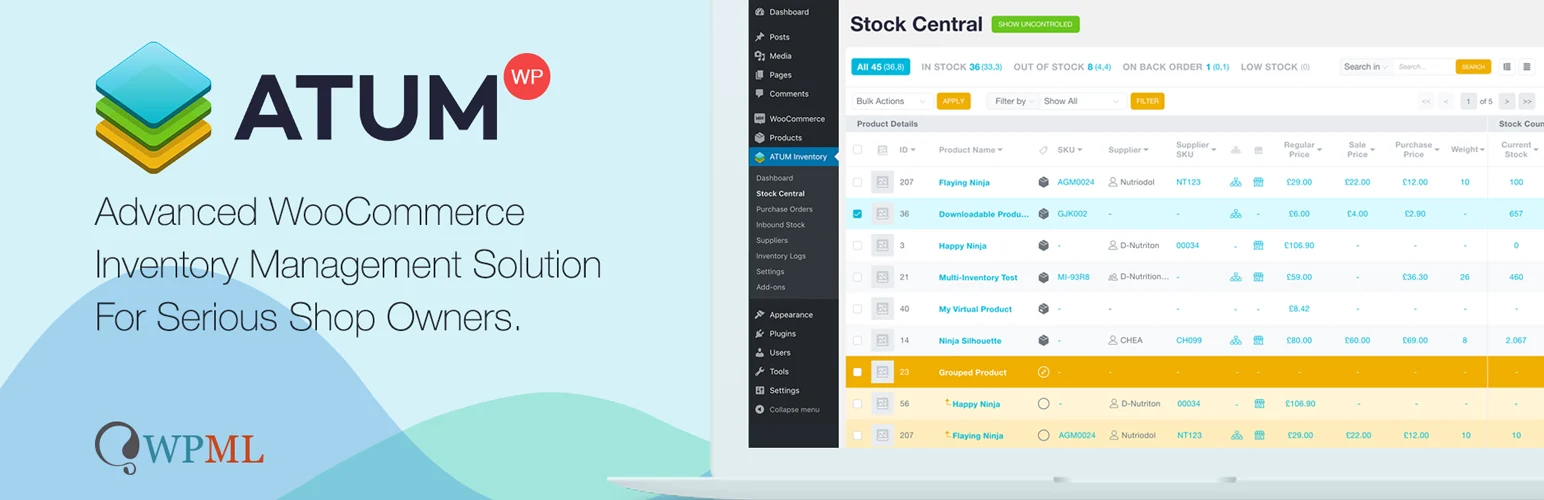
ATUM WooCommerce Inventory Management is the most complete inventory-focused option in this list. Its Stock Central interface puts products and variations into one operational workspace while adding suppliers, purchase prices, inventory logs, stock indicators, and purchase-order capabilities.
ATUM is especially useful when stock management is becoming an operational process rather than a simple quantity field. It supports variable products and common official WooCommerce product extensions, and its 2026 releases included major compatibility and performance work.
Key features
- Stock Central inventory dashboard
- Suppliers and purchase prices
- Purchase orders and inbound stock workflows
- Inventory logs and stock indicators
- Variable-product support
- Filters, exports, and one-screen editing
Best for: growing WooCommerce stores that need inventory operations beyond simple stock quantity updates
Keep in mind: ATUM is more complex than a basic stock editor, and some advanced inventory modules are commercial add-ons.
2. Stock Manager for WooCommerce – Best Simple Stock Dashboard
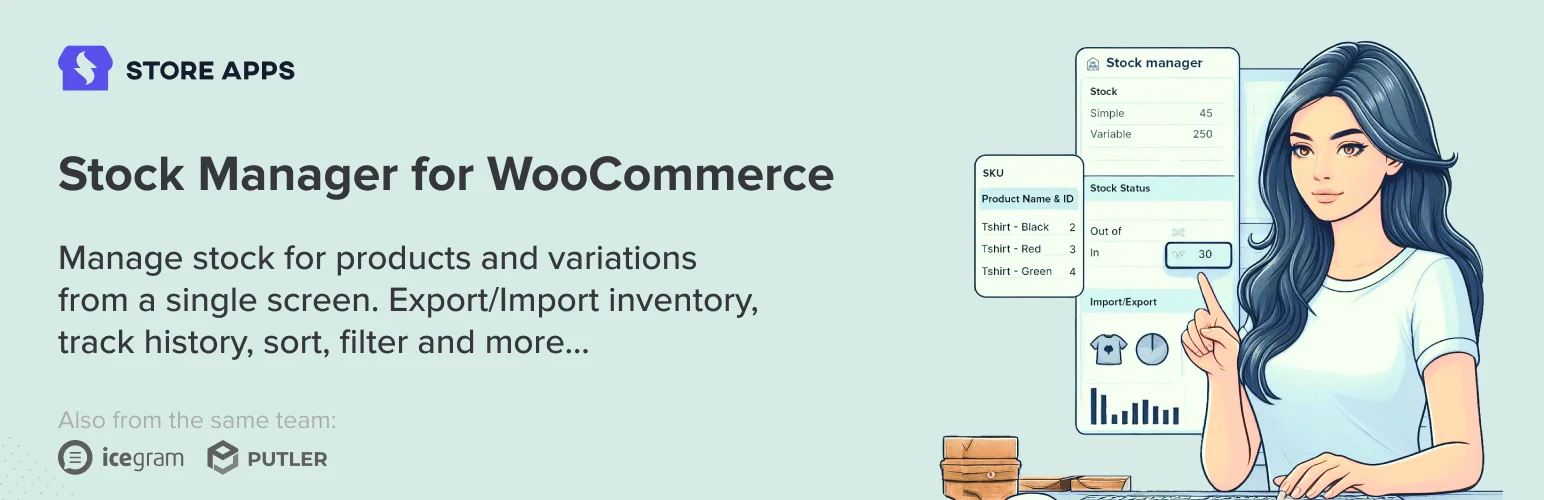
Stock Manager for WooCommerce by StoreApps is a focused choice for editing product stock and variations from one screen. It exposes stock status, quantity, SKU, prices, taxes, shipping class, backorders, and other inventory-related fields in a table.
It also keeps stock history and provides CSV import/export. The plugin was updated for WordPress 7.1 and WooCommerce 11.1 in September 2026, making it one of the most current options for a straightforward stock workflow.
Key features
- One-screen stock dashboard
- Inline product and variation editing
- Stock, SKU, price, and backorder controls
- Stock history log
- Quick filters
- CSV import and export tools
Best for: store managers who mainly need faster stock editing inside WordPress
Keep in mind: Its CSV import/export documentation includes cautions, so test bulk imports before using them on a large live catalog.
3. Smart Manager – Best Spreadsheet-Style Bulk Editor

Smart Manager is broader than a stock plugin. It gives WooCommerce a spreadsheet-style interface for products, variations, orders, coupons, users, and other post types.
For inventory work, you can manage stock quantity, stock status, backorders, prices, and related product data in bulk. It is a strong choice when the same team also needs to edit orders and catalog data from one grid.
Key features
- Spreadsheet-style product management
- Stock and inventory bulk editing
- Simple and variable product support
- CSV export and product import workflows
- Advanced search and filtering
- Products, orders, users, coupons, and more in one manager
Best for: teams that want stock management as part of a broader WooCommerce bulk-editing workspace
Keep in mind: Several advanced bulk-edit features belong to Smart Manager Pro, so compare Lite against your actual workflow before standardizing on it.
4. FlexStock – Best for Google Sheets Stock Management
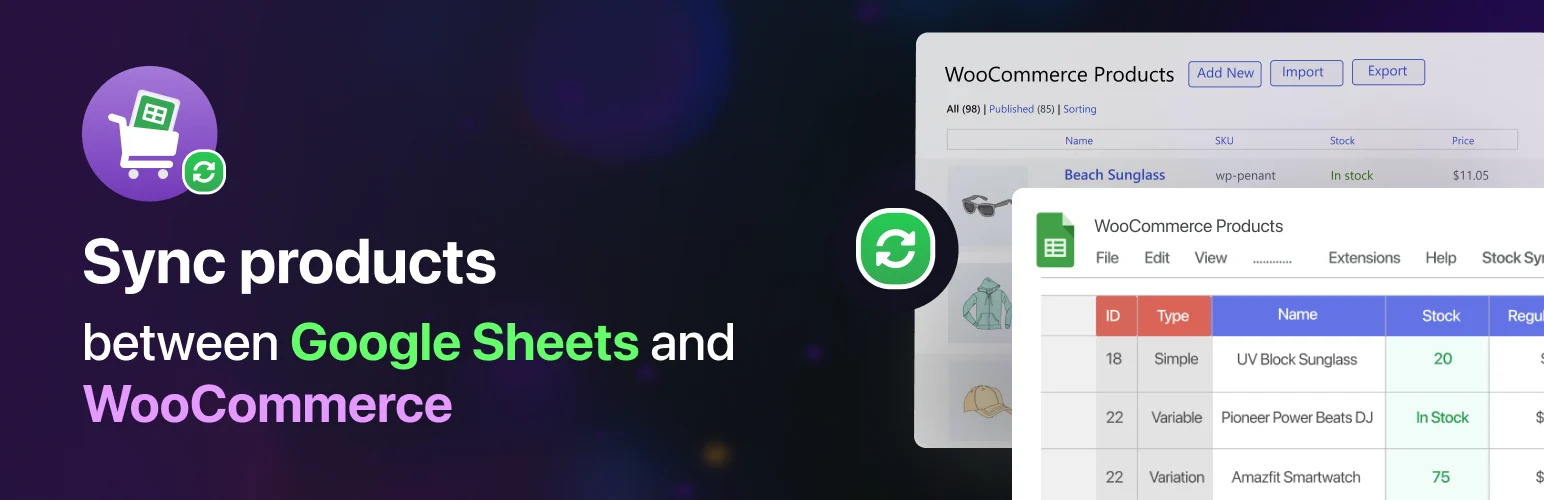
FlexStock connects WooCommerce inventory and product data to Google Sheets. It supports two-way product updates, variable products, stock quantity, SKU, pricing, status, categories, attributes, and other fields.
This is useful when inventory work is shared with non-WordPress staff or when a spreadsheet already sits at the center of the team’s process. The free version supports a limited number of products, while paid tiers expand capacity and automation.
Key features
- WooCommerce to Google Sheets synchronization
- Two-way product and stock editing
- Variable-product support
- Stock, SKU, pricing, status, and attribute sync
- Scheduled and real-time sync options
- Spreadsheet-based bulk editing
Best for: operations teams that manage inventory collaboratively in Google Sheets
Keep in mind: The workflow depends on Google Sheets and API setup, so it adds an external system rather than keeping inventory entirely inside WordPress.
5. BrikPanel – Best All-in-One WooCommerce Admin Workspace
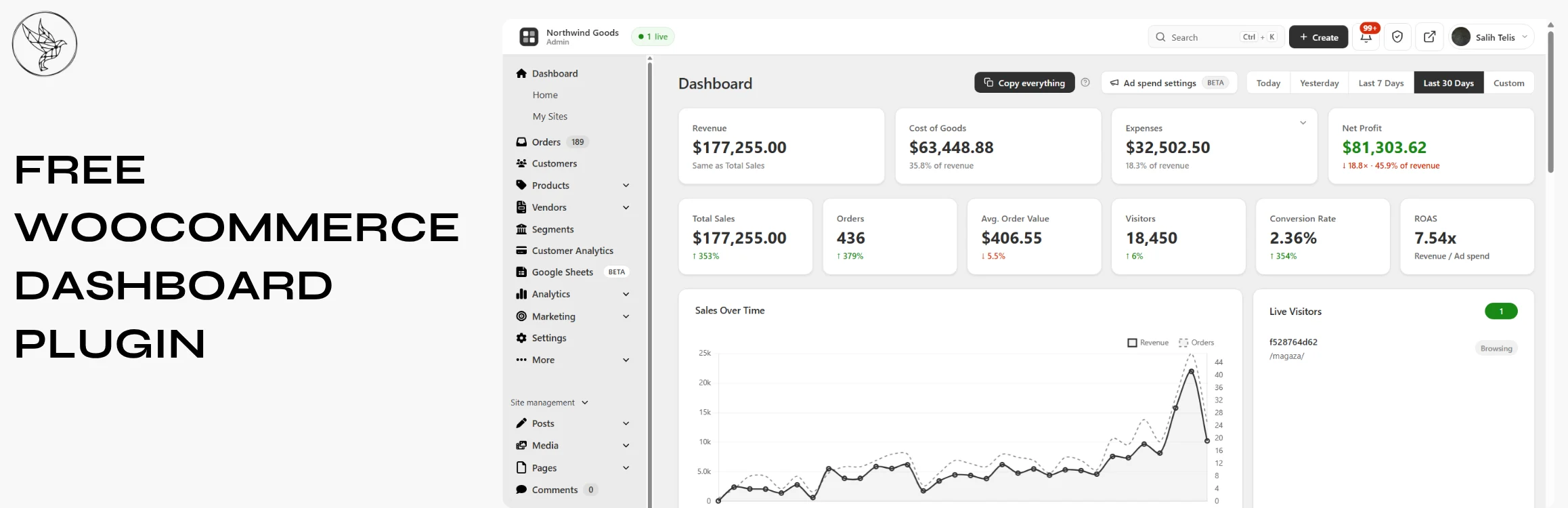
BrikPanel combines WooCommerce inventory management with a broader dashboard, bulk product editor, order management, reporting, abandoned-cart tools, and Google Sheets integration.
Its inventory workspace shows stock for products and variations and supports inline or bulk updates. It is less specialized than ATUM, but attractive if your goal is to replace several everyday WooCommerce admin workflows with one interface.
Key features
- Inventory workspace for products and variations
- Inline and bulk stock editing
- WooCommerce product and order management
- Sales and store reporting
- Google Sheets sync tools
- HPOS-aware order workflow
Best for: store owners who want inventory inside a larger WooCommerce admin replacement
Keep in mind: Because BrikPanel covers many admin areas, it is not as deeply inventory-specialized as ATUM.
Which WooCommerce Stock Management Plugin Should You Choose?
ATUM is the strongest choice when inventory has suppliers, purchase orders, stock logs, and operational complexity. Stock Manager is better if you mainly want faster stock editing. Smart Manager works well for spreadsheet-style bulk administration across the store.
FlexStock is the most natural fit for Google Sheets teams, while BrikPanel makes sense if inventory is only one part of a broader WooCommerce admin overhaul. Choose the workflow your staff will actually maintain consistently.
Conclusion
WooCommerce stock management gets easier when the plugin matches the operational problem. ATUM is the most complete inventory system here, Stock Manager is excellent for fast editing, and Smart Manager gives teams a flexible spreadsheet view. Use FlexStock for Google Sheets collaboration or BrikPanel when inventory belongs inside a wider WooCommerce admin workspace.
Frequently Asked Questions
What is the best WooCommerce stock management plugin in 2026?
ATUM is the best overall choice in this list for stores that need deeper inventory management, while Stock Manager is easier for straightforward stock editing.
Does WooCommerce already have inventory management?
WooCommerce includes native stock quantity, stock status, backorders, and low-stock settings. Dedicated plugins become useful when you need bulk editing, logs, suppliers, purchase orders, spreadsheets, or multi-store workflows.
Can I bulk edit WooCommerce stock quantities?
Yes. Stock Manager, Smart Manager, ATUM, FlexStock, and BrikPanel all provide faster ways to update multiple inventory records than opening products individually.
Can I manage WooCommerce inventory in Google Sheets?
Yes. FlexStock is designed specifically for synchronizing WooCommerce product and inventory data with Google Sheets.
What is the best stock plugin for WooCommerce variations?
ATUM, Stock Manager, Smart Manager, FlexStock, and BrikPanel all support variable-product workflows, but ATUM offers the deepest dedicated inventory environment.

