



A color dropdown is technically enough to sell a variable product, but it is rarely the clearest way to shop. If a customer is choosing black, blue, walnut, silver, small, or large, a visual swatch communicates the option faster than plain text. That becomes even more important on clothing, furniture, cosmetics, accessories, and other products where appearance is part of the decision.
I use variation swatches when they reduce hesitation, not just because they look modern. The best WooCommerce variation swatches plugin should make options easier to scan, handle unavailable combinations clearly, work on mobile, and avoid turning every product card into a wall of tiny selectors.
These six plugins cover dedicated swatches, free-first options, ecosystem integrations, and complex configurable products. If your products need text fields, file uploads, or extra charges in addition to swatches, our WooCommerce product add-on plugins guide goes deeper.
TL;DR: Best WooCommerce Variation Swatches Plugins
- Variation Swatches for WooCommerce by GetWooPlugins: best overall free-first swatch plugin.
- Iconic WooCommerce Attribute Swatches: best premium option for polished product and archive swatches.
- YITH Color, Image & Label Variation Swatches: best for stores already using YITH extensions.
- Premmerce Variation Swatches: best lightweight free option for standard attributes.
- Swatchly: best for Elementor-oriented visual controls.
- WooCommerce Product Options by Barn2: best when swatches need conditional logic and extra product fields.
1. Variation Swatches for WooCommerce by GetWooPlugins – Best Overall
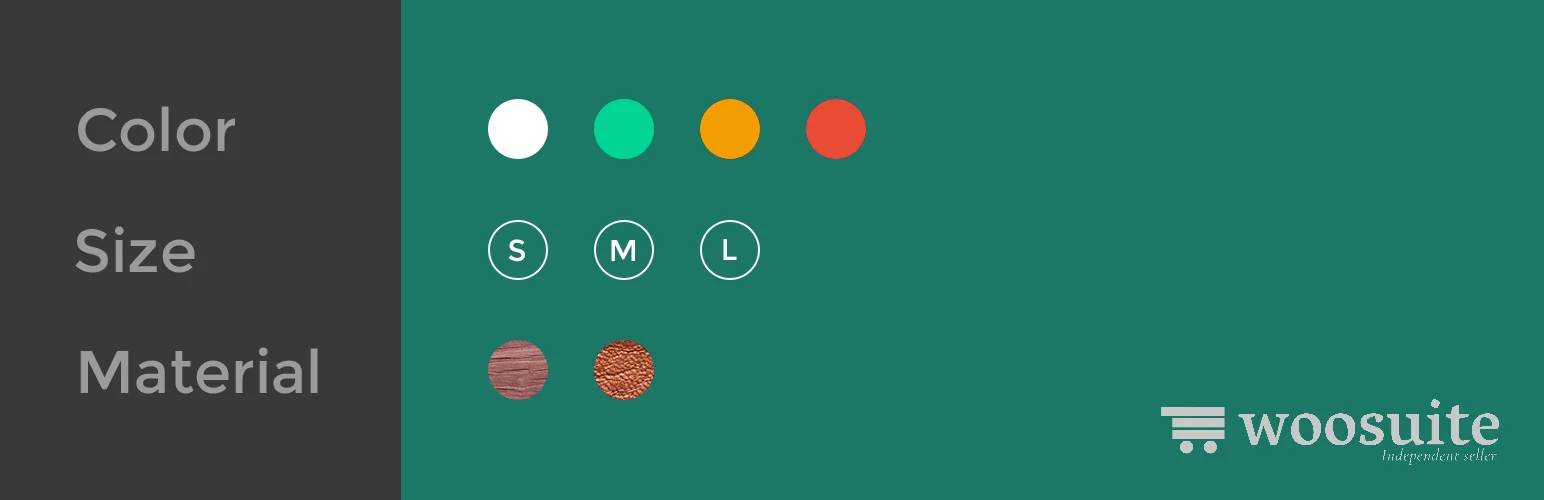
Variation Swatches for WooCommerce replaces standard WooCommerce variation dropdowns with color, image, button, and radio-style selectors. It has a large free user base and covers the common swatch experience without requiring a premium license immediately.
What I like most is the familiar workflow. You define product attributes as usual, then improve how those values appear. That means editors are still working with normal WooCommerce variations rather than learning a separate product configuration system.
Key features
- Color, image, button, and radio swatches
- Automatic conversion of variation dropdowns
- Tooltip support
- Disabled/out-of-stock variation styling
- Archive-page swatches in premium versions
- Shape and size customization
Pros: Strong free version, easy WooCommerce workflow, flexible styles, and broad adoption.
Cons: Shop/archive swatches and more advanced styling require Pro.
Best for: Most WooCommerce stores that want visual variation selection without changing product architecture.
Pricing: Free version available; premium licenses vary by site count.
2. Iconic WooCommerce Attribute Swatches – Best Premium Swatch Plugin
Iconic WooCommerce Attribute Swatches focuses on a polished premium experience. It can display color, image, text, and radio-style options on product pages and, depending on configuration, directly on shop and category archives.
I would consider Iconic when the storefront presentation is already premium and the swatches need to match that standard. It does fewer unrelated jobs than some all-in-one product option tools, which can be a strength when performance and consistency matter.
Key features
- Color, image, text, and radio swatches
- Swatches on catalog and archive pages
- Custom swatch styling and layout
- Clickable visual variation selection
- Variation availability feedback
- WooCommerce-focused compatibility and support
Pros: Polished presentation, strong archive support, focused feature set, and good premium support.
Cons: Paid only and unnecessary if a simple free color swatch already solves the problem.
Best for: Design-conscious stores that want premium swatches on product and category pages.
Pricing: Paid annual license; current single-site pricing should be confirmed on IconicWP.
3. YITH Color, Image & Label Variation Swatches – Best for YITH Stores
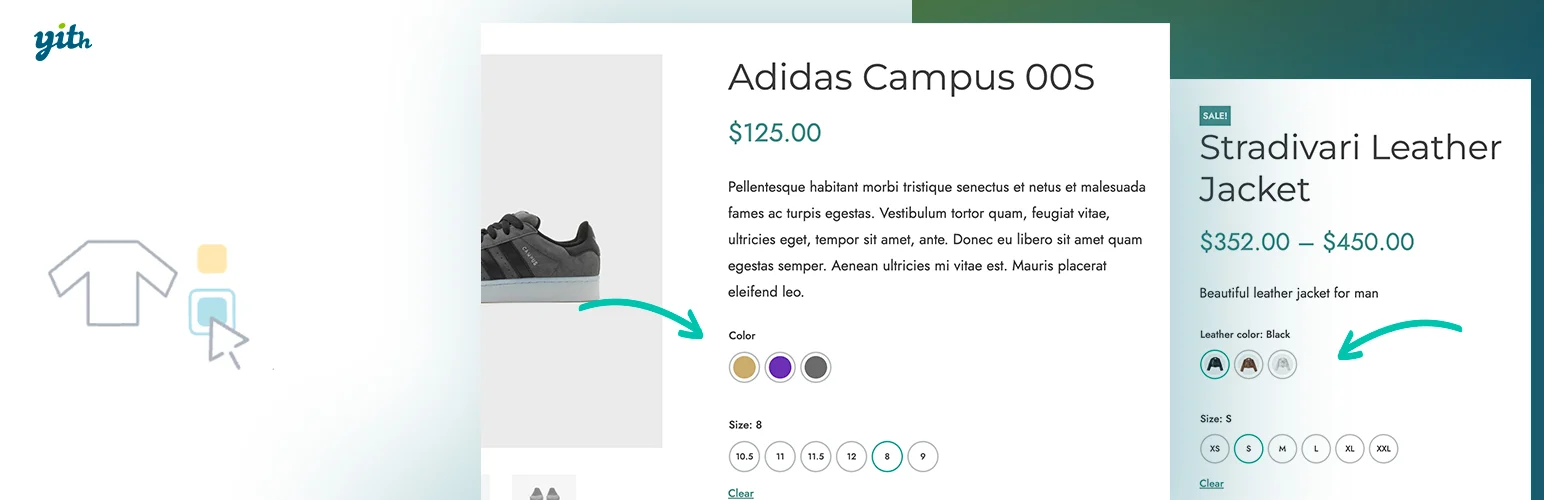
YITH Color, Image & Label Variation Swatches adds visual selectors for attributes and variations while fitting naturally into stores already built around YITH plugins.
The practical reason I would choose it is ecosystem consistency. If the site already uses YITH wishlist, subscriptions, or product filters, keeping variation presentation under the same vendor can simplify support and future updates.
Key features
- Color, image, and label swatches
- Custom attribute presentation
- Variation image behavior
- Tooltip and style controls
- Support for product variation combinations
- Integration with the wider YITH ecosystem
Pros: Mature vendor, clean WooCommerce integration, useful visual controls, and strong ecosystem fit.
Cons: Premium cost and less compelling if the store does not already use YITH products.
Best for: WooCommerce stores already standardized on YITH plugins.
Pricing: Paid annually; pricing changes with YITH promotions and license terms.
4. Premmerce Variation Swatches – Best Lightweight Free Option
Premmerce Variation Swatches offers a simpler way to turn standard variable-product selectors into color, image, and label swatches without adding a large product-options system.
I prefer this kind of narrow plugin when the store only needs one thing done well. Fewer unrelated settings make it easier to hand the site back to a merchant who should not need training just to change a color attribute.
Key features
- Color swatches
- Image swatches
- Label/button variation styles
- WooCommerce attribute integration
- Simple frontend variation replacement
- Lightweight configuration
Pros: Simple, free, focused, and easy for normal variable products.
Cons: Fewer advanced archive, conditional, and merchandising features than premium competitors.
Best for: Small stores that only need clean visual variation selectors.
Pricing: Free core plugin; verify whether premium extensions are needed for your setup.
5. Swatchly – Best for Elementor-Oriented Stores
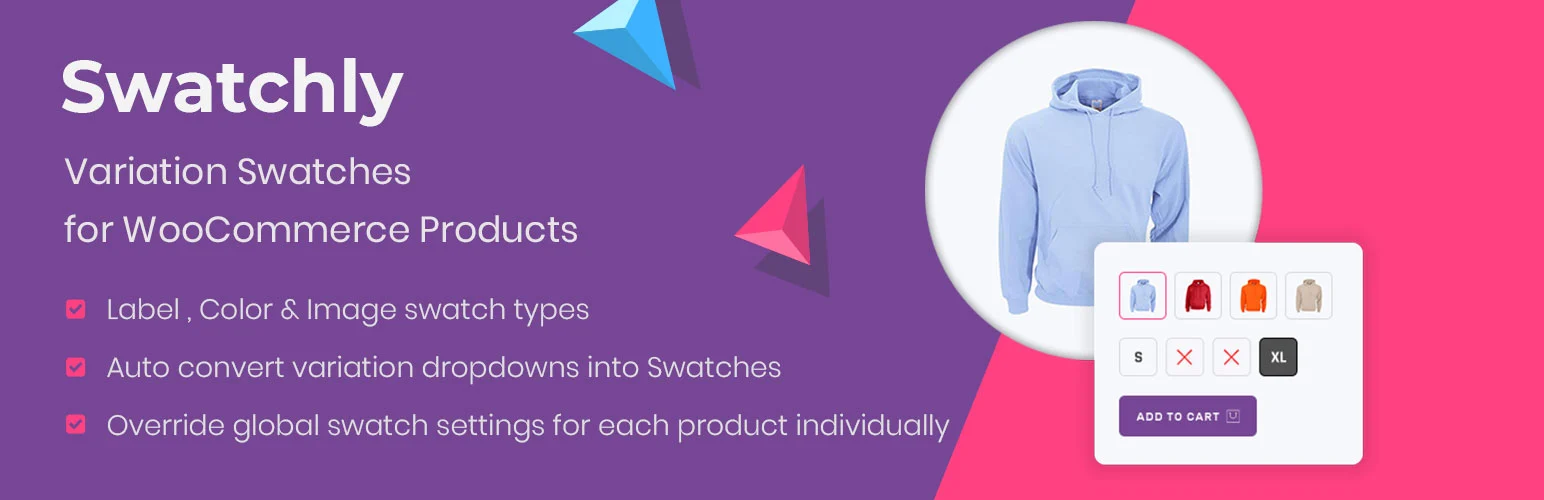
Swatchly adds color, image, and label swatches with an emphasis on visual control and compatibility with Elementor-style WooCommerce builds.
I would choose Swatchly when the product templates are already heavily customized with Elementor. Keeping variation styling close to that visual workflow can save time compared with writing custom CSS around a generic swatch plugin.
Key features
- Color, image, and label variation swatches
- Tooltip controls
- Custom swatch sizes and shapes
- Catalog-page swatch support depending on version
- Elementor-oriented styling workflow
- Free and premium feature tiers
Pros: Flexible styling, Elementor-friendly, free starting point, and easy visual customization.
Cons: Less attractive for stores not using Elementor or HasThemes products.
Best for: Elementor WooCommerce stores that want more visual swatch control.
Pricing: Free version available; premium licensing is available from HasThemes.
6. WooCommerce Product Options by Barn2 – Best for Complex Swatch Logic
WooCommerce Product Options is broader than a dedicated swatch plugin. It can create image, color, text, radio, checkbox, upload, and other fields with conditional logic and flexible pricing, making it useful when standard WooCommerce variations are too restrictive.
I would not buy it just to turn red and blue into circles. I would use it when the product configuration itself is complex: multiple choices, custom input, optional extras, minimum quantities, or price changes tied to selections.
Key features
- Color and image swatches
- Checkbox, radio, text, and upload fields
- Conditional field display
- Dynamic add-on pricing
- Product option groups and reusable rules
- Advanced quantity and selection controls
Pros: Handles complex configurable products, strong conditional logic, many field types, and flexible pricing.
Cons: More expensive and more complex than a dedicated swatch-only plugin.
Best for: Personalized, made-to-order, or configurable products where swatches are only one part of the options.
Pricing: Premium only; current plans start around the mid-$100s per year depending on license and features.
How I Use Variation Swatches Without Hurting UX
- Keep swatches large enough to tap comfortably on mobile.
- Use labels or tooltips when color names are not obvious.
- Make unavailable combinations visibly disabled instead of letting customers discover the problem after clicking.
- Do not show dozens of swatches on archive cards when they make product grids harder to scan.
- Use real variation images when the option changes the product appearance significantly.
Conclusion
Variation Swatches for WooCommerce by GetWooPlugins is the best starting point for most stores because it improves the normal WooCommerce variation workflow without adding unnecessary complexity. Iconic is stronger when premium presentation matters, while Barn2 Product Options is the better tool when the product configuration extends beyond normal variations.
The goal is simple: help shoppers understand the difference between options faster. If a swatch makes the choice clearer, it earns its place. If it only makes the product page busier, keep the dropdown.
Frequently Asked Questions
What is the best WooCommerce variation swatches plugin?
Variation Swatches for WooCommerce by GetWooPlugins is the best all-around option for many stores because it has a strong free version and works directly with normal WooCommerce attributes and variations.
Can I show variation swatches on the WooCommerce shop page?
Yes, several premium swatch plugins support archive and shop-page selectors. Use that carefully because too many swatches on product cards can clutter the grid and add frontend work.
Do variation swatches replace WooCommerce variations?
Most dedicated swatch plugins do not replace the variation system. They change how existing attributes and variations are displayed. Product-options plugins can create additional choices outside standard WooCommerce variations.
Are color swatches accessible?
They can be, but color alone should not be the only signal. Use visible labels, tooltips, keyboard-friendly controls, clear selected states, and sufficient contrast so the option remains understandable to more shoppers.

