



A wishlist looks like a small ecommerce feature until you watch how people actually shop. Many customers are not ready to buy on the first visit. They compare products, save gift ideas, wait for payday, or come back after checking another store. If saved products disappear between sessions, that intent disappears with them.
I prefer WooCommerce wishlist plugins that keep the saving experience simple for guests while giving registered customers a useful long-term list. Sharing, multiple wishlists, analytics, and email reminders can help, but only after the basic save-and-return workflow feels fast and obvious.
These five plugins cover the strongest free-first, premium, and performance-focused approaches. For more store extensions, see our best WooCommerce plugins guide.
TL;DR: Best WooCommerce Wishlist Plugins
- YITH WooCommerce Wishlist: best overall for a mature feature set and ecosystem.
- TI WooCommerce Wishlist: best free-first alternative with practical sharing tools.
- WPC Smart Wishlist: best lightweight option for stores already using WPClever plugins.
- SaveTo Wishlist: best for a modern performance-focused wishlist experience.
- WishSuite: best simple wishlist for Elementor and ShopLentor users.
1. YITH WooCommerce Wishlist – Best Overall
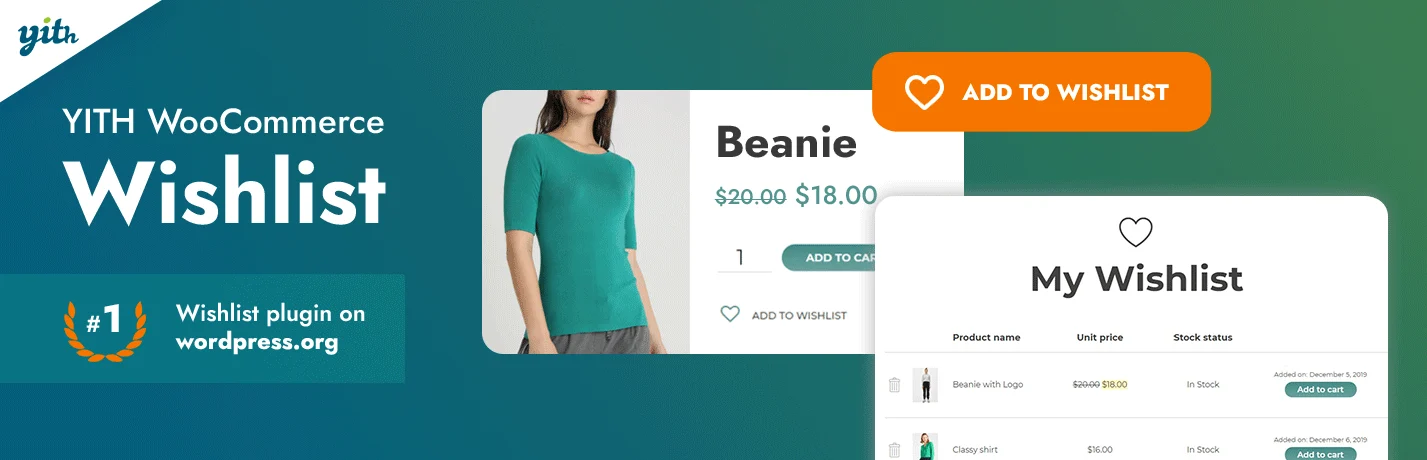
YITH WooCommerce Wishlist is one of the most established wishlist plugins for WooCommerce. The free version covers the basic save-and-return workflow, while premium features add multiple wishlists, privacy controls, promotional email tools, and deeper list management.
I like YITH when the wishlist is meant to become part of the store’s customer-retention workflow rather than just a heart icon. It gives merchants room to grow into richer list behavior without replacing the plugin later.
Key features
- Guest and registered-user wishlists
- Wishlist sharing
- Multiple lists and privacy controls in premium plans
- Add-to-cart actions from saved lists
- Store-owner wishlist analytics and marketing tools in Pro
- Integration with other YITH WooCommerce plugins
Pros: Mature plugin, strong ecosystem, useful free version, and advanced customer-retention features available.
Cons: Several features people associate with wishlists, such as multiple lists, require premium.
Best for: Established stores that want a wishlist system with room for marketing and customer-account features.
Pricing: Free version available; premium is sold annually by YITH.
2. TI WooCommerce Wishlist – Best Free-First Alternative

TI WooCommerce Wishlist offers a generous free feature set with guest saving, social sharing, customizable buttons, and product-list controls. Premium adds multiple wishlists, analytics, promotional emails, and more advanced account behavior.
In practical setups, TI is easy to understand because it stays close to the normal WooCommerce flow. I would consider it when the store needs a capable wishlist but does not want to commit to premium immediately.
Key features
- Guest wishlist support
- Automatic wishlist page setup
- Social sharing controls
- Customizable Add to Wishlist button
- Product variation saving
- Multiple lists and analytics in premium versions
Pros: Strong free version, straightforward setup, flexible presentation, and good sharing options.
Cons: The admin options can feel dense, and the richer marketing features require premium.
Best for: Small and medium stores that want a complete free wishlist before deciding whether to upgrade.
Pricing: Free version available; premium licenses vary by site count.
3. WPC Smart Wishlist – Best Lightweight WPClever Option

WPC Smart Wishlist focuses on a compact wishlist workflow and integrates naturally with other WPClever ecommerce tools such as comparison, quick view, and product bundles.
I find WPC plugins useful when a store already uses several tools from the same developer. The settings feel consistent and the wishlist does not try to become a full CRM feature.
Key features
- AJAX Add to Wishlist behavior
- Wishlist page and product counter
- Guest product saving
- Custom button text and placement
- Integration with WPClever product tools
- Premium customization and account features
Pros: Lightweight, easy to pair with related WPC plugins, and useful free core.
Cons: Fewer advanced marketing and multi-list features than YITH or TI.
Best for: Stores that want a simple wishlist or already use WPClever extensions.
Pricing: Free version available; premium upgrade is sold separately.
4. SaveTo Wishlist – Best for Performance-Focused Stores
SaveTo Wishlist takes a more modern approach to saving products, with a strong emphasis on speed, guest syncing, multiple lists, and a cleaner block-based experience.
What interests me about SaveTo is that wishlist performance is treated as a product requirement rather than an afterthought. On a store where every frontend request matters, a focused implementation can be more attractive than a feature-heavy legacy stack.
Key features
- Guest and account wishlists
- Multiple wishlist organization
- Guest-to-account list syncing
- Block-based WordPress integration
- Save-cart and list-management features
- Performance-oriented frontend behavior
Pros: Modern workflow, strong list organization, thoughtful guest handling, and performance-conscious design.
Cons: Smaller ecosystem and shorter track record than YITH or TI.
Best for: Stores that want a modern wishlist with strong guest behavior and low frontend friction.
Pricing: Free and paid options are available; verify current plan details on the vendor site.
5. WishSuite – Best Simple Elementor-Friendly Wishlist

WishSuite is a straightforward WooCommerce wishlist plugin from HasThemes. It fits naturally with Elementor and ShopLentor-focused stores and provides the common saving, page, counter, and button controls most smaller catalogs need.
I would use WishSuite when simplicity is the priority. If the project already relies on HasThemes tools, keeping the wishlist in the same ecosystem can reduce styling and compatibility work.
Key features
- Add-to-wishlist buttons
- Dedicated wishlist page
- Wishlist counter
- Custom button positioning
- Elementor-oriented integration
- Basic visual customization controls
Pros: Simple setup, focused feature set, and convenient for HasThemes/Elementor workflows.
Cons: Not as deep for multi-list management, analytics, or retention marketing.
Best for: Small Elementor-based WooCommerce stores that want a basic wishlist without extra complexity.
Pricing: Free version available; premium options depend on the HasThemes bundle or license.
What I Check Before Adding a Wishlist
- Guest users should be able to save products without creating an account first.
- Saved variations must preserve the exact size, color, or configuration when that matters.
- The wishlist button should not delay product-page interaction or shift the layout.
- Account syncing should be predictable when a guest later registers or logs in.
- Email reminders should be permission-based and useful, not another source of spam.
Conclusion
YITH remains the safest all-around choice when a wishlist needs mature premium features. TI is the strongest free-first alternative, while SaveTo is especially interesting when performance and modern list behavior matter.
A wishlist should help customers remember intent, not create another account-management chore. I would keep the save action visible, the list easy to return to, and the marketing around it restrained.
Frequently Asked Questions
What is the best WooCommerce wishlist plugin?
YITH WooCommerce Wishlist is the strongest overall choice for mature features and ecosystem support. TI WooCommerce Wishlist is an excellent alternative if you want more functionality before paying.
Can guests use a WooCommerce wishlist?
Yes, several wishlist plugins store guest selections in cookies or browser data and can later sync them to an account. Test how long guest lists persist and what happens after login.
Do wishlist plugins slow down WooCommerce?
They can add scripts, requests, and database activity, especially when counters and dynamic account data load on every page. Choose a well-maintained plugin and test product, archive, and account pages after activation.
Are multiple wishlists useful?
They are useful for gift planning, repeat buyers, B2B purchasing, and customers managing different projects. A small store with quick one-time purchases may not need the extra complexity.

