



A 3D product file is useless to shoppers if the browser cannot load it smoothly, rotate it on touch, and hand it off to AR on a supported phone. WordPress 3D model viewer plugins bridge that gap by embedding GLB/GLTF or other model formats into posts and WooCommerce products. This roundup is about real 3D models and augmented reality, not 360-degree image panoramas or PDF flipbooks.
TL;DR
3D Viewer by bPlugins is the best overall choice because it supports many model formats, Gutenberg, Elementor, WooCommerce and free AR. AtlasAR is strongest for stores that want AR, virtual try-on and richer product controls. BSS 3D Product Viewer & AR is built specifically around WooCommerce product configuration and material/attribute mapping. Press3D is a clean option for general WordPress pages that need a capable Three.js viewer without a store-first workflow.
Quick Comparison
| Plugin | Best for | Pricing |
|---|---|---|
| 3D Viewer | General 3D embeds plus WooCommerce and free AR | Free + Pro |
| AtlasAR | WooCommerce AR, virtual try-on and product-focused 3D experiences | Free + Pro |
| BSS 3D Product Viewer & AR for WooCommerce | WooCommerce products with materials, dimensions and attribute mapping | Free |
| Press3D | General-purpose Three.js models in Gutenberg and shortcodes | Free |
How I Chose These WordPress 3D model viewer plugins
I verified that each plugin renders actual 3D model files and did not include flipbooks or panorama viewers. I compared file-format support, WooCommerce integration, AR behavior, editor experience, mobile controls, model optimization concerns and whether the viewer can be used outside product pages.
1. 3D Viewer — Best for General 3D embeds plus WooCommerce and free AR

3D Viewer — 3D Viewer by bPlugins has the broadest all-purpose fit. It supports GLB, GLTF, OBJ, STL, FBX, DAE, PLY and 3DS, works in Gutenberg and Elementor, integrates with WooCommerce, and now includes AR in the free plugin.
Best For
General 3D embeds plus WooCommerce and free AR.
Key Features
- GLB, GLTF, OBJ, STL and other model formats
- Gutenberg block
- Elementor compatibility
- WooCommerce product integration
- Touch rotate, pan and zoom
- Lazy loading
- AR through WebXR, Scene Viewer and Quick Look
Pros
Broad format support and a strong free feature set make it easy to test on real product models.
Cons
Large or poorly optimized models can still hurt performance; the plugin cannot compensate for oversized textures and geometry.
Pricing
3D Viewer has a free version on WordPress.org and a paid Pro edition from bPlugins. The current product page sends buyers through the purchase flow without exposing a stable public license price.
2. AtlasAR — Best for WooCommerce AR, virtual try-on and product-focused 3D experiences

AtlasAR — AtlasAR has moved beyond a simple model viewer. It supports regular posts and WooCommerce, adds mobile AR, QR handoff from desktop and virtual try-on for glasses and caps, with Pro features for dimensions, hotspots and configurators.
Best For
WooCommerce AR, virtual try-on and product-focused 3D experiences.
Key Features
- GLTF/GLB model support
- WooCommerce and regular-post support
- View-in-AR button
- Desktop-to-mobile QR handoff
- Virtual try-on for glasses and caps
- Gutenberg block and shortcode
- Pro dimensions, hotspots and configurator controls
Pros
One of the more ambitious AR-focused options and actively developed through 2026.
Cons
Its feature set is commerce-oriented, and advanced product presentation capabilities require Pro.
Pricing
AtlasAR has a free core plugin and a Pro upgrade, with a 14-day Pro trial available. Current paid pricing is shown through the vendor's upgrade flow.
3. BSS 3D Product Viewer & AR for WooCommerce — Best for WooCommerce products with materials, dimensions and attribute mapping
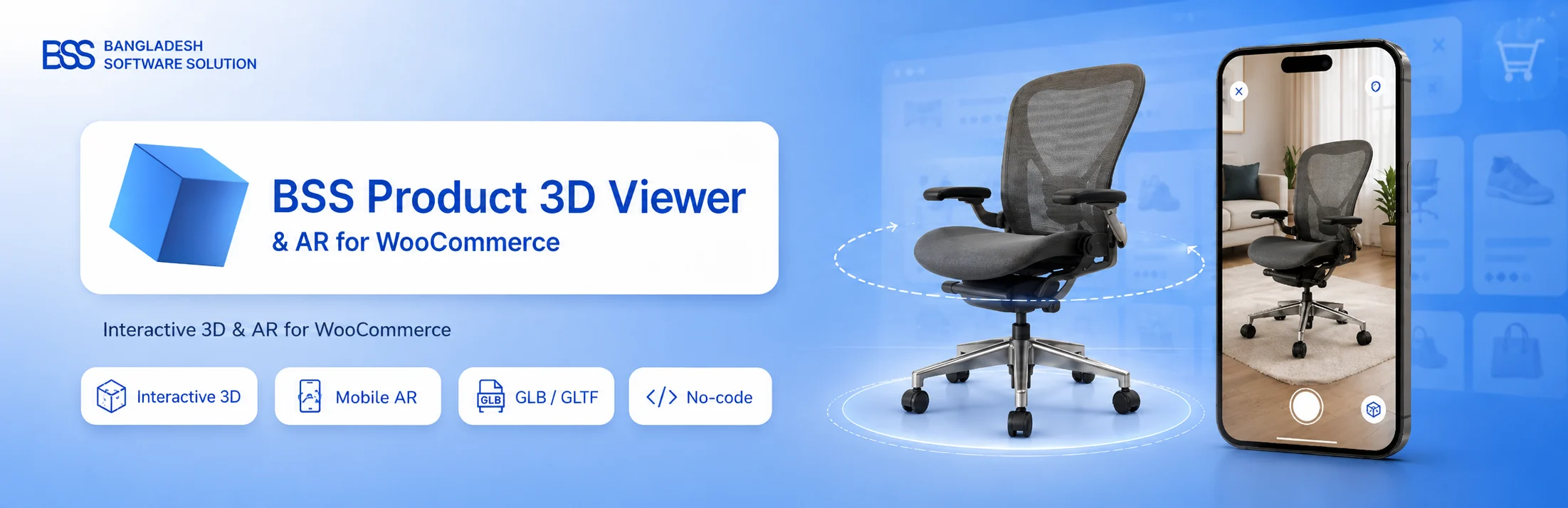
BSS 3D Product Viewer & AR for WooCommerce — BSS is designed around a real WooCommerce product editor rather than a generic embed block. It can map product attributes to material changes, show dimensions, manage hotspots and provide AR access through mobile devices.
Best For
WooCommerce products with materials, dimensions and attribute mapping.
Key Features
- GLB/GLTF uploads
- WooCommerce product-gallery integration
- Mobile AR via QR code
- Material color/roughness overrides
- WooCommerce attribute-to-material mapping
- Dimension overlays
- Hotspots and camera views
- No external runtime CDN dependency
Pros
Excellent feature fit for configurable physical products such as furniture, fixtures or equipment.
Cons
Not the right choice for a non-commerce portfolio that only needs to embed one model in a blog post.
Pricing
BSS 3D Product Viewer & AR for WooCommerce is free on WordPress.org. There is no separate Pro plan.
4. Press3D — Best for General-purpose Three.js models in Gutenberg and shortcodes
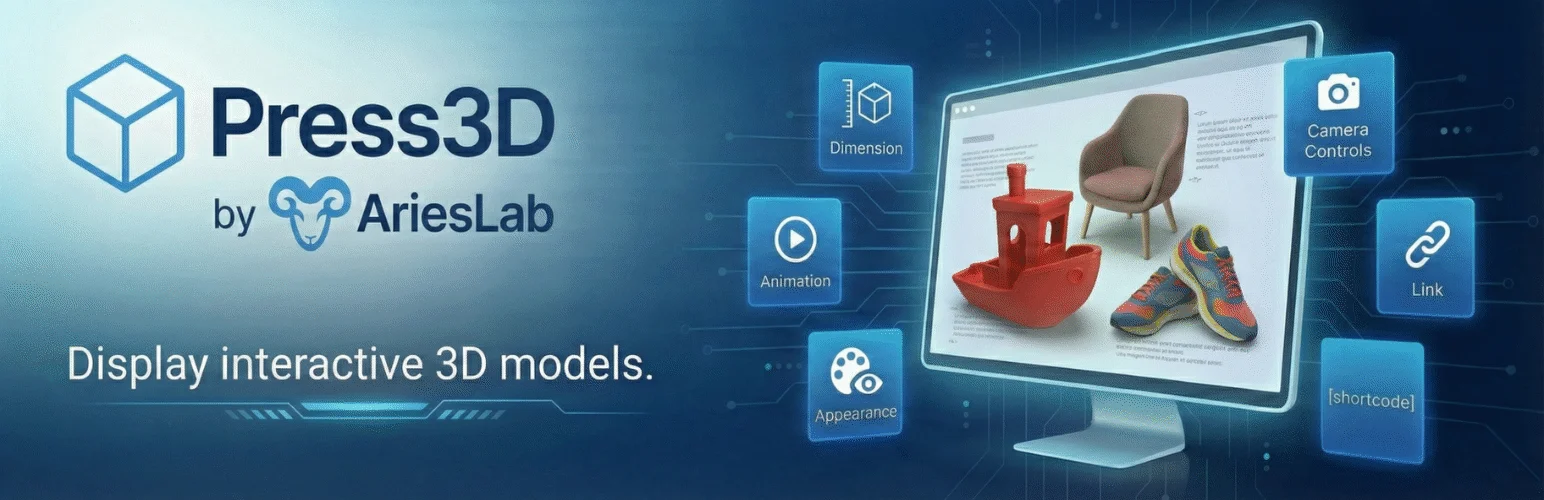
Press3D — Press3D is a simpler general WordPress viewer built on Three.js. It supports common CAD/printing formats as well as GLB/GLTF and gives editors a native Gutenberg block plus shortcode output.
Best For
General-purpose Three.js models in Gutenberg and shortcodes.
Key Features
- STL, OBJ, GLB and GLTF support
- Three.js rendering
- Gutenberg block
- Live editor preview
- Shortcode embedding
- Mouse and touch rotate/zoom/pan controls
Pros
Focused, WordPress-native and suitable for portfolios, education, engineering or 3D-printing content.
Cons
It does not offer the same commerce-specific AR and variant tooling as AtlasAR or BSS.
Pricing
Press3D is free and open source on WordPress.org. There is no separate Pro plan.
How to Choose the Right WordPress 3D model viewer plugins
Start with the model pipeline. If your source files are GLB/GLTF and you need both pages and products, 3D Viewer is the safest general choice. If AR and try-on are central to the buying experience, AtlasAR is more specialized. For WooCommerce material variants and dimensions, BSS deserves a closer look. Keep model payloads small, compress textures, and test on mid-range phones before launch.
If the 3D viewer is part of a store, compare our WooCommerce product search plugins. For non-3D image performance, see the image optimization roundup.
Optimize the 3D Asset Before Blaming the Plugin
The viewer is only one part of 3D performance. A 40 MB GLB with oversized 4K textures will be slow in any WordPress plugin. For web delivery, reduce polygon counts where the visual difference is negligible, compress textures, remove unused materials and animations, and export only the data the visitor needs. A smaller model improves initial load, memory use and AR handoff on mobile devices.
GLB is usually the most convenient delivery format because the model and related binary data can live in one file. Some workflows still need USDZ for iOS AR or a separate format for specialized CAD models. Check what your model authoring tool exports before choosing a plugin around a format you do not actually have.
AR Is Device-Dependent
Augmented reality support is not identical across Android, iOS and desktop browsers. Many plugins use Google Scene Viewer on Android and Quick Look on iOS, while desktop visitors receive a QR code to continue on a phone. Test both platforms with the actual model and verify scale. A chair that appears the size of a building in AR is a model-unit problem, not a WordPress styling issue.
3D Commerce Testing Checklist
- Test model loading on Wi-Fi and a normal mobile connection.
- Check rotate, zoom and pan gestures on touch devices.
- Verify product variations still work when the 3D viewer is enabled.
- Measure page weight and interaction time before and after adding the model.
- Confirm AR scale and orientation on both Android and iOS.
- Provide normal product images as a fallback for accessibility and older devices.
Who Benefits Most From 3D and AR?
3D is most useful when shape, scale or configuration materially affects the buying decision. Furniture, equipment, fixtures, eyewear and products with several finishes are obvious examples. A commodity product with a simple rectangular shape may gain little from a large model that slows the page. The asset-production cost should be justified by the information it gives the customer.
For non-commerce sites, 3D viewers can be excellent for education, museums, architecture, engineering portfolios and 3D-printing communities. In those cases AR may be less important than model-format support, annotations, camera controls and reliable embedding in ordinary posts. Press3D fits that simpler need better than a WooCommerce-focused configurator.
Always provide a fallback. Screenshots or standard product photography remain important for search previews, accessibility, low-power devices and visitors who do not want to interact with a model. Treat the viewer as an enhancement to the page, not the only way to understand the object.
Conclusion
The best WordPress 3D model viewer plugins depend on the workflow you are trying to simplify, not the longest feature list. Use the comparison above to narrow the field, verify the current vendor documentation, and test the most important workflow on staging before making it part of a production site.
Frequently Asked Questions
What 3D format is best for WordPress?
GLB is usually the easiest web-delivery format because it can package model data into one binary file and is widely supported by modern model-viewer tooling.
Can WordPress show products in augmented reality?
Yes. Several plugins can hand a supported model to Android or iOS AR viewers, often with a QR handoff for desktop visitors.
Are 3D models bad for site speed?
They can be. Geometry, textures and animations can be much larger than normal images. Use lazy loading and optimize the model before upload.
Is a 360-degree product spin the same as a 3D model?
No. A 360 spin normally cycles through multiple 2D photos. A true 3D viewer renders model geometry that the user can inspect from arbitrary angles.
Practical Setup Checklist
- Back up the site before installing a plugin that changes content or media behavior.
- Test the core workflow on staging with real content, not only demo data.
- Check mobile behavior and keyboard accessibility on the public front end.
- Review plugin update history, support activity and export options before committing.
- Document any paid add-ons or external services the workflow depends on.

