



Selling event tickets from WordPress sounds simple until you need ticket limits, attendee details, QR check-ins, payment processing, refunds, and reliable confirmation emails to work together. The best WordPress event ticketing plugins handle that workflow without forcing you to move your audience to a third-party ticket marketplace.
I compared established ticketing tools that let you sell or manage tickets from WordPress. If you mainly need dates and calendar views rather than ticket sales, see our best WordPress event calendar plugins instead.
TL;DR
Event Tickets is the easiest starting point if you already use The Events Calendar. Tickera is strong for dedicated ticketing and check-in workflows. Eventin packs ticketing, registration and event management into one system. FooEvents is the best fit when WooCommerce is already central to your checkout. WP Event Manager is a modular option when you want to add paid ticketing to an event-listing setup.
Quick Comparison
| Plugin | Best for | Free option | Commerce model |
|---|---|---|---|
| Event Tickets | The Events Calendar users | Yes | Built-in ticket commerce; Plus expands ecommerce integrations |
| Tickera | Dedicated ticketing and check-ins | Yes | Native ticketing; WooCommerce bridge is premium |
| Eventin | All-in-one event management | Yes | WooCommerce, Stripe and PayPal support |
| FooEvents | WooCommerce-first ticket stores | No core free edition | Uses WooCommerce checkout and orders |
| WP Event Manager | Modular event sites | Core plugin is free | Sell Tickets is a paid add-on |
How I Chose These WordPress Event Ticketing Plugins
I prioritized tools that are actively available in 2026 and solve the full ticket lifecycle rather than merely displaying events. That means ticket types or inventory, payments, attendee records, ticket delivery, and check-in or registration workflows. I also looked at whether each product fits a clear type of site, because a small meetup and a WooCommerce-powered conference do not need the same stack.
1. Event Tickets — Best for The Events Calendar Users
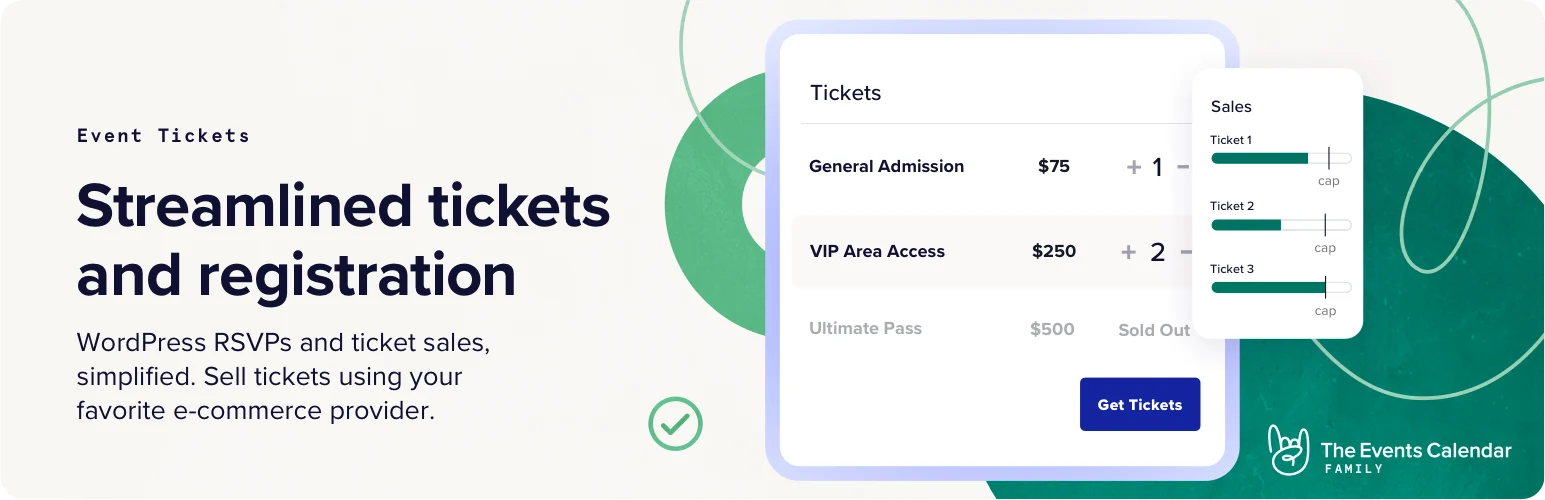
Event Tickets is the natural choice when your site already uses The Events Calendar. The free ticketing plugin can also work on posts and pages without the calendar plugin, which makes it more flexible than the name suggests. The ecosystem is mature, but some advanced commerce and ticket features sit in paid add-ons.
Key features
- Create RSVPs and tickets from WordPress
- Works alongside The Events Calendar or independently
- Built-in payment support for ticket sales
- Attendee registration and ticket management
- Event Tickets Plus adds deeper WooCommerce and Easy Digital Downloads integration
- Optional wallet/PDFticket tooling is available in the wider ecosystem
Pros
- Strong fit for sites already using The Events Calendar
- Free version covers real ticketing and RSVP needs
- Large ecosystem of event add-ons
Cons
- Advanced setups can require several companion products
- The product stack can become more complex than an all-in-one plugin
Pricing: Event Tickets has a free version. Premium capabilities are sold through Event Tickets Plus and other The Events Calendar products, so check the current plan before buying.
2. Tickera — Best for Dedicated Ticketing and Check-ins

Tickera focuses specifically on selling and validating tickets. It is a good match for organizers who care about ticket inventory, QR/barcode scanning, seating and gate operations more than building a broad event-directory experience.
Key features
- Create events and multiple ticket types
- PDF tickets with QR/barcodes
- Ticket inventory and sold/remaining counts
- Mobile and web check-in options
- Seating chart support
- WooCommerce integration through the premium Bridge for WooCommerce
- Order history and ticket-focused Gutenberg blocks
Pros
- Purpose-built ticketing workflow
- Strong check-in options for physical events
- WooCommerce can be added when needed
Cons
- Several advanced capabilities are premium
- Can be more ticket-centric than sites needing a broad event calendar suite
Pricing: A free Tickera plugin is available on WordPress.org. Premium licenses and add-ons are sold separately; confirm the current bundle if you need WooCommerce, seating or mobile check-in features.
3. Eventin — Best All-in-One Event Ticketing Plugin
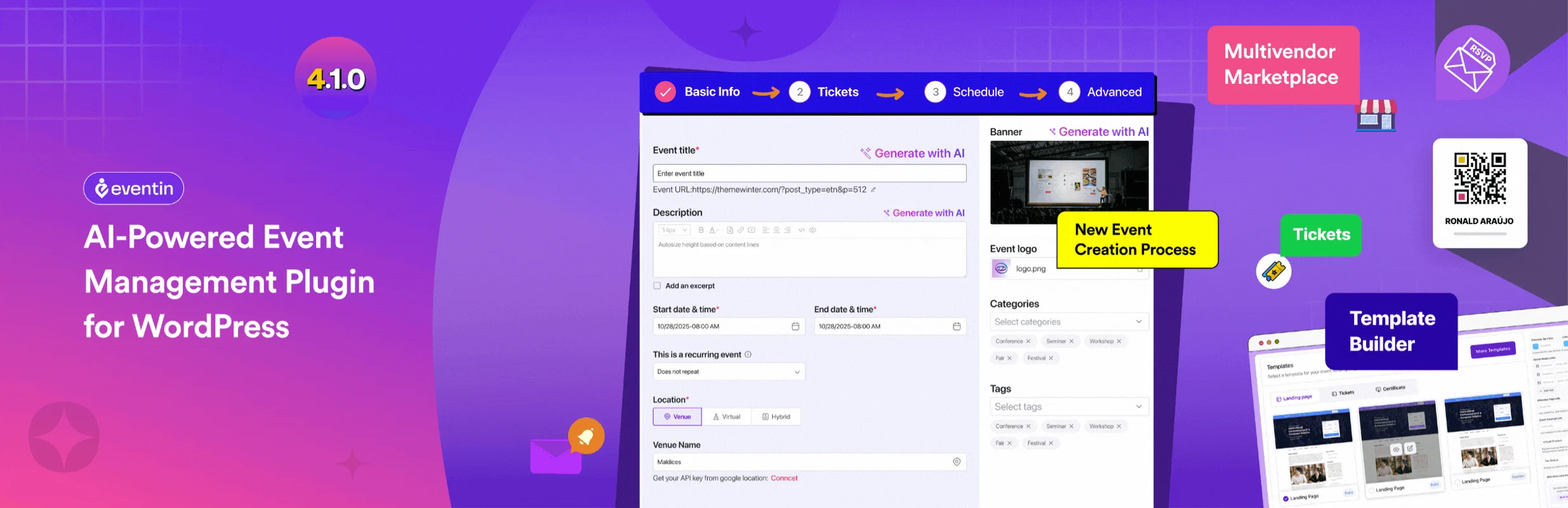
Eventin combines calendars, ticketing, attendee management, registration and virtual-event features. Its free edition is unusually capable, making it attractive when you want one plugin family instead of stitching together many small add-ons.
Key features
- Multiple ticket tiers such as early-bird, VIP and general admission
- WooCommerce, Stripe and PayPal payment options
- PDF tickets and QR-code check-in
- RSVP and attendee management
- Recurring and multi-day event support
- Zoom and Google Meet integrations
- Calendar sync and event search
Pros
- Broad free feature set
- Good fit for conferences and hybrid events
- Ticketing and attendee data live in one workflow
Cons
- The breadth of features may be more than a simple event needs
- Advanced visual seating and premium tooling can require Pro
Pricing: Eventin has a free version. Eventin Pro currently starts at $89/year for its Standard plan, with premium features included according to the vendor.
4. FooEvents — Best for WooCommerce-Powered Ticket Sales
FooEvents turns WooCommerce products into events and tickets. That matters if your store already relies on WooCommerce gateways, taxes, coupons, orders and customer records and you want ticketing to follow the same commerce workflow.
Key features
- Uses WooCommerce checkout and payment gateways
- PDFticket support through its ticketing stack
- Attendee check-in apps
- Inventory-based ticket availability
- Custom attendee fields
- Multi-day, seating and booking extensions
- Works with WooCommerce orders, coupons and taxes
Pros
- Excellent fit for existing WooCommerce stores
- No FooEvents per-ticket commission
- Keeps ticket sales inside the familiar WooCommerce workflow
Cons
- Requires WooCommerce
- Advanced event setups can require multiple FooEvents extensions
Pricing: FooEvents for WooCommerce is currently listed at $99/year individually. The vendor also sells bundles; the Basic Bundle is currently $169/year.
5. WP Event Manager — Best Modular Ticketing Add-on

WP Event Manager starts with a free event-management core and lets you add paid capabilities as needed. Its Sell Tickets add-on works with registration and WooCommerce-oriented ticket sales, making it useful for event directories that grow into commerce.
Key features
- Paid, free and donation ticket types
- Ticket quantity, price and sales-window controls
- WooCommerce product workflow for event tickets
- Attendee and registration integration
- Mobile event app support with ticketing tools
- Optional Stripe split payments for multi-organizer sites
- Modular add-on structure
Pros
- Add only the event features you need
- Good fit for event-listing sites
- No additional ticket-processing commission from the Sell Tickets add-on
Cons
- Ticketing requires paid add-ons
- A full setup can involve several dependencies
Pricing: WP Event Manager core is free. The Sell Tickets add-on is currently $49/year for one site, with higher-site licenses and bundles available.
Which Event Ticketing Plugin Should You Choose?
Choose based on the checkout and operations you already have. Event Tickets makes the most sense inside The Events Calendar ecosystem. Tickera is a focused ticketing system for organizers who care about scanning and ticket operations. Eventin is the broad all-in-one choice. FooEvents is the clearest WooCommerce-first option. WP Event Manager works well when ticketing is one module in a larger event-directory setup.
If your tickets are sold through WooCommerce, also review our WooCommerce payment gateway plugins and WooCommerce email customizer plugins before launch. Payment reliability and clear transactional email matter as much as the ticket-design screen.
Conclusion
The best WordPress event ticketing plugin is the one that matches your event workflow. Start with your payment stack, ticket types, attendee data and check-in process, then choose the smallest system that covers those needs. For most sites, Event Tickets, Tickera, Eventin, FooEvents and WP Event Manager represent five meaningfully different approaches rather than five interchangeable plugins.
Frequently Asked Questions
Can WordPress sell event tickets without Eventbrite?
Yes. WordPress event ticketing plugins can handle ticket sales, attendee records and check-ins on your own site. You still pay normal payment-gateway fees where applicable, but you can avoid sending customers to an external ticket marketplace.
What is the best free WordPress event ticketing plugin?
Event Tickets, Tickera and Eventin all have free options. The best choice depends on whether you want The Events Calendar integration, dedicated ticketing, or a broader all-in-one event system.
Can I sell event tickets with WooCommerce?
Yes. FooEvents is built around WooCommerce, while Eventin and WP Event Manager support WooCommerce workflows. Tickera can connect through its premium WooCommerce bridge, and Event Tickets Plus adds WooCommerce integration.
Do WordPress ticket plugins support QR-code check-in?
Several do. Tickera, Eventin and FooEvents provide QR/barcode-oriented check-in workflows, while The Events Calendar ecosystem offers additional ticket and wallet tooling.
Do I need an event calendar plugin to sell tickets?
Not always. Some ticketing plugins can work without a full calendar. Choose a calendar when visitors need to browse dates and events; choose ticketing based on checkout, attendee and check-in requirements.

