



Pricing tables are deceptively important. A SaaS site, agency, membership business, or service company can have a strong offer and still lose conversions if visitors cannot quickly compare plans, see what changes between tiers, and understand which option fits them.
I prefer pricing table plugins that keep the comparison readable on mobile, make feature differences obvious, and do not lock a simple pricing section behind a heavy page builder. The best option depends on whether you want shortcode-based tables, Gutenberg-native blocks, or a more visual drag-and-drop workflow.
These five are active current options with different strengths. If you need broader data tables instead of plan cards, see our WordPress table plugins. If the pricing section sits inside a larger landing page build, compare our WordPress page builders too.
TL;DR
- Easy Pricing Tables: best overall for straightforward responsive pricing tables with a mature WordPress workflow.
- Pricing Table by Supsystic: best for visual customization, plan styling, and users who want many layout controls.
- Responsive Pricing Table: best lightweight shortcode option for simple plan comparisons without a large settings stack.
- Pricing Table Block by bPlugins: best Gutenberg-native option for editing pricing cards directly in the block editor.
- RioVizual: best when pricing tables are part of a wider comparison-table workflow in Gutenberg.
Quick Comparison
| Plugin | Best for | Editor model | Free version |
|---|---|---|---|
| Easy Pricing Tables | General pricing pages | Dedicated builder / shortcode | Yes |
| Pricing Table by Supsystic | Visual customization | Dedicated builder | Yes |
| Responsive Pricing Table | Simple lightweight tables | Dedicated builder / shortcode | Yes |
| Pricing Table Block | Gutenberg-native editing | Block editor | Yes |
| RioVizual | Pricing plus comparison tables | Block editor | Yes |
How I Chose These Plugins
I compared current maintenance, mobile responsiveness, plan and feature controls, CTA customization, editor experience, Gutenberg support, styling flexibility, and whether the plugin remains focused enough for a pricing section rather than forcing a full page-builder workflow.
1. Easy Pricing Tables – Best Overall

Easy Pricing Tables remains one of the safest dedicated choices because it is built around one job: creating clear plan comparisons without needing code.
I would use it for SaaS pricing, service packages, memberships, hosting plans, and agency retainers where the table needs to be easy for a marketer to maintain. The plugin supports responsive layouts, feature lists, plan highlighting, buttons, and straightforward placement inside WordPress content.
Key features
- Responsive pricing tables
- Unlimited plans and feature rows
- Highlight a recommended plan
- Custom CTA buttons
- Shortcode-based placement
- Premium design and conversion features available
Pros: Mature, purpose-built, easy to understand, and suitable for non-technical editors.
Cons: Less flexible than a general block system if you want the pricing section to become a highly custom design component.
Best for: SaaS, agencies, memberships, and service sites that want a reliable dedicated pricing table plugin.
Pricing: Free core plugin with commercial upgrades available for additional templates and conversion features.
2. Pricing Table by Supsystic – Best for Visual Customization
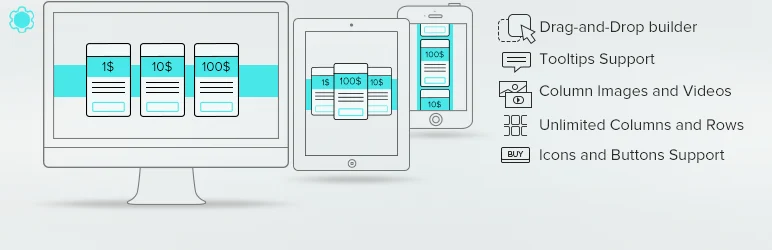
Pricing Table by Supsystic is another established pricing-table plugin with a strong emphasis on visual configuration.
I would choose it when brand styling matters and the editor wants more direct control over the table appearance. It supports custom columns, plan details, icons, buttons, responsive presentation, and a visual workflow that is easier than hand-building comparison cards.
Key features
- Responsive pricing-table layouts
- Custom plan columns and rows
- Icons, buttons, labels, and custom text
- Visual styling controls
- Shortcode embedding
- Premium templates and extra design options
Pros: Strong styling freedom and a familiar dedicated-table workflow.
Cons: The interface has more design settings than a simple SaaS pricing section may need.
Best for: Marketing sites that want more visual control without relying on a page-builder addon.
Pricing: Free version available with commercial upgrades for additional designs and features.
3. Responsive Pricing Table – Best Lightweight Shortcode Option

Responsive Pricing Table is a good fit when you want a clean plan comparison without installing a larger design system.
Its workflow is simple: define the plans, add features and CTA information, then place the table where you need it. That makes it useful on smaller business sites where the pricing table should remain easy to maintain and independent from the theme.
Key features
- Responsive plan columns
- Feature lists
- Plan highlighting
- CTA buttons
- Shortcode placement
- Simple dedicated admin workflow
Pros: Lightweight, easy to use, and focused on the core pricing-table job.
Cons: Fewer modern block-editor design controls than the Gutenberg-native options.
Best for: Small business and service sites that want a simple independent pricing table.
Pricing: Free core plugin.
4. Pricing Table Block by bPlugins – Best Gutenberg-Native Option

Pricing Table Block by bPlugins is the option I would choose when the site already uses Gutenberg heavily and the editor should see the pricing cards directly in the normal block workflow.
The plugin provides pricing-table blocks, feature lists, styling controls, and newer specialized pricing card layouts. Its 2026 updates have focused on block management, pricing comparisons, industry-specific layouts, and additional CTA options.
Key features
- Native Gutenberg pricing-table blocks
- Feature lists and CTA buttons
- Responsive design controls
- Block manager
- Industry-specific pricing card layouts
- Commercial blocks and custom button options in Pro
Pros: Gutenberg-native, actively maintained, and avoids a separate pricing-table admin screen for everyday editing.
Cons: Smaller install base than the long-established leaders.
Best for: Block-editor sites that want pricing tables built and edited directly inside page content.
Pricing: Free version available with Pro blocks and advanced layouts.
5. RioVizual – Best for Pricing and Comparison Tables Together
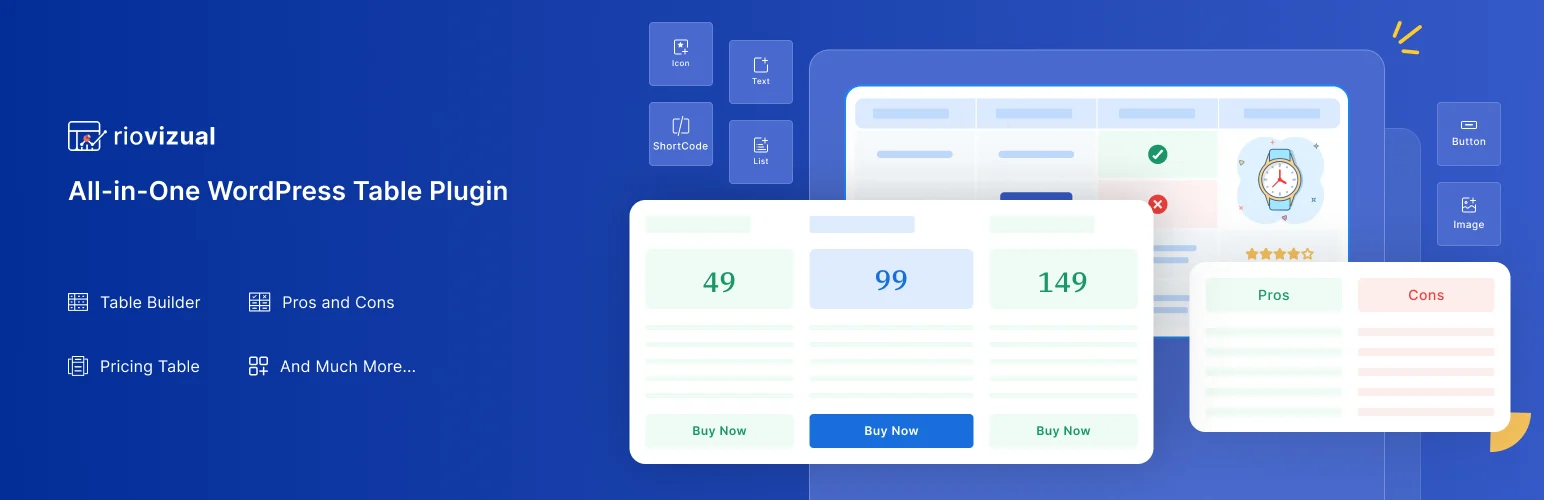
RioVizual is broader than a dedicated pricing plugin. It provides Gutenberg table blocks for comparison, pricing, pros and cons, and other structured content.
I would use it when a site needs pricing tables but also publishes comparison-heavy content. Instead of installing separate tools for pricing cards and editorial comparison tables, the same block system can cover both use cases.
Key features
- Gutenberg pricing-table blocks
- Comparison-table blocks
- Pros and cons layouts
- Responsive table controls
- Reusable structured-content workflow
- Free core with commercial features available
Pros: Useful beyond pricing and strong for content sites that publish many comparison tables.
Cons: Less focused than a dedicated pricing-table plugin if plan comparison is your only need.
Best for: Publishers, affiliate sites, and SaaS blogs that need both pricing and editorial comparison tables.
Pricing: Free version available with commercial upgrades.
Which WordPress Pricing Table Plugin Should You Choose?
For a normal pricing page, I would start with Easy Pricing Tables. Supsystic is stronger when visual customization matters. Responsive Pricing Table keeps things lightweight, while bPlugins and RioVizual make more sense on block-editor sites.
Whichever plugin you choose, keep the comparison short. Lead with the feature differences that actually change the buying decision, make one recommended plan easy to identify, and test the layout on a narrow phone screen before launch.
Conclusion
A pricing table should make a purchase decision easier. Easy Pricing Tables is my first choice for a standard plan comparison, Supsystic is better for heavier visual customization, and the Gutenberg-native options are a better fit when your site already lives in the block editor. Choose the simplest plugin that keeps your plans readable and easy to maintain.
Frequently Asked Questions
What is the best WordPress pricing table plugin?
Easy Pricing Tables is the strongest general-purpose choice here. Pricing Table Block by bPlugins is better if you want a Gutenberg-native editing experience.
Can I build a pricing table without a page builder?
Yes. All five options can work without Elementor or another page builder. Some use shortcodes, while bPlugins and RioVizual work directly in Gutenberg.
What should a pricing table include?
Include plan name, price, the most important feature differences, usage limits where relevant, and a clear CTA. Avoid turning the table into a complete feature database.
Should I highlight one pricing plan?
Usually yes, if there is a genuine default or best-fit option. Highlighting one plan can reduce decision friction, but it should match real customer needs rather than being an arbitrary visual trick.
Are pricing tables mobile friendly?
The leading plugins are responsive, but wide plan comparisons can still become difficult on small screens. Test the real table with your longest plan names and feature text.

