



A table looks simple until you try to manage hundreds of rows, sort data, filter results, import a spreadsheet, keep mobile layouts readable, or build a comparison table that still looks good after the content changes. Core WordPress tables are fine for small static data. They become limiting quickly when the table itself is part of the user experience.
I choose table plugins based on the data, not the prettiest demo. A pricing comparison needs a different tool from a 10,000-row dataset or a sports league table. These six plugins cover those use cases without pretending one approach is perfect for everything.
TL;DR: Best WordPress Table Plugins in 2026
- TablePress — best overall free option for reliable content tables.
- wpDataTables — best for large, dynamic, and database-driven data.
- Ninja Tables — best flexible option for WordPress integrations and responsive tables.
- WP Table Builder — best for visual comparison and pricing-style tables.
- Data Tables Generator by Supsystic — best for spreadsheet-style management.
- League Table — best for rankings, standings, and score tables.
1. TablePress — Best Overall Free WordPress Table Plugin
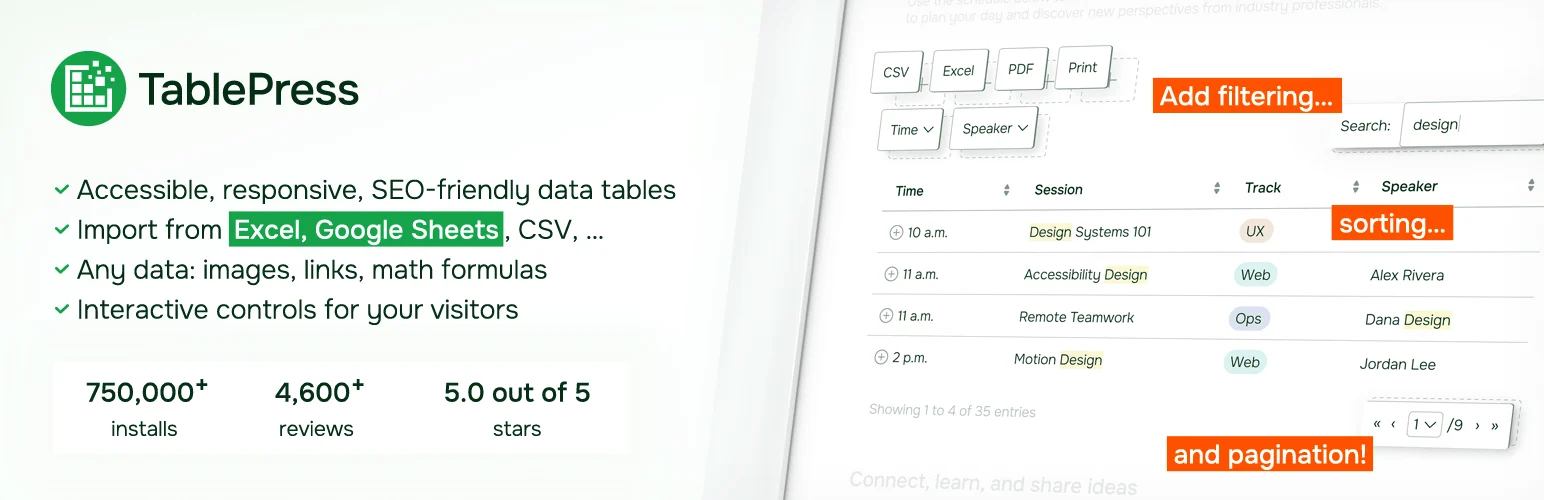
TablePress is the plugin I recommend when the requirement is simply “we need a reliable table.” It stores table data separately from the page, supports sorting, searching, pagination, import/export, and lets you embed the same table wherever it is needed.
I like that editors can update rows without touching page layout. For content sites, documentation, comparison posts, pricing data, and simple directories, that separation makes long-term maintenance much easier.
Key features
- Separate table editor
- CSV and spreadsheet import/export
- Sorting and searching
- Pagination
- Reusable tables via blocks or shortcodes
- Extensions and premium options for advanced features
Pros: Mature, easy to maintain, strong free core, good for editors.
Cons: Visual card-style comparison layouts require more customization than drag-and-drop table builders.
Best for: Content sites, documentation, simple price lists, and general sortable tables.
Pricing: Free core plugin with premium plans/extensions available from TablePress.
2. wpDataTables — Best for Large and Dynamic Data

wpDataTables is built for situations where a normal content table is not enough. It can create tables and charts from databases, spreadsheets, CSV files, Google Sheets, and other data sources, with filtering, calculations, conditional formatting, and frontend editing depending on the plan.
I would use it for data-heavy projects where the table behaves more like an application interface than a block of article content. The learning curve is higher, but so is the ceiling.
Key features
- Multiple data sources
- Large-data filtering and sorting
- Charts
- Conditional formatting
- Frontend editing on supported plans
- Database query support
Pros: Powerful data features, excellent for large datasets, chart integration, dynamic sources.
Cons: More complex than TablePress; premium is needed for many advanced workflows.
Best for: Data portals, finance tables, directories, reports, and database-driven sites.
Pricing: Lite/free option and paid licenses available from wpDataTables.
3. Ninja Tables — Best Flexible WordPress Integration

Ninja Tables sits between simple content tables and heavyweight data platforms. It supports responsive tables, sorting, filtering, import/export, styling, conditional formatting, and integrations with other WordPress tools, including Fluent Forms and WooCommerce in supported configurations.
I like it for sites already using the WPManageNinja ecosystem because form and table workflows can stay connected. It is also easier to style visually than a plain spreadsheet-style table.
Key features
- Drag-and-drop table creation
- Responsive table controls
- Sorting, filtering, and search
- CSV and external-data options
- WooCommerce and content integrations on supported plans
- Conditional formatting and styling tools
Pros: Flexible styling, useful integrations, responsive controls, strong middle ground.
Cons: Advanced integrations and features require Pro.
Best for: Business sites that need visually flexible tables tied to WordPress data.
Pricing: Free version available with paid plans.
4. WP Table Builder — Best for Visual Comparison Tables
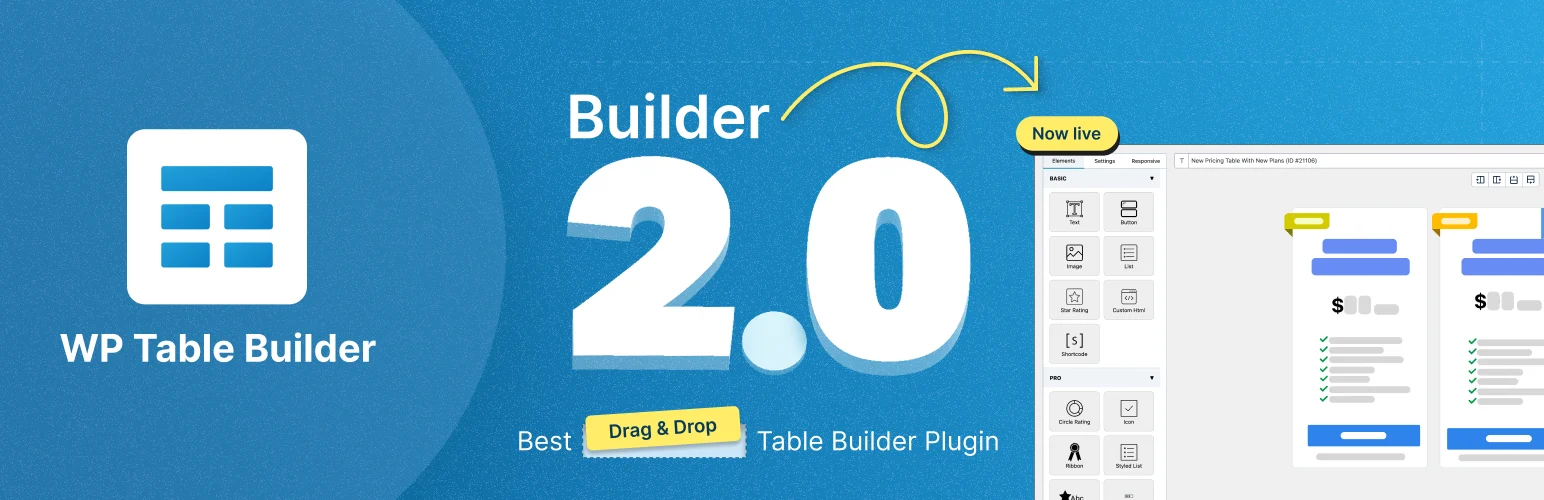
WP Table Builder is the tool I would choose when the table is really a visual comparison component. Its drag-and-drop interface lets you add text, images, buttons, lists, ratings, icons, and other elements into cells rather than treating every table as plain data.
That makes it particularly useful for affiliate comparisons, software roundups, feature matrices, and product tables. I would not use it for thousands of database rows, but that is not what it is trying to solve.
Key features
- Drag-and-drop visual editor
- Comparison-table elements
- Buttons, icons, ratings, and text elements
- Responsive controls
- Prebuilt table templates
- Import and export tools
Pros: Excellent for visual comparisons, easy for marketers, no code required.
Cons: Not designed for huge dynamic datasets; complex visual tables can become cramped on mobile.
Best for: Affiliate sites, product comparisons, and marketing pages.
Pricing: Free version available with a paid Pro edition.
5. Data Tables Generator by Supsystic — Best Spreadsheet-Style Management
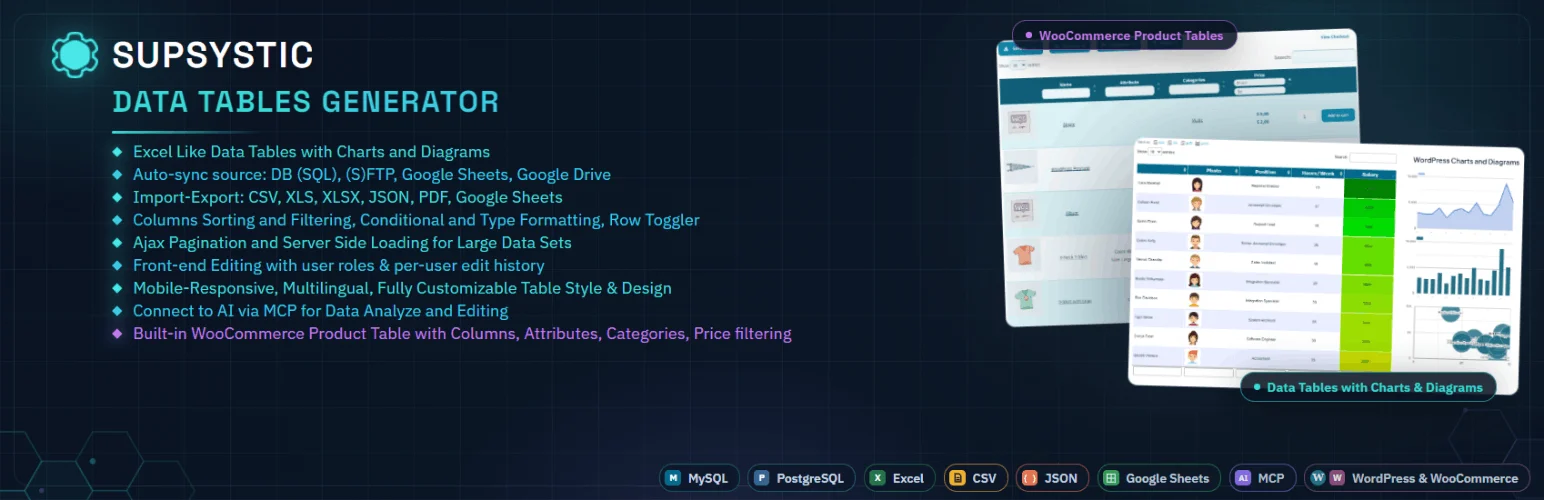
Data Tables Generator is useful when editors are comfortable thinking in rows, columns, formulas, filters, and spreadsheet-style controls. It can create searchable, sortable tables and supports large data sets, frontend features, diagrams, and imports depending on the version.
I would use it when the workflow starts with structured tabular data rather than visual page design. It feels closer to managing a spreadsheet than building a card layout.
Key features
- Spreadsheet-style table editor
- Sorting and searching
- Charts and visualizations
- CSV and spreadsheet import/export
- Responsive modes
- Formulas and data-formatting options
Pros: Familiar data workflow, broad table controls, useful for structured datasets.
Cons: Less polished for design-heavy comparison tables.
Best for: Sites publishing structured datasets and spreadsheet-like information.
Pricing: Free and premium versions available.
6. League Table — Best for Rankings and Standings
League Table is specialized, which is exactly why it belongs here. It is built for sortable rankings, standings, scoreboards, statistics, and other tables where columns contain comparable values and readers need to quickly see position or performance.
I prefer a focused plugin like this for sports or rankings instead of forcing a generic table builder to imitate the same behavior with custom code.
Key features
- Sortable ranking tables
- Custom columns
- Responsive layouts
- Score and position management
- Styling controls
- Shortcode-based embedding
Pros: Purpose-built for standings, fast to configure for ranking data, clear frontend presentation.
Cons: Too specialized for general business tables or complex database applications.
Best for: Sports, competitions, rankings, and leaderboard sites.
Pricing: Premium plugin sold through its vendor marketplace.
How to Choose a WordPress Table Plugin
Use TablePress when the table is content. Use wpDataTables when the table is data infrastructure. Choose WP Table Builder when the table is a visual sales component. Ninja Tables works well in the middle, Supsystic suits spreadsheet-oriented editors, and League Table is better when rankings are the entire point.
If you only need a small static table, Gutenberg itself may already be enough. Our best Gutenberg block plugins include several tools that improve normal content layouts without adding a dedicated data-table system.
Conclusion
TablePress is the best starting point for most WordPress sites because it is mature, free, and easy to maintain. wpDataTables is far stronger for dynamic datasets, Ninja Tables provides a flexible middle ground, and WP Table Builder is ideal for visual comparisons. Supsystic fits spreadsheet-style workflows, while League Table wins when your content is rankings or standings.
Frequently Asked Questions
What is the best free WordPress table plugin?
TablePress is the best general free option for most sites. It supports reusable tables, import/export, sorting, search, and pagination without requiring a premium license for basic use.
Which WordPress table plugin is best for large datasets?
wpDataTables is a stronger choice when you need database queries, external data sources, advanced filters, charts, or large dynamic datasets.
Which table plugin is best for affiliate comparisons?
WP Table Builder is designed for visual comparison tables with buttons, ratings, images, lists, and other marketing elements inside cells.
Are WordPress tables responsive on mobile?
It depends on the plugin and layout. Wide tables often need horizontal scrolling, stacked views, hidden columns, or responsive breakpoints. Always test real content on a narrow phone screen.

