



A timeline can explain a company history, product roadmap, project milestones, event sequence, or personal story faster than a long wall of text. The challenge is choosing a WordPress timeline plugin that fits your editor and content model.
In 2026, the strongest options fall into three groups: dedicated timeline builders, Gutenberg blocks, and page-builder widgets. I prefer plugins that are actively maintained, responsive, easy to edit, and flexible enough to handle real content without forcing a complicated custom layout.
If your timeline is built from structured content, you may also want a WordPress custom post type plugin. For block-first sites, our Gutenberg block plugin roundup covers broader layout tools.
TL;DR
- Cool Timeline: best overall for dedicated horizontal and vertical timelines with Gutenberg and shortcode workflows.
- Timeline Widget for Elementor: best for Elementor sites that want timeline design inside the builder.
- Timeline Block by bPlugins: best Gutenberg-native option for modern horizontal and vertical timelines.
- Bold Timeline Lite: best for simple shortcode-driven timelines with preset styles.
- Post Timeline: best for turning existing posts or custom post types into chronological timeline layouts.
Quick Comparison
| Plugin | Best for | Editing / control | Free version |
|---|---|---|---|
| Cool Timeline | General timelines | Gutenberg + shortcode | Yes |
| Timeline Widget for Elementor | Elementor sites | Elementor widget | Yes |
| Timeline Block | Gutenberg-native sites | Block editor | Yes |
| Bold Timeline Lite | Simple styled timelines | Shortcode builder | Yes |
| Post Timeline | Post-based timelines | Shortcode + content query | Yes |
How I Chose These Plugins
I compared current maintenance, WordPress compatibility, horizontal and vertical layouts, responsive behavior, editor experience, reusable content, dynamic post support, design controls, and whether the plugin makes sense for a real roadmap, history, or milestone page rather than only a decorative demo.
1. Cool Timeline – Best Overall

Cool Timeline is the most balanced dedicated timeline plugin in this list. It supports both Gutenberg-based timeline creation and classic shortcode workflows, so it works across newer and older WordPress editing setups.
You can use it for company history, product roadmaps, personal stories, events, and milestone sequences. The plugin supports vertical and horizontal presentations, which makes it more versatile than timeline tools locked to a single layout.
Key features
- Horizontal and vertical timelines
- Gutenberg timeline block
- Shortcode-based classic timelines
- Company history and roadmap layouts
- Responsive presentation
- Dedicated timeline content workflow
Best for: business histories, roadmaps, event sequences, and sites needing a full timeline system
Keep in mind: It adds a dedicated timeline workflow, which may be more structure than you need for a one-off three-step section.
2. Timeline Widget for Elementor – Best for Elementor
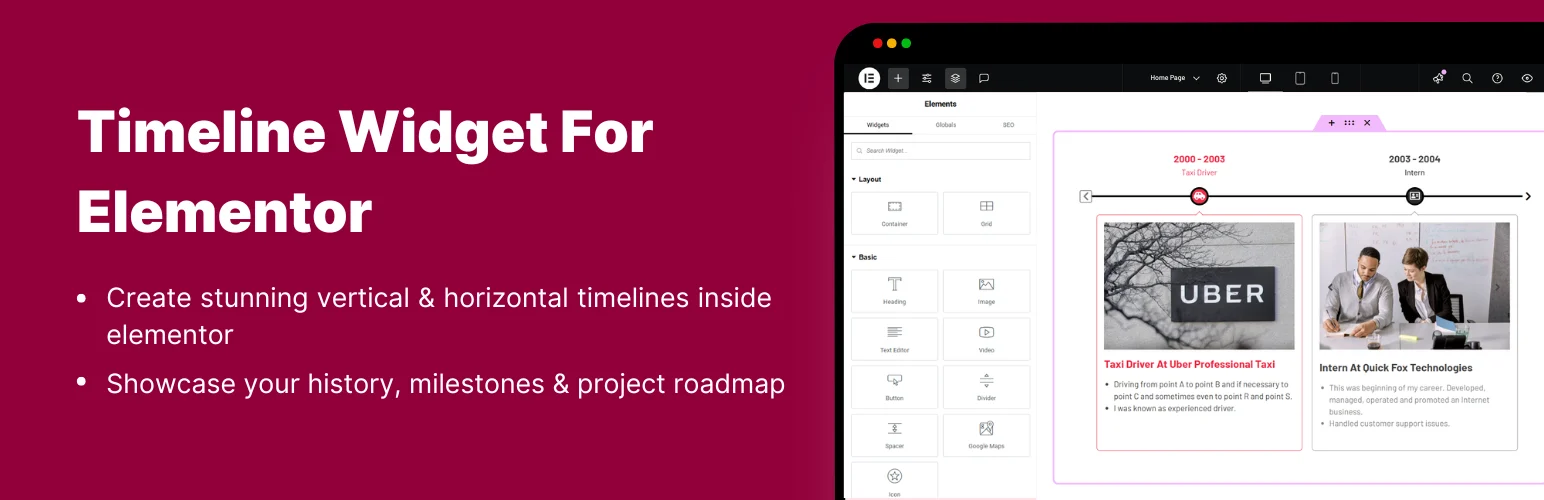
Timeline Widget for Elementor is the obvious fit when the rest of your site is already built with Elementor. The timeline is edited directly inside the builder with controls for vertical and horizontal layouts.
It can handle company milestones, work experience, program schedules, roadmaps, and story-style layouts. Because content and styling live in Elementor, designers can keep the visual system consistent without jumping between a separate plugin screen and the page builder.
Key features
- Native Elementor timeline widget
- Vertical and horizontal layouts
- Images, icons, text, and media support
- Responsive controls
- Styling inside Elementor
- Suitable for milestones, roadmaps, and histories
Best for: Elementor users who want design control without leaving the page builder
Keep in mind: It requires Elementor, so it is not a good choice if you are moving toward a Gutenberg-first or builder-neutral site.
3. Timeline Block by bPlugins – Best Gutenberg-Native Option

Timeline Block from bPlugins brings the entire timeline workflow into Gutenberg. It supports responsive horizontal and vertical timelines and has been actively updated through 2026.
The current plugin also offers live editing improvements and optional advanced timeline types in its commercial tier. For a block-first site, that makes it easier to keep timeline content editable by the same team that manages normal posts and pages.
Key features
- Native Gutenberg timeline block
- Horizontal and vertical layouts
- Responsive design
- Real-time editor preview
- Multiple timeline templates
- Advanced dynamic and roadmap features in Pro
Best for: Gutenberg users who want timelines as native editable page content
Keep in mind: Some of the more specialized timeline types and dynamic features are paid.
4. Bold Timeline Lite – Best for Simple Styled Timelines
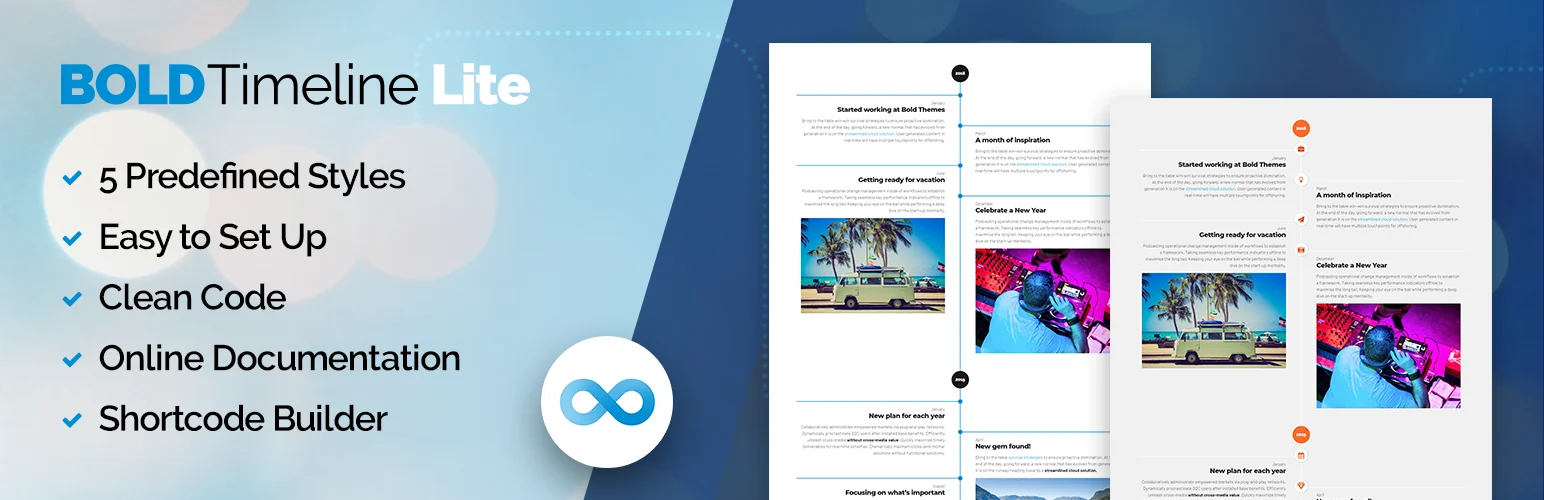
Bold Timeline Lite keeps the workflow simple. It includes several predefined styles and a shortcode builder, making it useful when you want a polished timeline without managing a large library of blocks.
The free plugin includes responsive design, color and font settings, icons, media controls, and five preset visual styles. It is particularly suited to company history, biographies, work experience, and step-by-step stories.
Key features
- Five predefined styles
- Shortcode builder
- Responsive layouts
- Color and font settings
- Icon and media controls
- Works with different page builders through shortcodes
Best for: users who want a straightforward styled timeline with shortcode placement
Keep in mind: The visual system is more preset-driven than block-first tools, and the free version is intentionally smaller than the paid edition.
5. Post Timeline – Best for Existing WordPress Content
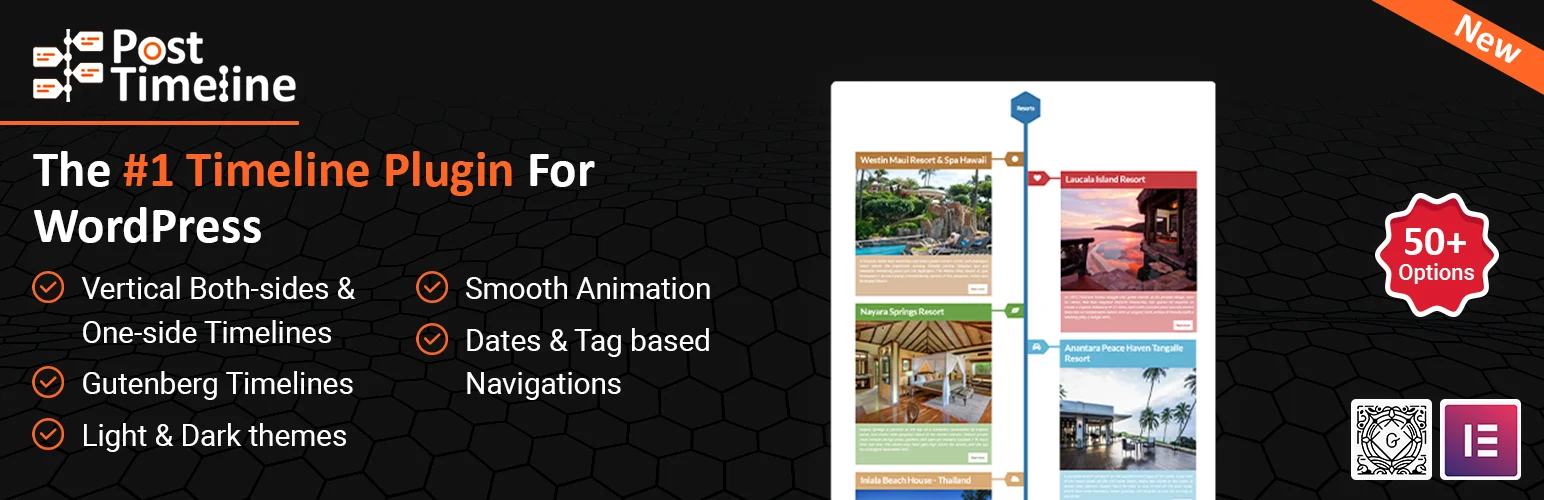
Post Timeline is different from the others because it can turn WordPress posts and custom post types into chronological timeline layouts. That is useful when the timeline is really another view of content you already manage.
It supports category and tag filtering, date-based navigation, custom post types, icons, media, and responsive vertical timelines. For archives, project histories, or editorial series, this approach can reduce duplicate content entry.
Key features
- Timeline views for posts and custom post types
- Category and tag filtering
- Date-based navigation
- Responsive vertical layouts
- Icons, media, and gallery options
- Shortcode-based embedding
Best for: sites that want timelines generated from existing posts, events, products, or portfolio items
Keep in mind: The setup is content-query oriented, so it is less convenient than a simple block when you only need a small manually written timeline.
Which WordPress Timeline Plugin Should You Choose?
Cool Timeline is the best general recommendation because it supports dedicated timelines, Gutenberg, shortcodes, and both horizontal and vertical layouts. Elementor users should choose the dedicated Timeline Widget instead of adding another editing workflow.
For Gutenberg, Timeline Block is the cleanest fit. Bold Timeline Lite works well for simple preset-driven timelines, while Post Timeline is the better choice when the timeline should be generated from content that already exists in WordPress.
Conclusion
The best WordPress timeline plugin depends mainly on your editor and whether the timeline is manual or generated from existing content. Cool Timeline is the strongest general-purpose option, Timeline Block fits Gutenberg, Timeline Widget fits Elementor, and Post Timeline is valuable for dynamic post-based histories. Keep the timeline concise so the visual structure improves understanding instead of becoming another long page.
Frequently Asked Questions
What is the best WordPress timeline plugin in 2026?
Cool Timeline is the best all-round choice in this list because it supports Gutenberg, shortcodes, horizontal and vertical layouts, and several common timeline use cases.
Can I create a timeline in Gutenberg?
Yes. Cool Timeline and Timeline Block both support Gutenberg workflows. Timeline Block is the more block-first option if you want the timeline to behave like normal page content.
What is the best timeline plugin for Elementor?
Timeline Widget for Elementor is the strongest fit here because the content and styling are managed directly inside Elementor.
Can a WordPress timeline show existing posts?
Yes. Post Timeline can build timeline layouts from regular posts and custom post types, with category, tag, and date-based controls.
Should I use a horizontal or vertical timeline?
Use vertical timelines for longer histories and mobile-friendly storytelling. Horizontal timelines work better for shorter milestone sequences, roadmaps, or presentations where each event has concise content.

