



A WooCommerce currency switcher can do one of two very different jobs: show converted prices for convenience, or let the customer actually place the order in the selected currency. That difference matters for payment gateways, accounting, refunds, fixed regional pricing, and the price a customer sees on their bank statement.
For this roundup, I compared checkout currency, automatic exchange rates, GeoIP detection, fixed prices by currency, rounding and formatting, payment-gateway rules, switcher design, and support for modern WooCommerce. If you sell internationally, also see our WooCommerce payment gateway plugins and checkout plugins.
TL;DR
- FOX – Currency Switcher Professional: best overall for flexible WooCommerce multi-currency control.
- CURCY: best free-first option with a strong currency-switching feature set.
- YayCurrency: best for beginners who want a visual setup experience.
- Aelia Currency Switcher: best for complex international stores that need fixed regional prices and gateway rules.
- Currency Switcher for WooCommerce by WP Wham: best simple alternative for basic currency conversion.
Quick Comparison
| Plugin | Best for | Pricing |
|---|---|---|
| FOX Currency Switcher | Flexible all-round multi-currency | Free core + Pro |
| CURCY | Strong free setup | Free core + Pro |
| YayCurrency | Beginner-friendly setup | Free core + Pro |
| Aelia Currency Switcher | Complex international stores | Premium |
| WP Wham Currency Switcher | Simple currency conversion | Free core + paid edition |
How I Chose These Multi-Currency Plugins
I gave more weight to plugins that can keep the chosen currency through checkout rather than only changing the price display. I also looked at exchange-rate updates, GeoIP rules, fixed prices, rounding, gateway filtering, variation support, and how clearly the plugin stores order currency and conversion information.
1. FOX – Currency Switcher Professional for WooCommerce – Best Overall

FOX – Currency Switcher Professional for WooCommerce is a mature multi-currency plugin with automatic and manual exchange rates, multiple switcher styles, GeoIP behavior, checkout in the selected currency, and controls for payment methods and pricing.
The free version is useful for testing the workflow, although the number of currencies is limited. I would shortlist FOX when you need more than cosmetic currency conversion and expect to add regional pricing or payment rules as the store grows.
Key features
- Automatic and manual exchange rates
- Checkout in the selected currency
- GeoIP-based currency selection
- Currency switcher widgets and shortcodes
- Fixed pricing options
- Payment-method rules by currency
Pros: Deep multi-currency controls and a long-standing WooCommerce focus.
Cons: The free version has currency limits, and the number of settings can be more than a small store needs.
Pricing: Free core plugin with a paid version for expanded currency and advanced features.
2. CURCY – Best Free-First Option

CURCY – Multi Currency for WooCommerce is a popular option for stores that want automatic exchange rates, front-end switchers, GeoIP selection, checkout currency, price formatting, and rounding without starting with a premium-only plugin.
I like CURCY for smaller international stores because the free workflow is useful enough to validate whether customers actually use multiple currencies before investing in more advanced rules.
Key features
- Multiple display currencies
- Automatic exchange-rate updates
- GeoIP currency detection
- Checkout in selected currencies
- Rounding and price formatting
- Several currency-switcher placements
Pros: Strong free feature set and relatively quick setup for a normal international store.
Cons: Advanced fixed-price, checkout, and display controls still vary between free and paid versions.
Pricing: Free core plugin with a Pro version.
3. YayCurrency – Best for Beginners

YayCurrency uses a visual currency manager where you can add currencies, drag them into order, control rates and formatting, and place switchers around the store. It also supports GeoIP behavior and checkout rules depending on the version and configuration.
The interface is the main reason I would pick it. Store owners who find multi-currency settings intimidating can understand the active currencies, rates, and display behavior without digging through a highly technical configuration screen.
Key features
- Visual currency manager
- Automatic and manual rates
- GeoIP currency selection
- Currency switcher placements
- Rounding and conversion-fee controls
- Checkout currency permissions
Pros: Clean admin experience and a straightforward setup for non-technical store owners.
Cons: Some of the more advanced regional and checkout controls require Pro.
Pricing: Free core plugin with a Pro edition.
4. Aelia Currency Switcher – Best for Complex International Stores
Aelia Currency Switcher for WooCommerce is a premium specialist built for stores that need more precise multi-currency behavior. It is particularly useful when you want fixed product prices by currency instead of relying only on exchange-rate conversion.
Aelia also supports gateway filtering, GeoIP behavior, order exchange-rate information, and integrations designed for complex WooCommerce stacks. I would consider it for serious cross-border stores where currency is part of pricing strategy rather than only a display convenience.
Key features
- Fixed product prices by currency
- Automatic exchange rates
- GeoIP currency selection
- Payment gateway filtering
- Order currency and exchange-rate records
- Compatibility with complex WooCommerce extensions
Pros: Excellent control for regional pricing and more demanding international stores.
Cons: Premium-only and more technical than the beginner-focused alternatives.
Pricing: Premium plugin.
5. Currency Switcher for WooCommerce by WP Wham – Best Simple Alternative
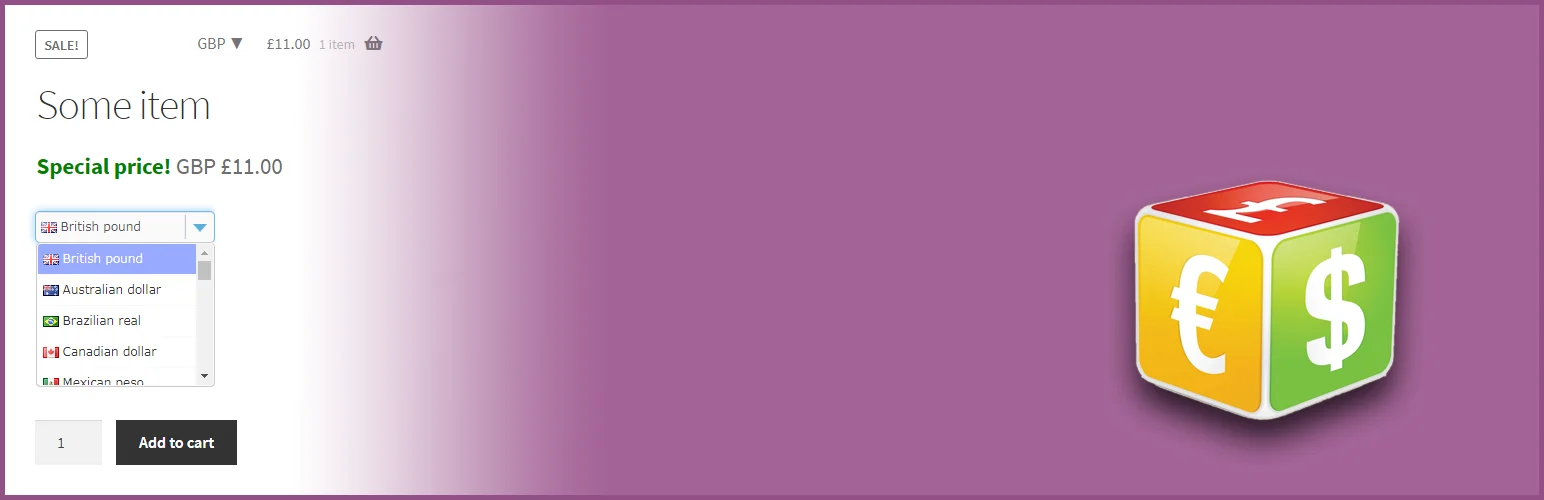
Currency Switcher for WooCommerce by WP Wham is a simpler option for stores that mainly need currency conversion, automatic rates, front-end switchers, and basic price-format controls.
I would use it when the store does not need an elaborate regional-pricing strategy. A smaller feature set can be easier to maintain if your goal is simply to make prices more understandable to international visitors.
Key features
- Currency conversion
- Automatic exchange rates
- Widget and shortcode switchers
- Price formatting
- WooCommerce product compatibility
- Expanded controls in the paid edition
Pros: Straightforward for basic multi-currency needs.
Cons: It is not as deep as FOX or Aelia for regional pricing and complex payment rules.
Pricing: Free core plugin with a paid edition.
Which WooCommerce Multi-Currency Plugin Should You Choose?
FOX is the most flexible all-round choice, while CURCY is a strong free-first option. YayCurrency is easiest for beginners, Aelia is better for complex stores that need fixed regional pricing, and WP Wham works well when you only need a simpler currency switcher.
Conclusion
Before installing a currency switcher, decide whether customers only need converted display prices or must actually pay in their selected currency. Then test payment gateways, coupons, taxes, subscriptions, refunds, and cached pages in every currency you plan to support.
Frequently Asked Questions
What is the best WooCommerce multi-currency plugin?
FOX is my strongest all-round choice. CURCY is a very good starting point if you want a capable free setup.
Can customers actually pay in different currencies?
Some plugins support checkout in the selected currency, but gateway and country support still matter. Do not assume a display switcher automatically changes the settlement currency.
How are exchange rates updated?
Most multi-currency plugins can pull rates from supported exchange-rate services on a schedule. You can usually override rates manually as well.
Can I set fixed prices for each currency?
Yes with plugins that support per-currency fixed pricing. This is useful when regional prices should not be a direct mathematical conversion.
Should WooCommerce detect currency by visitor location?
GeoIP can improve the first experience, but customers should still be able to change currency manually. Location does not always match a customer’s preferred payment currency.

