



A WooCommerce product feed plugin takes catalog data from your store and formats it for channels such as Google Merchant Center, Meta, TikTok, price-comparison sites, and marketplaces. The hard part is not generating an XML file. It is keeping titles, categories, prices, availability, variations, identifiers, and channel-specific attributes accurate as your catalog changes.
For this roundup, I compared channel templates, Google Shopping support, XML and CSV feeds, API sync, category mapping, field rules, filters, scheduled refreshes, variable products, large-catalog performance, and troubleshooting tools. For related merchandising workflows, see our WooCommerce product filter plugins and analytics plugins.
TL;DR
- CTX Feed: best overall for broad channel support and flexible feed generation.
- Product Feed PRO for WooCommerce: best free-first option for large Google and marketplace feeds.
- Google for WooCommerce: best when Google Merchant Center and Google Ads are your main channels.
- Product Feed Manager for WooCommerce: best for guided mapping and channel templates.
- WebToffee Product Feed: best premium option for stores that want focused Google and Meta feed management.
Quick Comparison
| Plugin | Best for | Pricing |
|---|---|---|
| CTX Feed | Broad channel coverage | Free core + Pro |
| Product Feed PRO | Powerful free feeds | Free core + Elite/paid options |
| Google for WooCommerce | Direct Google ecosystem sync | Free plugin |
| Product Feed Manager | Guided field mapping | Free core + Pro |
| WebToffee Product Feed | Premium Google + Meta feeds | Premium |
How I Chose These Product Feed Plugins
I prioritized feed accuracy and maintainability over the raw number of advertised channels. The most useful tools let you map categories and attributes, filter products, transform values, refresh feeds automatically, and troubleshoot rejected products without manually editing exported files.
1. CTX Feed – Best Overall
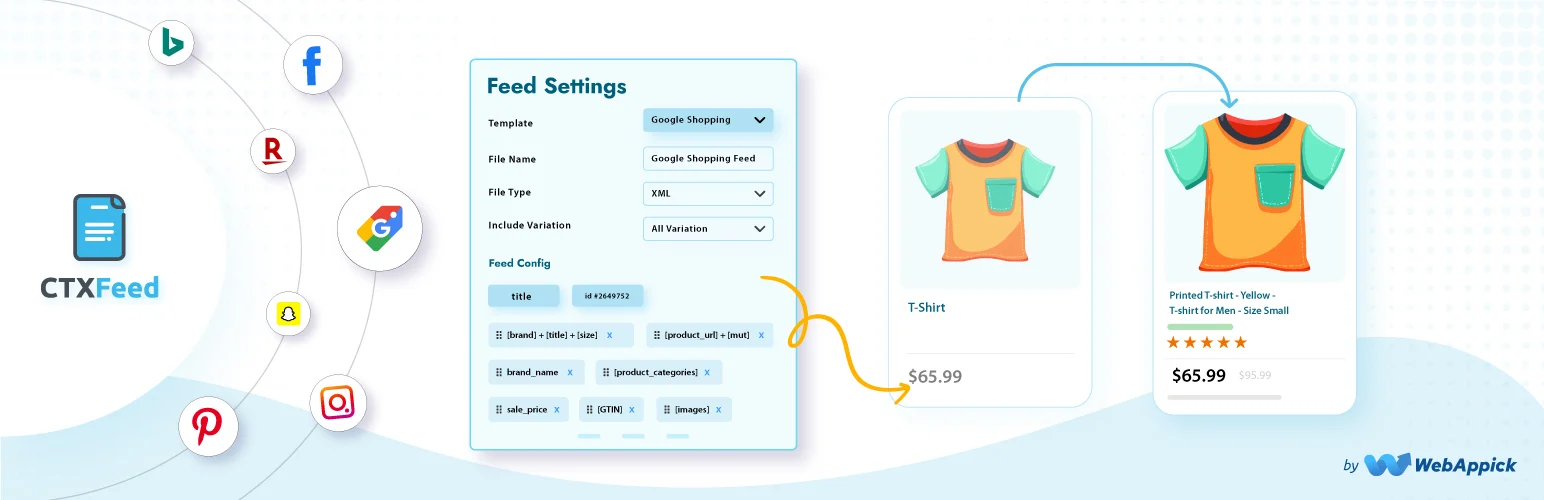
CTX Feed supports a large collection of marketing channels and feed formats. It can generate product feeds for Google Shopping, Meta, comparison engines, marketplaces, and custom destinations using templates that map WooCommerce data to the fields each channel expects.
I would start with CTX Feed when you expect to publish the same catalog to several channels. Its main value is flexibility: you can create different feeds for different destinations instead of forcing every platform to use the same product data structure.
Key features
- Prebuilt channel templates
- Google Shopping and Meta feeds
- XML, CSV, TXT, and other feed formats
- Variable product support
- Scheduled feed updates
- Advanced filters, rules, and mapping in Pro
Pros: Broad channel coverage and strong flexibility for stores advertising in several places.
Cons: Large numbers of feeds and rules can become complicated, and some advanced controls require Pro.
Pricing: Free core plugin with a Pro edition.
2. Product Feed PRO for WooCommerce – Best Free-First Option

Product Feed PRO for WooCommerce by AdTribes is a strong option for creating Google Shopping and other marketplace feeds without imposing tight product limits in the basic workflow. It supports feed templates, variations, scheduled refreshes, and attribute mapping.
I like it for stores that need serious feed generation before paying for premium features. As the catalog grows, filters, category mapping, and advanced optimization tools become more important than simply exporting all products.
Key features
- Google Shopping feeds
- Channel templates
- Variable product support
- Scheduled feed refreshes
- Field and category mapping
- Advanced filtering and optimization in paid editions
Pros: Capable free feed generation and a good fit for larger catalogs.
Cons: Advanced feed-cleanup and optimization workflows can require paid features.
Pricing: Free core plugin with paid upgrades and services.
3. Google for WooCommerce – Best for Direct Google Integration

Google for WooCommerce connects WooCommerce directly with Google Merchant Center and Google Ads. Instead of relying only on a downloadable feed file, it can synchronize catalog information through Google’s integration workflow and help merchants set up free listings or advertising.
I would use it when Google is the primary shopping channel and you prefer an official integration over maintaining a separate XML feed. It is less useful when you also need feeds for many non-Google marketplaces.
Key features
- Google Merchant Center connection
- Catalog synchronization
- Free product listings
- Google Ads campaign integration
- Product eligibility and account setup workflow
- WooCommerce-native onboarding
Pros: Official Google integration and less dependence on manually hosted feed files.
Cons: It is Google-focused and does not replace a multi-channel feed manager when you advertise across Meta, TikTok, or comparison engines.
Pricing: Free plugin; advertising spend and Google service requirements are separate.
4. Product Feed Manager for WooCommerce – Best for Guided Mapping
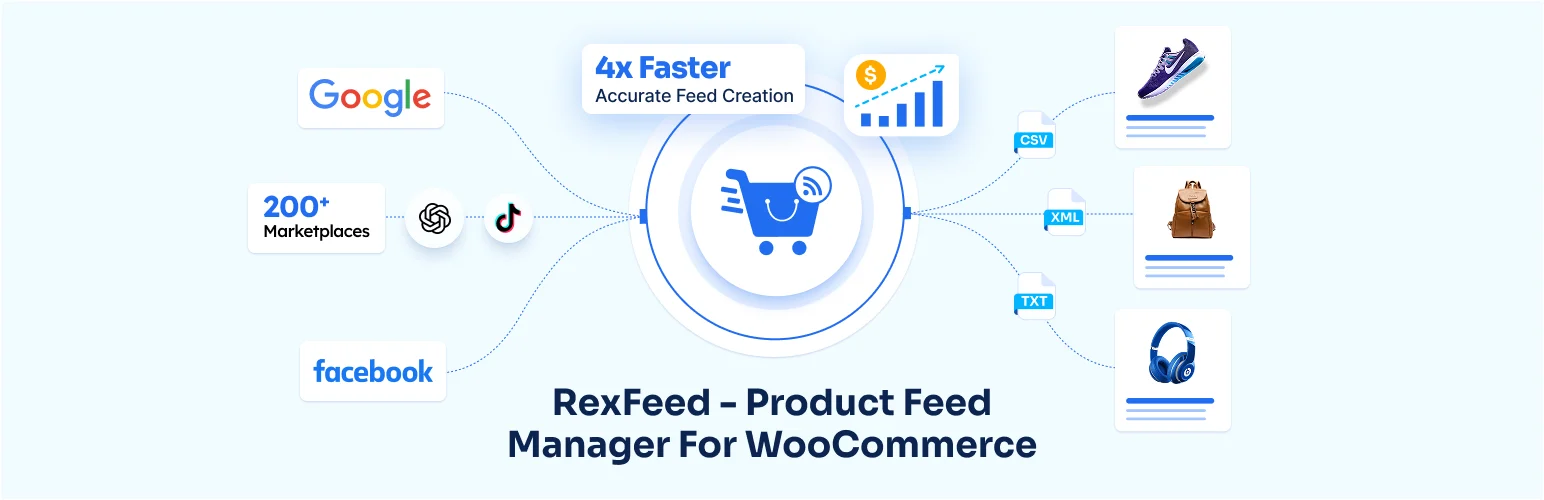
Product Feed Manager for WooCommerce by RexTheme provides channel templates, field mapping, category mapping, variation support, filters, and scheduled feed generation.
Its guided mapping approach is useful when the main challenge is translating WooCommerce attributes into the exact fields a channel expects. That can save time for stores with custom attributes or catalogs that do not line up neatly with Google’s product taxonomy.
Key features
- Channel-specific templates
- Google Shopping feed support
- Field and category mapping
- Variable product feeds
- Scheduled updates
- Filters and advanced controls in Pro
Pros: Helpful mapping workflow for stores with custom catalog data.
Cons: Advanced filters and some channel capabilities require Pro.
Pricing: Free core plugin with a Pro edition.
5. WebToffee Product Feed – Best Premium Google and Meta Option
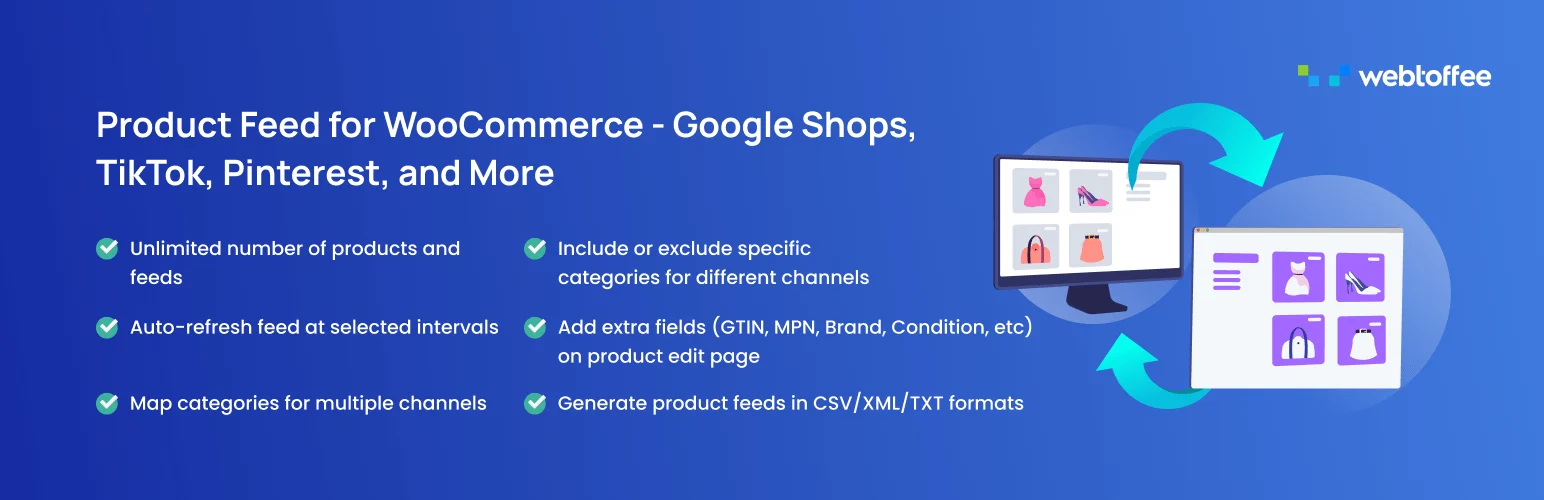
WebToffee Product Feed for WooCommerce is a commercial feed manager focused on creating and maintaining product feeds for major advertising channels such as Google and Meta. It includes mapping, scheduling, exclusions, and filtering for stores that prefer a premium supported workflow.
Key features
- Google and Meta product feeds
- Category and attribute mapping
- Scheduled feed updates
- Product filters and exclusions
- Variable product support
- Commercial support
Pros: Focused premium workflow with vendor support for important advertising feeds.
Cons: A premium-only approach is harder to justify if you only need one simple Google feed.
Pricing: Premium plugin.
Which WooCommerce Product Feed Plugin Should You Choose?
CTX Feed is the strongest all-round choice for multiple marketing channels. Product Feed PRO is excellent when you want a capable free starting point, Google for WooCommerce is the obvious choice for a Google-only workflow, RexTheme is helpful for guided mapping, and WebToffee fits stores that want a supported premium feed manager.
Conclusion
A product feed is only as good as the catalog data behind it. Fix missing GTINs, inconsistent brands, weak titles, wrong categories, and variation data before blaming the feed plugin for channel disapprovals. Then automate refreshes so price and stock changes do not create stale ads.
Frequently Asked Questions
Do I need a product feed plugin for Google Shopping?
Not always. Google for WooCommerce can synchronize products directly. A feed plugin is more useful when you need custom rules or want to send products to multiple channels.
What is the best WooCommerce product feed plugin?
CTX Feed is my all-round choice for broad channel support. Product Feed PRO is a strong free-first alternative.
Is an XML feed better than an API connection?
Neither is automatically better. APIs can simplify direct synchronization, while feed files give you portability and more control across channels that expect scheduled URLs.
Can product feeds include WooCommerce variations?
Yes. Good feed plugins can include variations, but make sure attributes such as size, color, GTIN, price, and availability are mapped correctly.
How often should a WooCommerce product feed update?
Update often enough that stock and price changes stay accurate. Stores with frequent inventory changes may need several refreshes per day, while stable catalogs can update less often.

