Traffic is not the same as a lead. A visitor can read three articles, compare a product, and leave without giving you any way to continue the conversation. Lead generation plugins solve that gap with forms, opt-ins, quizzes, giveaways, push prompts, and targeted offers that turn anonymous visits into permission-based contacts.
I do not want six popup builders in a lead-generation roundup. The useful stack depends on how the visitor is being converted. A service business may need a high-intent form, a publisher may need an email opt-in, and a launch campaign may get more value from a giveaway or push subscription.
These six plugins cover different lead-generation jobs. If your main requirement is only popups, see our best WordPress popup plugins comparison.
TL;DR: Best WordPress Lead Generation Plugins
- OptinMonster: best overall for targeted opt-in campaigns and exit-intent lead capture.
- Thrive Leads: best for WordPress-native opt-in testing and conversion-focused forms.
- WPForms: best for high-intent lead forms, quotes, applications, and service enquiries.
- Convert Pro: best for visual lead capture with advanced triggers and lifetime-license appeal.
- RafflePress: best for giveaway-driven list growth and referral campaigns.
- PushEngage: best for capturing push subscribers when email is not the only follow-up channel.
1. OptinMonster – Best Overall WordPress Lead Generation Plugin
OptinMonster is a hosted conversion platform with a WordPress plugin for popups, floating bars, slide-ins, inline forms, full-screen campaigns, targeting rules, exit intent, and testing.
I use this type of tool when targeting matters more than simply showing a form. A returning visitor reading a pricing page should not necessarily see the same message as a first-time reader on a blog post. That audience control is where OptinMonster earns its complexity.
Key features
- Popup, inline, floating-bar, and slide-in campaigns
- Exit-intent and behavioral triggers
- Page, device, referral, and audience targeting
- A/B testing tools
- Email marketing integrations
- Campaign analytics and conversion reporting
Pros: Excellent targeting, many campaign formats, mature testing tools, and strong marketing integrations.
Cons: Hosted subscription cost and more system than a site needs for one simple newsletter form.
Best for: Businesses that actively optimize lead capture across different pages and visitor segments.
Pricing: Premium subscription; pricing changes with plan and promotion, so verify the current offer.
2. Thrive Leads – Best for WordPress-Native Opt-In Testing
Thrive Leads provides opt-in forms, lightboxes, ribbons, slide-ins, widgets, in-content forms, targeting, and split testing inside WordPress.
What I like is the testing mindset. Instead of installing a form and guessing, you can compare designs and offers. I would still keep the number of active tests reasonable because aggressive lead capture can hurt user experience.
Key features
- Multiple opt-in form formats
- Visual form editor
- A/B testing
- Page and content targeting
- Email service integrations
- Conversion reporting
Pros: WordPress-native workflow, strong testing tools, broad opt-in formats, and useful targeting.
Cons: Premium only and tied to the wider Thrive ecosystem/pricing model.
Best for: Content and affiliate sites that want to test opt-in placements and offers inside WordPress.
Pricing: Available through Thrive product or suite licensing; check current annual pricing.
3. WPForms – Best for High-Intent Lead Forms
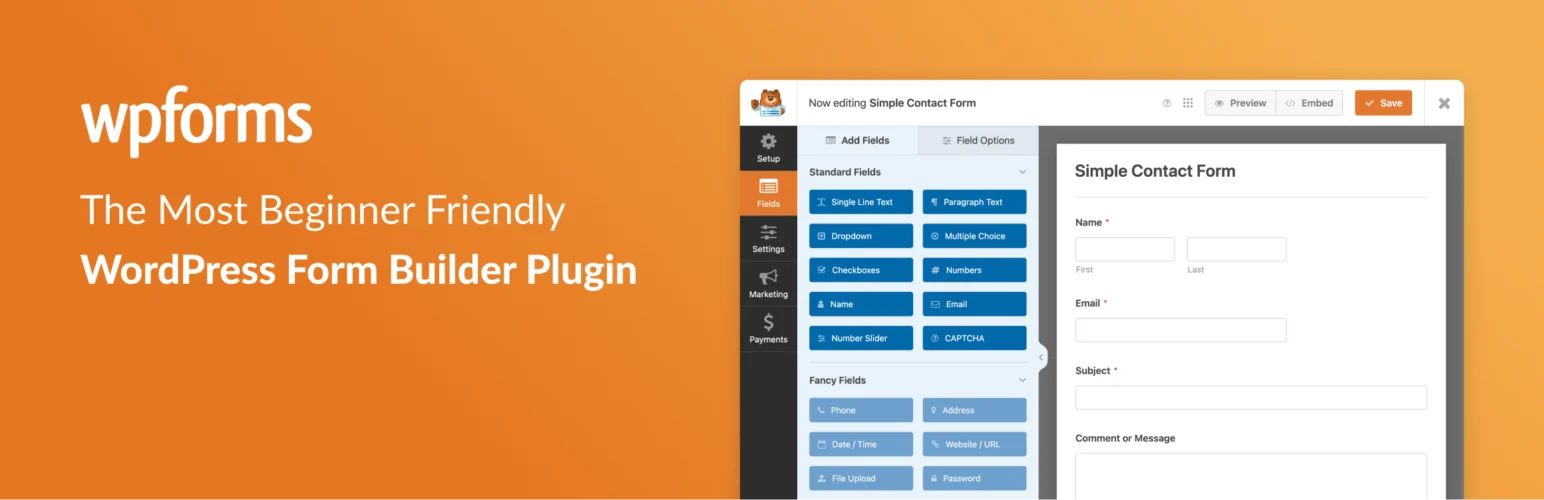
WPForms is broader than lead generation, but forms are often the highest-intent conversion point on a service or B2B website. Quote requests, consultations, applications, surveys, uploads, and conditional forms can collect much richer lead data than a simple email opt-in.
I use a full form builder when qualification matters. Asking two or three relevant questions before the lead reaches sales can save more time than collecting a larger list of weak contacts.
Key features
- Drag-and-drop lead forms
- Conditional logic on paid plans
- Multi-step and conversational-style workflows
- File uploads and advanced fields
- CRM and email marketing integrations
- Spam protection and entry management
Pros: Strong for qualified leads, easy builder, large integration ecosystem, and useful free version.
Cons: Advanced lead routing and integrations require paid plans; not a replacement for behavioral popup targeting.
Best for: Agencies, local services, SaaS, consultants, and businesses where lead quality matters.
Pricing: Free Lite version available; paid plans vary by feature tier.
4. Convert Pro – Best Visual Lead Capture Toolkit
Convert Pro creates popups, modal forms, info bars, slide-ins, before/after content forms, and other opt-ins with triggers and targeting rules.
I like Convert Pro on sites where the team wants a visual WordPress workflow and prefers product licensing over an ongoing hosted campaign platform. It works best when someone is willing to design and test the campaigns rather than activate every template at once.
Key features
- Visual opt-in editor
- Popup, bar, slide-in, and inline formats
- Exit intent and timed triggers
- Device and page targeting
- Email service integrations
- A/B testing and analytics
Pros: Strong visual control, flexible triggers, broad formats, and WordPress-focused workflow.
Cons: Requires thoughtful configuration and is unnecessary if the site only needs one basic signup form.
Best for: Agencies and marketers who want visual lead campaigns managed from WordPress.
Pricing: Premium product; current licensing may be bundled with other Brainstorm Force products.
5. RafflePress – Best for Giveaway Lead Generation
RafflePress turns giveaways into structured acquisition campaigns with entry actions for email signup, referrals, social activity, and other engagement.
Giveaways can grow a list quickly, but I only use them when the prize attracts the same audience the business actually wants. A generic expensive prize can create thousands of contacts who have no interest after the winner is announced.
Key features
- Drag-and-drop giveaway builder
- Viral referral entries
- Email signup actions
- Social and website entry actions
- Fraud-reduction tools
- Landing page and campaign templates
Pros: Purpose-built for giveaways, referral mechanics, easy campaign setup, and good list-building potential.
Cons: Lead quality depends heavily on the prize and campaign design; advanced features are premium.
Best for: Product launches, communities, creators, and brands using relevant prizes to attract a defined audience.
Pricing: Free Lite plugin available; paid plans add advanced campaigns and integrations.
6. PushEngage – Best for Push Subscriber Lead Capture
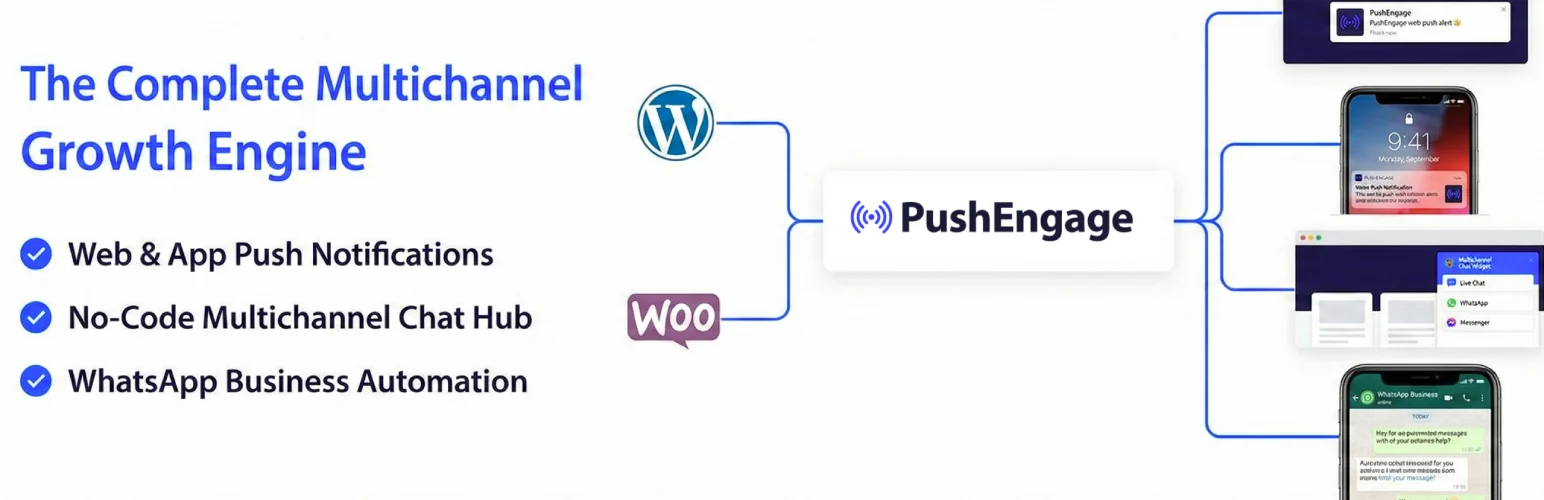
PushEngage captures browser push subscribers and lets sites send notifications for new content, offers, cart recovery, and segmented campaigns without requiring an email address.
I see push as a complementary channel rather than a replacement for email. It works well when visitors want fast updates but are not ready to fill out a longer form.
Key features
- Browser push subscription prompts
- Audience segmentation
- Scheduled and triggered notifications
- Drip campaigns
- WooCommerce abandonment and price-alert options
- Click and campaign reporting
Pros: Adds a non-email owned channel, quick opt-in, useful automation, and a free starting tier.
Cons: Browser/device support varies, and aggressive notifications can create fast opt-outs.
Best for: Publishers and ecommerce sites that want a second permission-based follow-up channel.
Pricing: Free plan available; paid tiers scale by subscribers and features.
How I Build a Lead Generation Stack
- Match the lead capture method to the visitor’s intent.
- Ask for the minimum information needed at that stage.
- Send every captured lead somewhere useful: CRM, email sequence, sales queue, or subscriber segment.
- Measure qualified leads and revenue, not only form submissions.
- Avoid stacking multiple popup and opt-in plugins on the same pages.
Conclusion
OptinMonster is the strongest all-around lead-generation platform when targeting and testing matter. WPForms is better for high-intent enquiries, RafflePress has a specific role in giveaway growth, and PushEngage adds a useful channel beyond email.
Lead generation gets better when the offer matches the visitor’s current intent. The goal is not to collect the largest possible list. It is to create a clear next step for people who are genuinely interested.
Frequently Asked Questions
What is the best WordPress lead generation plugin?
OptinMonster is the strongest overall option for targeted opt-ins and conversion campaigns. WPForms is better when the lead needs to submit detailed enquiry or qualification information.
Do I need a popup to generate leads?
No. Inline forms, quote forms, landing pages, giveaways, quizzes, push subscriptions, chat, and account registration can all generate leads. Use the format that matches the visitor’s intent.
How many lead generation plugins should I use?
Use as few as possible. One form system plus one specialized acquisition tool is often enough. Multiple popup or form plugins can duplicate scripts, tracking, styling, and consent behavior.
What makes a WordPress lead high quality?
A high-quality lead fits the audience, has a real problem your offer can solve, and has shown meaningful intent. The exact qualification signals depend on the business, price, location, and sales cycle.