An AI chatbot is useful only when it can answer the questions visitors actually ask. A generic ChatGPT box with no knowledge of your products, policies, or documentation may sound impressive and still give the wrong answer. For support, that is worse than saying nothing.
I separate AI chatbot plugins from normal live chat because the operating model is different. Here I care about knowledge sources, model choice, retrieval, hallucination controls, conversation handoff, privacy, and the cost per message. Human chat can be added, but the AI answer is the core feature.
These six tools cover native WordPress AI, hosted customer support, free bring-your-own-key setups, and broader AI suites. For human-agent platforms, see our WordPress live chat plugins guide.
TL;DR: Best WordPress AI Chatbot Plugins
- AI Engine: best overall for flexible native WordPress AI chat with multiple model providers.
- Tidio + Lyro: best for ecommerce and support teams wanting AI with human handoff.
- WPBot: best WordPress-first chatbot with rule-based and AI options.
- AI Puffer: best all-in-one AI toolkit where chatbot is one part of a wider AI suite.
- Kognetiks Chatbot: best lightweight free bring-your-own-API option.
- Chatbase: best hosted option for quickly training a bot on websites, files, and documentation.
1. AI Engine – Best Overall WordPress AI Chatbot Plugin
AI Engine by Meow Apps is a broad WordPress AI framework with chatbot creation, multiple model providers, embeddings, knowledge/context tools, content features, and developer-oriented controls.
I like AI Engine when I want control over the model and WordPress integration rather than being locked into one hosted chatbot service. That flexibility is powerful, but it also means I have to configure the prompt, provider, knowledge, and API budget carefully.
Key features
- Custom AI chatbots for WordPress
- Support for multiple AI model providers
- Embeddings and knowledge/context workflows
- Shortcode/block chatbot placement
- Conversation and token controls
- Developer APIs and broader AI tools
Pros: Flexible, mature, bring-your-own-provider model, broad WordPress integration, and strong developer control.
Cons: More technical than hosted chatbots and API costs/configuration are your responsibility.
Best for: WordPress owners and developers who want a customizable AI chatbot without committing to one hosted support vendor.
Pricing: Free core available; Pro adds advanced capabilities. AI provider usage is billed separately.
2. Tidio + Lyro – Best for AI Customer Support and WooCommerce
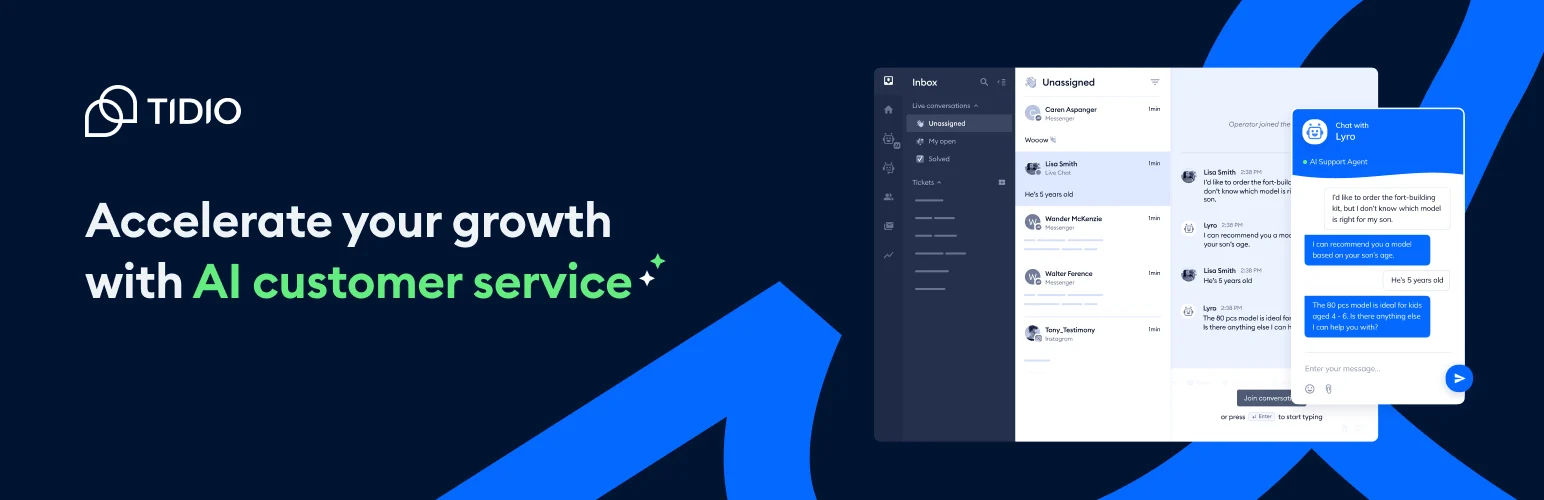
Tidio’s Lyro AI sits inside the Tidio customer-support platform and can answer common questions from approved knowledge while handing conversations to human agents when needed.
I would choose Lyro when the chatbot is part of a support operation, not an experiment. The handoff matters: customers should not have to restart the conversation when the AI reaches a question it cannot safely answer.
Key features
- AI answers from business knowledge
- Live chat and human handoff
- WooCommerce and ecommerce context
- Conversation analytics
- Shared support inbox
- Automation and lead-capture features
Pros: Strong support workflow, easy setup, human escalation, and useful ecommerce integration.
Cons: AI usage is tied to Tidio’s hosted pricing and message/conversation limits.
Best for: WooCommerce, SaaS, and service teams using AI to reduce repetitive customer-support work.
Pricing: Tidio has a free entry tier; Lyro AI uses separate usage/plan limits.
3. WPBot – Best WordPress-First Chatbot
WPBot is built specifically for WordPress and can handle FAQ-style interaction, site search, lead capture, and AI integrations with providers such as OpenAI or Gemini depending on configuration.
I like that WPBot can start simple. A business does not need a large language model for every conversation. Rule-based answers and site-search actions can handle predictable tasks, while AI can be added where free-form questions justify it.
Key features
- WordPress-native chatbot widget
- Rule-based and AI-assisted responses
- Site search and FAQ interaction
- Lead capture
- OpenAI/Gemini/OpenRouter integrations depending on version
- Omnichannel and advanced add-ons in Pro
Pros: WordPress-focused, flexible AI/no-AI operation, useful lead features, and long plugin history.
Cons: Interface is less polished than some hosted SaaS chatbots and advanced features can require multiple add-ons.
Best for: WordPress sites wanting a chatbot that can mix deterministic actions with AI responses.
Pricing: Free/basic options available; Pro and add-ons vary by license.
4. AI Puffer – Best All-in-One AI Toolkit with Chat
AI Puffer, previously known as AI Power, combines chatbot, content, image, model-provider, and other AI tools in one WordPress plugin.
I would use it when the site wants one AI toolkit for several jobs. If chatbot quality is the only requirement, a focused tool may be easier to maintain; if content and chat both need model flexibility, the broader suite can make sense.
Key features
- AI chatbot widget
- Multiple model/provider support
- Content and writing tools
- Image and media AI features
- Prompt and model controls
- Shortcode/embed options
Pros: Broad AI toolkit, model flexibility, free core, and useful for sites doing more than chatbot support.
Cons: Chat is one feature among many, so the plugin can feel heavier than a dedicated chatbot.
Best for: WordPress users who want one plugin for chatbot plus other AI tasks.
Pricing: Free core available; provider/API charges and premium features vary.
5. Kognetiks Chatbot – Best Lightweight Free BYO-Key Option
Kognetiks Chatbot is a lighter WordPress chatbot that uses your own AI API credentials and focuses on configurable on-site conversations without requiring a separate chatbot subscription.
I consider this kind of plugin when I want to control the model bill directly and keep the stack simple. The trade-off is fewer polished support features and a smaller ecosystem than larger products.
Key features
- Bring-your-own AI API key
- WordPress chatbot widget
- Prompt and response customization
- Site-context/knowledge options depending on configuration
- Simple shortcode/widget placement
- No mandatory hosted chatbot subscription
Pros: Lightweight, free, direct API-cost control, and no large external chatbot platform required.
Cons: Smaller feature set, less polished support workflow, and API/privacy setup remains your responsibility.
Best for: Technical site owners who want a simple AI bot using their own model account.
Pricing: Free plugin; AI provider usage is billed separately.
6. Chatbase – Best Hosted Knowledge Chatbot
Chatbase is a hosted AI-agent platform that can learn from website URLs, documents, and other sources, then embed the chatbot on WordPress.
I use a hosted knowledge bot when speed of deployment matters more than keeping everything inside WordPress. Uploading documentation and getting a usable test bot can be faster than building embeddings, model settings, and retrieval logic yourself.
Key features
- Train agents from websites and files
- Embeddable website chatbot
- Custom instructions and model settings
- Conversation logs and analytics
- Lead collection and integrations
- Hosted retrieval and AI infrastructure
Pros: Quick setup, document/site training, hosted infrastructure, and clear conversation analytics.
Cons: Recurring usage pricing, external data processing, and less WordPress-native control.
Best for: Documentation-heavy sites and teams that want a hosted AI support agent quickly.
Pricing: Free limited tier available; paid plans currently begin around the low-$30s per month on annual billing.
AI Chatbot Rules I Follow
- Give the bot trusted source material instead of asking it to improvise business facts.
- Create a clear path to a human when the answer is uncertain or sensitive.
- Review conversation logs for repeated failures and missing documentation.
- Do not let an AI bot promise refunds, legal outcomes, or unsupported product capabilities.
- Track cost per useful conversation, not only message volume.
Conclusion
AI Engine is the strongest overall option when you want WordPress-native flexibility and model choice. Tidio with Lyro is better for customer-support teams, WPBot offers a practical WordPress-first hybrid, and Chatbase is the easiest route when hosted knowledge retrieval is the priority.
The smartest chatbot is not the one that can answer anything. It is the one that knows what it should answer, uses reliable source material, and hands the conversation to a person when the question moves outside that boundary.
Frequently Asked Questions
What is the best WordPress AI chatbot plugin?
AI Engine is the best overall choice for flexible WordPress-native AI chat. Tidio with Lyro is stronger for customer support and WooCommerce because it combines AI with human-agent handoff.
Can a WordPress chatbot answer from my own content?
Yes. Several tools support knowledge sources, embeddings, site URLs, or uploaded documents. Test retrieval quality carefully because having access to content does not guarantee the bot will answer accurately.
Do AI chatbot plugins require an OpenAI API key?
Not all of them. Bring-your-own-key plugins may support OpenAI, Gemini, Claude, OpenRouter, or other providers. Hosted chatbot platforms manage the model connection inside their own subscription.
Are AI chatbots safe for customer support?
They are useful for bounded, well-documented questions, but they can still produce incorrect answers. Use trusted knowledge, clear escalation, monitoring, and restrictions for financial, legal, account-security, refund, or other high-impact decisions.