A visitor asking a question on a pricing or product page is often much closer to buying than someone filling out a generic contact form. Live chat helps at that exact moment, but only if somebody can answer quickly. A widget that promises instant help while the team replies two days later can damage trust instead of improving it.
I choose live chat software around the support operation: team size, hours, mobile apps, routing, conversation history, CRM context, and whether AI should handle first-line questions. The WordPress plugin is usually only the connection layer; the real product is the support platform behind it.
These six options cover free chat, ecommerce support, dedicated agent teams, startups, CRM-driven businesses, and enterprise service desks. For bots designed primarily to answer with AI, see our WordPress AI chatbot plugins guide.
TL;DR: Best WordPress Live Chat Plugins
- Tidio: best overall for small businesses that want live chat plus optional AI.
- tawk.to: best free option for teams that need unlimited-agent live chat on a tight budget.
- LiveChat: best for dedicated support and sales teams that need mature agent tools.
- Crisp: best for startups wanting shared inbox, chat, and a modern team workspace.
- HubSpot: best when chat should connect directly to a CRM and sales pipeline.
- Zendesk: best for larger support organizations that already use Zendesk ticketing.
1. Tidio – Best Overall WordPress Live Chat Plugin
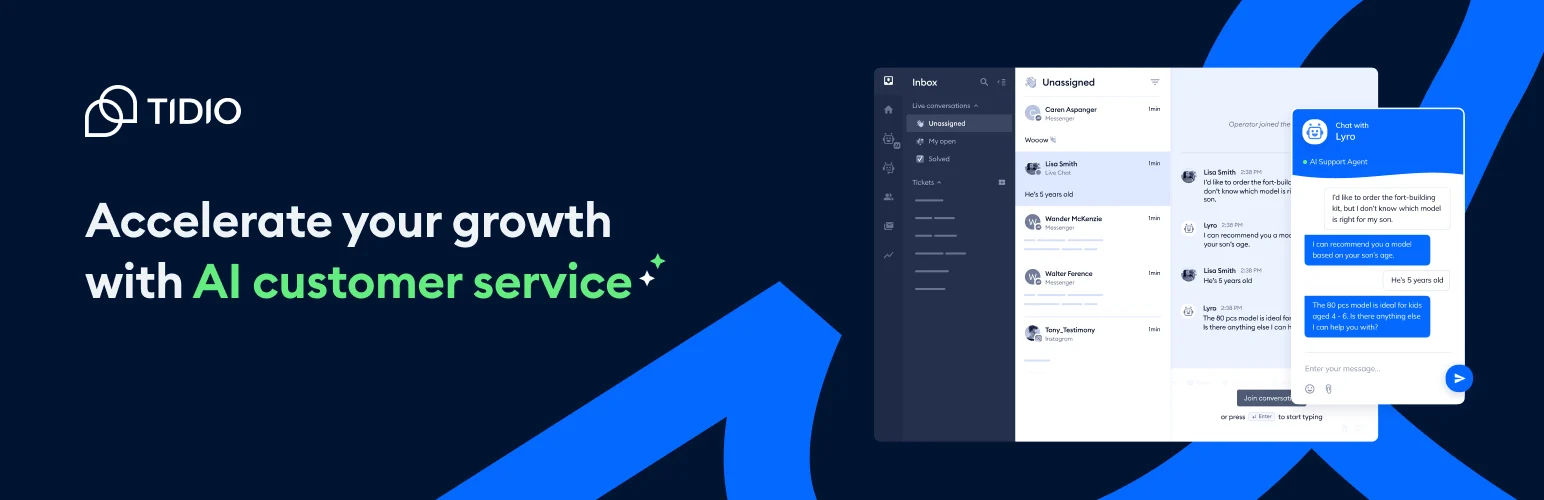
Tidio combines live chat, shared inbox, visitor information, automation, and the optional Lyro AI agent in a platform that integrates well with WordPress and WooCommerce.
I like Tidio for smaller ecommerce and service teams because the jump from live human support to automation is gradual. You can start with chat, then add AI when repeated questions justify it instead of committing to a full enterprise service desk on day one.
Key features
- Real-time website live chat
- Shared agent inbox
- Visitor details and browsing context
- Chat automation and triggers
- Lyro AI support add-on
- WooCommerce and marketing integrations
Pros: Easy setup, strong small-business fit, useful free tier, and live chat/AI in one ecosystem.
Cons: Pricing rises as conversations and AI usage grow, so check limits against real support volume.
Best for: Small and medium businesses, especially WooCommerce stores.
Pricing: Free tier available; paid chat plans currently start in the mid-$20s per workspace per month on annual billing, with AI priced separately.
2. tawk.to – Best Free Live Chat
tawk.to is known for offering core live chat without charging per agent. It includes visitor monitoring, chat history, mobile apps, canned responses, ticketing-style features, and optional paid services.
I recommend tawk.to when budget is the main constraint and the team can live with its branding and platform style. A genuinely usable free chat is better than paying for automation before anyone has enough conversations to automate.
Key features
- Free website live chat
- Multiple agents
- Visitor monitoring
- Mobile and desktop agent apps
- Canned responses and chat history
- Optional AI, hired-agent, and branding-removal services
Pros: Very capable free core, no normal per-agent fee, mature chat product, and good mobile support.
Cons: Free branding remains unless removed, and advanced AI or managed support costs extra.
Best for: Startups and small teams that need reliable live chat without a recurring software bill.
Pricing: Core live chat is free; branding removal and AI/managed services are paid.
3. LiveChat – Best for Dedicated Support Teams
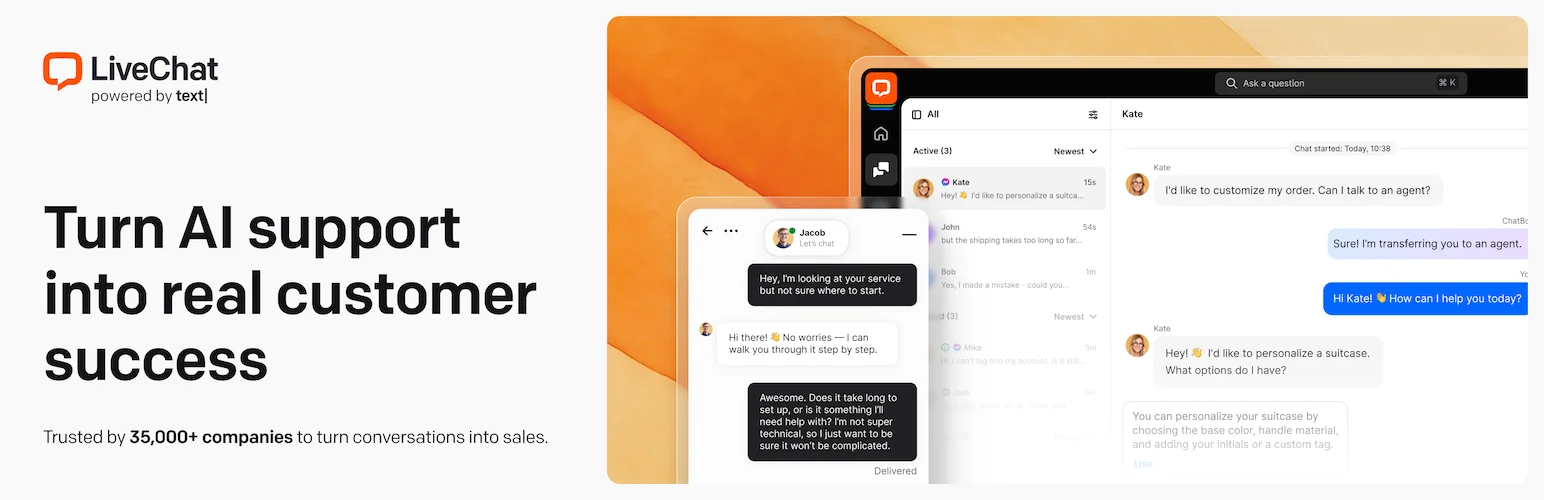
LiveChat is a mature paid platform with routing, agent groups, canned responses, detailed reports, integrations, ecommerce context, and a polished agent workspace.
I would choose LiveChat when chat is already a staffed business function. Its value shows up in agent efficiency and reporting rather than simply putting a bubble in the corner of a website.
Key features
- Agent routing and groups
- Canned responses and chat transfer
- Conversation and agent analytics
- Visitor and ecommerce context
- Large integration marketplace
- Mobile and desktop support apps
Pros: Polished agent experience, mature reporting, reliable team features, and broad integrations.
Cons: Paid per-agent model becomes expensive for large teams and AI chatbot capability may require another product.
Best for: Ecommerce, SaaS, and service teams where live chat is an established support or sales channel.
Pricing: Paid plans currently start around $19 per agent per month on annual billing.
4. Crisp – Best for Startups and Shared Inbox Workflows
Crisp combines website chat with a shared team inbox, knowledge base, campaigns, chatbot/AI capabilities, and integrations.
I like Crisp when the support team wants one conversational workspace rather than a traditional ticketing interface. The free plan is enough to understand whether the workflow fits before moving to paid automation.
Key features
- Website live chat
- Shared team inbox
- Conversation history and user profiles
- Knowledge base and messaging campaigns on paid plans
- Chatbot and AI features on higher tiers
- Integrations and team collaboration tools
Pros: Modern interface, useful free tier, strong shared-inbox model, and good startup fit.
Cons: Many automation and knowledge features require higher plans.
Best for: Startups and small teams that want chat plus a collaborative messaging inbox.
Pricing: Free tier available; paid workspace plans currently start around $45 per month.
5. HubSpot – Best for CRM-Driven Live Chat
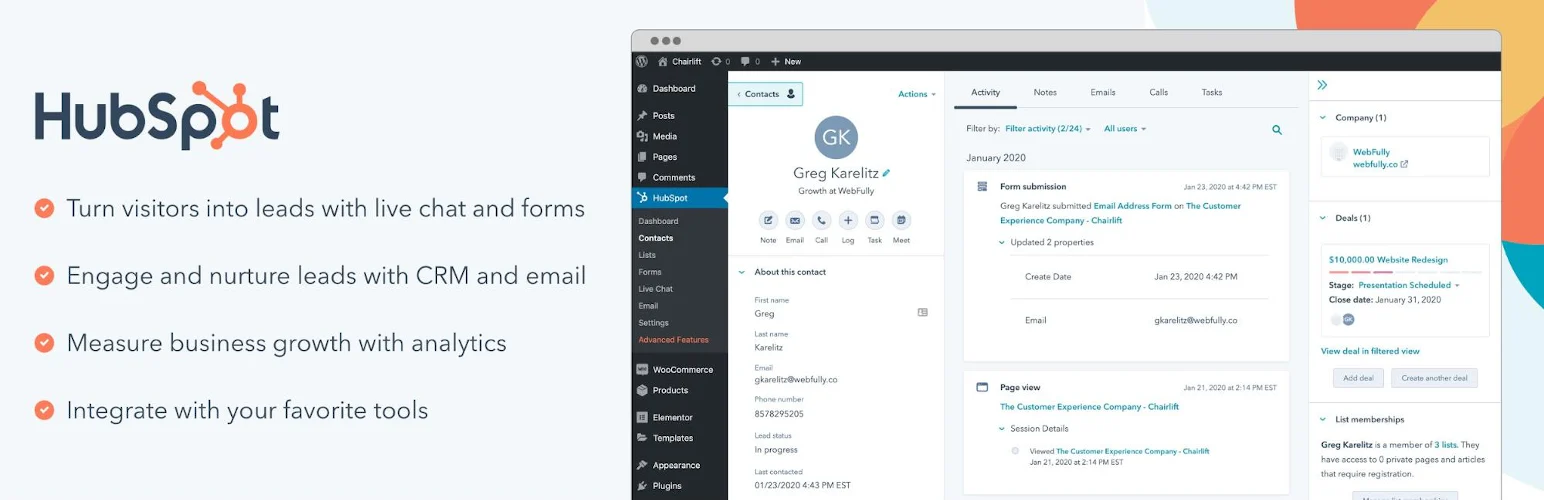
HubSpot’s WordPress plugin connects live chat, forms, CRM records, email, and sales/marketing tools to the HubSpot platform.
I choose HubSpot when a chat conversation should immediately become part of the sales record. Seeing page history, form submissions, deal context, and chat in the same CRM can be more useful than having the most customizable chat widget.
Key features
- Website live chat
- Free CRM contact records
- Chatbot and routing tools depending on tier
- Forms and lead capture
- Email and sales integrations
- Contact activity history
Pros: Strong CRM context, useful free tools, easy lead handoff, and broad sales/marketing ecosystem.
Cons: HubSpot becomes a significant platform commitment as the business moves into paid hubs and advanced features.
Best for: B2B, SaaS, and service businesses already using or considering HubSpot CRM.
Pricing: Free CRM/live chat options available; paid Service/Marketing/Sales Hub plans add advanced features.
6. Zendesk – Best for Enterprise Support Teams
Zendesk combines messaging, tickets, routing, macros, help center, automation, analytics, and AI inside a mature customer-service platform that can be connected to WordPress.
I would not adopt Zendesk just to answer five chats per week. It makes sense when the same team already manages support tickets across email, chat, help center, and other channels and needs one operational system.
Key features
- Live messaging and support tickets
- Agent routing and macros
- Help center integration
- Multi-channel customer history
- Support analytics and SLAs
- AI and automation on supported plans
Pros: Enterprise-grade support operations, mature ticketing, strong reporting, and multi-channel history.
Cons: Expensive and unnecessarily complex for small WordPress support teams.
Best for: Larger organizations already using Zendesk as the customer-service system.
Pricing: Paid suite plans currently start around $55 per agent per month, with higher tiers for more features.
Live Chat Rules I Follow
- Do not promise instant chat when nobody is available.
- Use pre-chat questions only when the answers help route or qualify the conversation.
- Keep the widget from covering important mobile controls.
- Measure response time and resolution quality, not only chat volume.
- Move repeated questions into documentation or AI only after you understand the patterns.
Conclusion
Tidio is the best all-around live chat choice for many WordPress businesses, while tawk.to is hard to beat for free human chat. LiveChat fits dedicated support teams, and HubSpot or Zendesk make more sense when chat needs to live inside a larger CRM or support operation.
The right chat tool should make access to a real answer easier. Match the software to the team that will actually respond, then add automation only where it improves that experience.
Frequently Asked Questions
What is the best WordPress live chat plugin?
Tidio is the best overall option for many small businesses because it combines live chat with optional automation and AI. tawk.to is the strongest free-first choice.
Is there a completely free WordPress live chat plugin?
tawk.to offers a highly usable free live chat platform with multiple agents, while Tidio and Crisp also have free tiers with different limits.
Does live chat slow down WordPress?
Most hosted chat widgets load external JavaScript, which can affect page weight and interaction timing. Test performance and load the widget thoughtfully rather than assuming every chat script is harmless.
Should I use live chat or an AI chatbot?
Use live chat when the value comes from a human conversation. Use AI for repeated, well-documented questions and after-hours first response. Many businesses benefit from both, with clear escalation to a person.